How to Set Up HVAC Monitoring With Your Phone
Set up phone‑based HVAC monitoring in under an hour with a Wi‑Fi thermostat and app. Get real‑time temperature alerts, energy reports, and actionable maintenance reminders—no professional installation required for most homes.

A Wi‑Fi smart thermostat with remote sensors is the most practical first step for phone‑based HVAC monitoring, offering DIY setup and significant energy insigh
For proactive, hands‑off protection, professional monitoring services add a layer of safety but at a recurring cost. Always pair monitoring with regular professional maintenance.
What Matters Most
- Install a smart thermostat to get instant mobile alerts and energy reports.
- Set temperature thresholds (85°F heat alert, 50°F freeze alert) to protect your home and catch failures early.
- Use remote sensors in problem rooms to uncover duct or insulation issues.
- Never attempt refrigerant or high‑voltage repairs; call a NATE‑certified tech when alerts indicate system trouble.
- Leverage free HVACDatabase calculators to turn monitoring data into cost‑saving decisions.
Strengths
- Immediate alerts prevent catastrophic damage like frozen pipes or heat‑wave system failures.
- Energy savings of 10–15% from data‑driven setbacks.
- Low upfront cost ($130–$250) with possible utility rebates.
- Transforms a single hallway thermostat into whole‑home awareness with remote sensors.
- Integrates with smart home ecosystems for automation.
Weaknesses
- Requires reliable Wi‑Fi; outage means no remote control (though local schedule still runs).
- Some older homes may need C‑wire installation, adding $150–$300.
- DIY installation carries risk if wiring is mislabeled; pro installation adds cost.
- Basic smart thermostats cannot detect refrigerant leaks or compressor wear; only professional sensors can.
- Alerts are only as good as thresholds; user must understand what readings mean.
Monitoring Approach Decision Summary
| Scenario | Usually do | Why |
|---|---|---|
| Want simple remote control and alerts for one home | Install a Wi‑Fi smart thermostat (e.g., Nest, Ecobee) | Lowest cost, quick DIY, covers most needs. |
| Need to monitor multiple problem zones (in‑law suite, nursery) | Add remote sensors with your smart thermostat | Identifies temperature imbalances; may reveal duct or insulation issues. |
| Own a vacation home and need freeze protection alerts | Smart thermostat with low‑temp alert + remote sensor in coldest area | Prevents frozen pipes; you can check status from anywhere. |
| Want early warning before aging AC fails completely | Consider professional remote monitoring service | Techs watch compressor amp draw and pressures; can dispatch before breakdown. |
| Unsure if your system is sized right | Use load calculator + monitoring data; then consult a pro | Data helps quantify problem; prevents overspending on repairs for an undersized system. |
Quick Answer
You can monitor your HVAC system from your phone by installing a Wi‑Fi smart thermostat (like Nest or Ecobee), pairing it with the manufacturer’s app, and placing optional remote sensors in key rooms. Setup typically takes 30–60 minutes and gives you remote control, temperature alerts, and energy reports. For professional‑grade monitoring, some contractors offer services that detect issues before you notice them.
Why Set Up HVAC Monitoring?
- Prevent frozen pipes while away by getting low‑temp alerts.
- Catch failing AC before a heat wave by noticing the system running longer without cooling.
- Reduce energy bills 10–15% by adjusting setbacks based on actual usage patterns.
- Extend equipment life through timely filter changes and maintenance reminders.
Smart Thermostat Comparison
| Smart Thermostat | Key Feature | Typical Price Range | DIY Friendly? |
|---|---|---|---|
| Nest Learning Thermostat | Learns schedule, energy reports | $200–$250 | Yes, low‑voltage wiring; turn off power first |
| Ecobee SmartThermostat | Includes one remote sensor, Alexa built‑in | $180–$250 | Yes, with adapter if no C‑wire |
| Honeywell Home T9 | Smart room sensors, geofencing | $180–$200 | Yes, guided app installation |
| Sensi Smart Thermostat | Simple, budget‑friendly | $130–$150 | Yes, works with most systems |
Editorial price ranges; typical diagnostic visit for pro installation: $80–$200.
Setting Up Your Mobile Monitor
- Purchase and install the thermostat: Turn off power to HVAC at the breaker, mount base, connect labeled wires (low‑voltage), attach display. Follow app prompts to connect Wi‑Fi.
- Download the app and create an account with a strong, unique password.
- Configure alerts: Set high/low temp thresholds (e.g., 85°F heat alert, 50°F freeze alert), maintenance reminders (filter change every 90 days), and system malfunction alerts if available.
- Add remote sensors: Place in bedrooms, basement, or attic. Useful for multi‑zone awareness; if one room is consistently off, consider a zoning damper system or check ductwork.
Safety Boundaries
Safe DIY Checks
- Visually inspect thermostat wiring for corrosion, but do not touch with power on.
- Replace air filters (guide).
- Listen for unusual noises and describe them to a pro.
- Monitor app energy trends.
Pro‑Only Work
- Refrigerant leak detection and repair.
- Gas valve or burner adjustments.
- Compressor, capacitor, or contactor replacement.
- High‑voltage electrical troubleshooting.
- Duct modification (other than visual inspection).
If your monitoring alerts indicate a possible refrigerant issue (e.g., system runs constantly without cooling), turn system off and call a licensed technician. Do not attempt to recharge or open refrigerant lines.
Decision Rules: When to Act on an Alert
- High temp alert (over 85°F indoors when set to 75°F): Check air filter, ensure vents are open. If no improvement within 2 hours, schedule a pro (diagnostic $80–$200). If outdoor temp is extreme (over 100°F), the system may struggle; consider a load calculation.
- Low temp alert (below 50°F in freezing weather): Immediate risk of frozen pipes. Verify thermostat is calling for heat. If system is on but no heat, check circuit breaker and furnace switch. If still no heat, call for emergency repair (emergency rates $150–$300).
- System running non‑stop but temperature not changing: Likely refrigerant issue (AC) or burner problem (heat). Turn system off and call a pro.
- High humidity alert (>60% RH): In hot/humid climates, may indicate oversized AC or duct leaks. A pro can check and recommend a dehumidifier.
Local Climate Considerations
- Hot/Dry (Phoenix, Tucson): Monitor for high‑pressure lockouts during 115°F days. Set alerts for rapid temp rise. Phoenix AC repair
- Hot/Humid (Houston, Miami): Watch indoor humidity; >60% continuously invites mold. Consider dehumidifier add‑on.
- Cold (Chicago, Minneapolis): Freeze alerts critical. Set low‑temp at 55°F if away. Chicago heating repair
- Coastal: Corrosion risk; monitoring alerts you to performance drops. Plan for more frequent maintenance.
- Older Homes: Wiring may lack C‑wire; choose thermostat with adapter or hire electrician ($150–$300).
Energy Efficiency from Monitoring Data
Analyze monthly reports in the app to fine‑tune setbacks. A 1°F adjustment can save 1–3% on bills. Use the BTU calculator to check if your system is sized right. A proper load calculation may reveal ductwork issues.
Professional Monitoring Services
Some contractors offer remote diagnostic plans ($10–$30/month). They install proprietary sensors that watch compressor amp draw, refrigerant pressures, and dispatch a tech before failure. Compare with a standard maintenance plan ($150–$500/year). Use the repair or replace calculator when assessing whether to invest in such a plan.
Contractor Checklist for Monitoring‑Related Repairs
- “Are you certified by NATE or manufacturer for my equipment brand?”
- “Do you provide a written diagnostic report with pressures, temps, and amp readings?”
- “Will you explain the alert data and root cause before quoting repairs?”
- “Is your quote itemized with parts, labor, and any diagnostic fee that applies toward the repair?”
- “Can you offer remote monitoring installation, and what is the monthly cost?”
- “Will you pull permits if required?” Use contractor comparison to get multiple quotes.
Tools and Calculators
- HVAC Cost Estimator: Budget for repairs or upgrades suggested by monitoring data.
- Repair or Replace Calculator: Decide if a malfunctioning system is worth fixing.
- Quote Checker: Validate contractor quotes for fairness.
- System Age Decoder: Understand your equipment’s expected lifespan.
- Rebate Finder: See if a smart thermostat purchase qualifies for utility rebates.
Methodology
Our guidance stems from industry standards (ACCA, ASHRAE), manufacturer best practices, and aggregated cost data from contractors across the U.S. Price ranges are editorial estimates based on typical market rates as of 2025. Actual costs vary by location, system specifics, and market conditions.
FAQs
1. Can I install a smart thermostat myself?
Yes, if you have low‑voltage wiring and basic hand tools. Always turn off power at the breaker. If unsure, hiring an electrician or HVAC tech costs $80–$200.
2. Will a smart thermostat damage my older HVAC system?
Rarely. Most smart thermostats work with 24V controls. For very old systems (pre‑1980) with line‑voltage, consult an electrician. Use the System Age Decoder to check your equipment’s vintage.
3. How can I tell if my AC has a refrigerant leak without touching the unit?
A monitoring clue: the system runs constantly but fails to reach setpoint, and the app shows a “system running, no temp change” alert. Do not open refrigerant lines; call a pro. Repairs $500–$1,500.
4. Do I need a C‑wire for a smart thermostat?
Many require a C‑wire for constant power. Check your existing wiring; if missing, use an adapter (included with Ecobee) or hire a pro to run a new wire ($150–$300).
5. What’s the difference between a smart thermostat and professional remote monitoring?
A smart thermostat gives you DIY alerts based on basic data. Professional monitoring adds sensors (e.g., refrigerant pressure, compressor current) and a technician watching 24/7, typically for a monthly fee ($10–$30). It detects hidden issues earlier, potentially saving costly repairs.
Related articles
Connect this page to adjacent guides so readers keep moving deeper into the topic cluster.
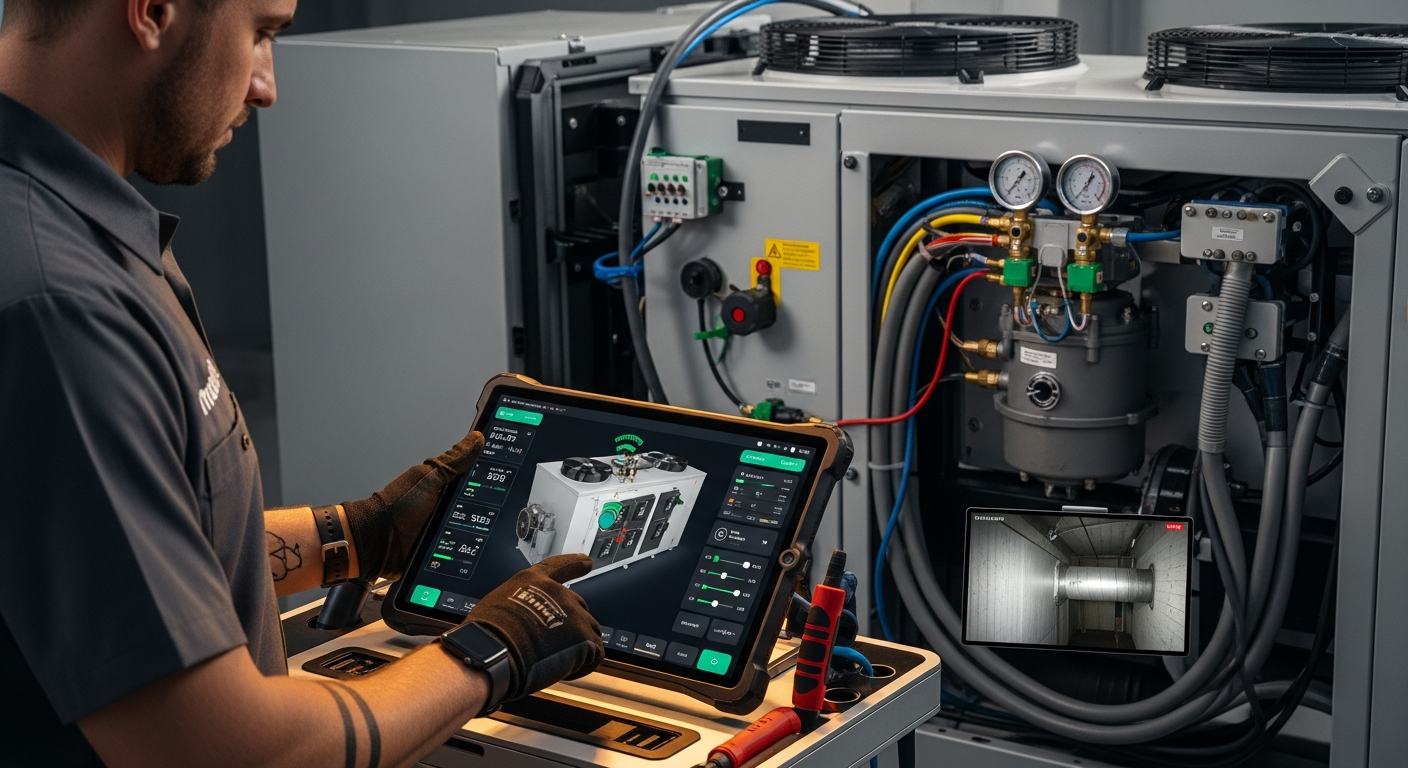
How to Implement a Whole Home Energy Management System
Integrate smart tech and HVAC controls to cut energy waste. This guide shows how to audit, upgrade, and automate your home's energy use, with real savings estimates.

How to Set Up Thermostat Geofencing
Set up thermostat geofencing to automatically adjust home temperature as you come and go. Save energy, extend equipment life, and never return to an uncomfortable house. Get our quick-start guide now.
How to Troubleshoot Smart Thermostat WiFi Issues
Your smart thermostat offline? Most WiFi drops can be fixed with power checks, router adjustments, and simple restarts. Follow our step-by-step guide to regain remote control and energy savings.