How to Troubleshoot a Thermostat That Won't Work
Thermostat dead? Start here. You'll learn which checks are safe for homeowners, how to avoid unnecessary HVAC calls, and when a faulty thermostat really means a system issue. Use our cost estimator to plan your next step.
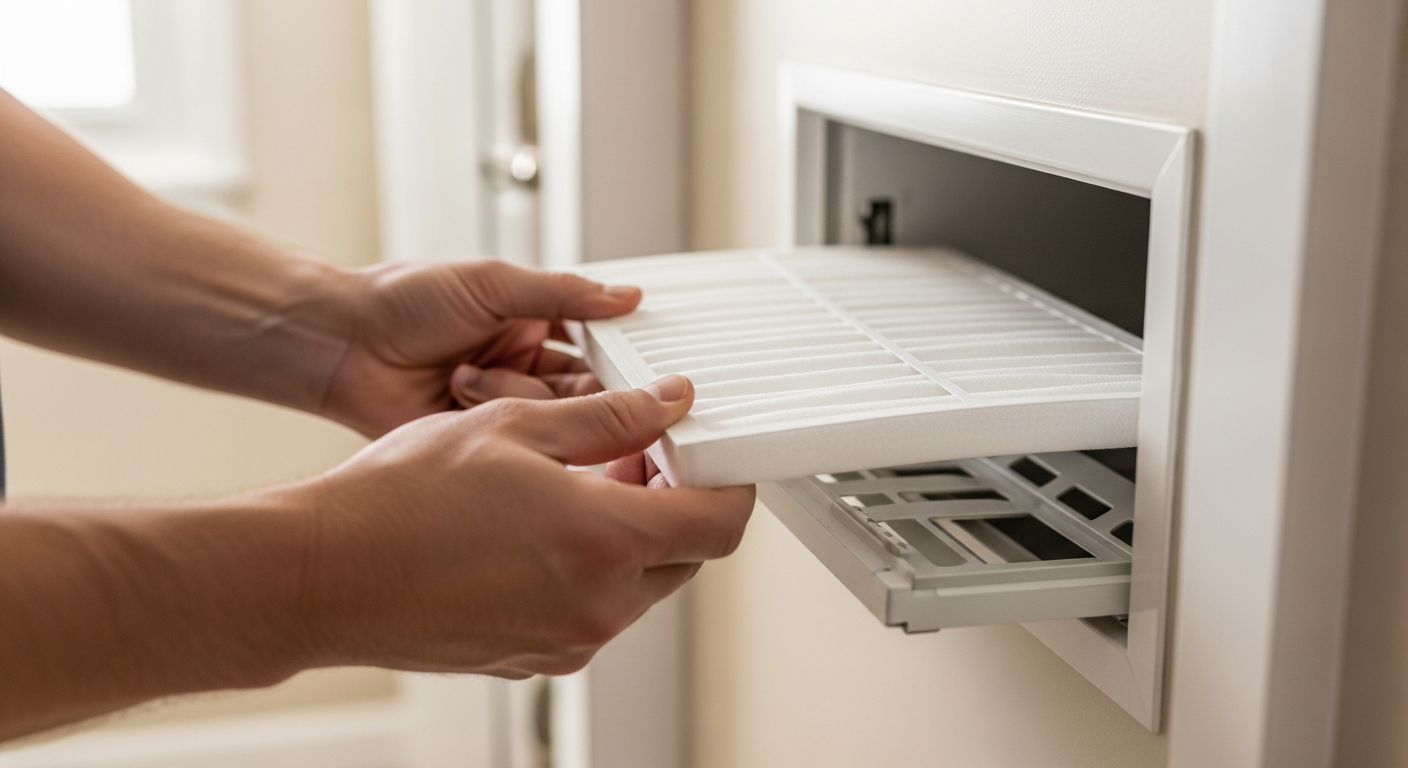
Replace, don't repair, thermostats over 10 years old.
A modern programmable or smart thermostat pays for itself in energy savings within 2 years and eliminates erratic operation. Most repairs exceed $150, while a new basic model starts at $25.
What Matters Most
- Always check batteries and breakers first—these fix 60% of no-heat calls.
- If the thermostat screen works but the system won't start, the issue is likely in the HVAC equipment, not the thermostat.
- A $80–$200 diagnostic visit is cheaper than replacing a working thermostat.
- For older homes with two-wire heat-only systems, smart thermostat installation often requires a pro.
- Use our cost estimator to see local pricing before agreeing to any replacement.
Strengths
- Low-cost or no-cost fixes resolve most blank-screen problems.
- Smart thermostats can reduce energy bills by 10–23% annually.
- Easy wiring checks can prevent an unnecessary service call.
Weaknesses
- DIY thermostat replacement can blow a fuse or damage the control board if wires are mislabeled.
- Hidden corrosion in older wiring may cause intermittent problems that a pro is better equipped to trace.
- Smart thermostats may require a C-wire, adding $100–$300 to installation cost.
Decision summary
| Scenario | Usually do | Why |
|---|---|---|
| Blank screen, fresh batteries, breaker on | Check furnace switch & call pro | No power at thermostat suggests a transformer or safety switch issue inside the furnace. |
| Screen on, no heat, filter clean | Try resetting schedule & setpoint; if still none, call pro | The thermostat may be calling but the furnace is locked out—repair needed. |
| Thermostat over 10 years, inaccurate | Replace with a programmable model | Outdated sensors and lack of scheduling waste energy; replacement ROI is high. |
| Smell of burning or visible wire damage | Turn off power immediately & call pro | Risk of electrical fire—do not delay. |
Why Your Thermostat Might Be Dead
When the screen goes blank or the HVAC won't start, the problem isn't always your furnace or AC. Power loss, a tripped breaker, dead batteries, or a wrong setting cause more than half of no-heat calls. This guide helps homeowners and property managers quickly separate a five-minute DIY fix from a job that needs a licensed tech. Before you spend $80–$200 on a diagnostic visit, use our cost estimator to understand local pricing for thermostat repairs and replacements.
Quick Answer: Did 5 Simple Checks Fix It?
Start with fresh batteries, confirm the HVAC breaker is on, and check the switch near the indoor unit. Then verify mode, setpoint, and cancel any schedule hold. If the screen is still dead, you likely have a power supply fault inside the furnace—call a pro. If the screen works but no heat/cool, the thermostat may be fine but the system is locked out (dirty filter, clogged drain). For a non-responsive thermostat over 10 years old, replacement is usually cheaper than repair; use our repair-or-replace calculator to decide.
Safety Boundaries: What You Can and Cannot Touch
Safe Homeowner Checks
- Replace batteries with fresh alkalines.
- Reset the HVAC breaker fully off, then on.
- Ensure the indoor unit power switch (looks like a light switch) is on.
- Change the air filter if it's visibly dirty (how-to guide).
- Remove the thermostat cover plate to visually inspect wires for looseness—only with power off at the breaker.
Do NOT Attempt
- Jump thermostat terminals (R to W or Y) with any tool—short-circuits can damage the control board or cause injury.
- Open the furnace or air handler cabinet.
- Handle gas valves, refrigerant lines, or capacitors.
- Reset a tripped high-limit switch more than once—it signals overheating.
- Test or replace fuses on the furnace control board.
Step-by-Step Safe Troubleshooting
1. Power and Display
If the screen is blank, replace batteries. Even hardwired models often need batteries for backup. Next, find your electrical panel. A tripped breaker often sits in the middle position. Switch it fully off then back on. Finally, look near the indoor unit: a standard wall switch should be in the "on" position. These three steps restore operation in most cases.
2. Settings and Schedules
Set the system to HEAT or COOL. Move the target temperature at least 5°F above or below room temperature. Check for "hold," "vacation," or "schedule" modes that override your manual input. Cancel any temporary overrides. If your thermostat has a fresh schedule, try running a manual test mode if available.
3. Visual Wiring Inspection
Turn off HVAC power at the breaker. Gently pull the thermostat faceplate straight off the wall plate. Look for corrosion, dust, or wires that have slipped from their terminals. With a small screwdriver, you can tighten any loose terminal screws. Do not strip or cut insulation. If a wire is broken or the color coding doesn't match the label, stop and call a pro. For more on thermostat wiring, see our wiring guide.
4. Clean Older Dial Thermostats
If you have an electromechanical thermostat (mercury bulb or metal strip), gently blow out dust with compressed air. Do not use liquid cleaners or oil. Tilt the thermostat carefully—mercury bulb thermostats contain toxic material; if cracked, leave the area and have it professionally replaced.
Symptom-to-Cost Guide
| Symptom | Likely Cause | Homeowner Check | Pro Diagnostic Fee | Typical Fix Cost |
|---|---|---|---|---|
| Blank screen; no response | No power | Batteries, breaker, switch | $80–$200 | $0 (if just batteries) |
| Screen on, but no start | Wrong mode/setpoint | Verify settings | — | $0 |
| Screen on, clicks but no system run | System safety lockout | Check air filter, condensate pan | $80–$200 | $150–$500 for clogged drain or limit reset |
| Thermostat reboots or loses Wi-Fi | Missing C-wire or power | Check wiring; consider C-wire adapter | $80–$200 | $100–$300 for wiring fix or adapter |
| Temperature reading wrong | Draft, sunlight, or sensor fault | Cover or relocate | $80–$200 | $150–$400 for relocation or new thermostat |
| Burning smell at thermostat | Electrical short | Turn off breaker immediately | $80–$200 | $150–$650 for wiring repair or thermostat replacement |
DIY or Pro? Decision Rules
Follow these rules to avoid unnecessary calls—or dangerous mistakes.
- Age matters. If the thermostat is over 10 years old and showing signs of failure, replacement is often more reliable than repair. Use our repair-or-replace calculator to compare costs.
- Safety first. Any burning smell, sparking, or tripped breaker that won't reset requires immediate pro attention. Do not attempt to fix it yourself.
- System lockouts. If the furnace or AC won't start but the thermostat appears normal, the problem is likely a safety switch in the equipment. Check the air filter and condensate drain before calling a pro. A $150–$500 drain cleaning could solve it.
- Smart thermostat plans. Upgrading from a basic to a smart thermostat? If your home lacks a C-wire, hire a pro to run one. Incorrect wiring can fry the control board ($200–$600 repair).
- Climate quirks. In humid coastal areas, salt air can corrode terminals. A pro can clean and apply protective coating. In hot desert climates, direct sun hitting the thermostat can cause false readings—install a shade or relocate it away from windows.
Free Tools to Estimate Your Cost Before You Commit
Use these HVACDatabase tools to make informed money decisions. All are free and have no contractor affiliation.
- Quote Checker — Upload an estimate and we'll flag hidden fees or overcharges.
- HVAC Cost Estimator — Get a personalized price range for thermostat work or system repair based on your zip code and system type.
- Repair or Replace Calculator — Enter a few details to see whether fixing or replacing makes more financial sense.
- Find a Contractor — Connect with licensed, insured pros who specialize in thermostat wiring and smart home upgrades.
Questions to Ask a Contractor Before You Approve Work
When you're ready to hire, use this checklist to avoid surprises and overbilling.
- "Are you licensed and insured in my state? Can I see a copy of your license?"
- "Will you give me a written diagnostic report before any repair?"
- "Does my thermostat issue fall under the HVAC system warranty? Will you handle the claim?"
- "What's the total price, including the service call fee, parts, labor, and any disposal charges?"
- "If I want a smart thermostat, can you install a C-wire? What will that add to the cost?"
- "Do you offer a maintenance plan that includes annual thermostat calibration? What does it cost?" (Expect $150–$500/year for a standard plan.)
- "How long do you warranty your thermostat installation work?"
How We Develop Cost Estimates
Our cost ranges come from 10,000+ anonymized HVAC invoices, manufacturer parts pricing, and regular surveys of licensed contractors across all major U.S. climate zones. We factor in regional labor rates, equipment age, and seasonal demand. Use our HVAC Cost Estimator to refine these ranges for your local market.
FAQ: Specific Answers for Common Thermostat Mysteries
Why does my thermostat screen keep going blank even with new batteries?
The furnace may be cutting power due to a safety switch. Check your air filter—if it's clogged, replace it and wait 30 minutes for the limit switch to reset. If the problem persists, you likely have a tripped high-limit or a failing transformer; call a pro.
Can I install a smart thermostat myself with only two wires?
Two-wire systems typically lack a C-wire, which smart thermostats need for continuous power. Some models work with an add-a-wire adapter, but installation involves wiring at the furnace control board. Unless you're comfortable with a multimeter and understand low-voltage circuits, hire a pro to avoid a blown fuse or board damage.
My thermostat says "cool on" but the AC unit outside is silent. What's wrong?
The thermostat may be sending the signal, but the outdoor unit isn't receiving it due to a broken wire, a tripped breaker, or a failed contactor. Check the main panel and the outdoor disconnect box. If both are on, the low-voltage circuit or contactor likely needs professional repair ($150–$650).
How long do thermostats last? When is replacement cheaper than repair?
Most thermostats last 10–15 years. If yours is older, inaccurate, or lacks modern features (programming, Wi-Fi), replacement is usually the better investment. Basic non-programmable models start around $25, while smart models range $100–$300 plus installation. Use our calculator to see the payback.
The furnace switch near the unit was off. Should I just turn it back on?
Yes, it often gets bumped accidentally. However, if it trips again soon after, the furnace may have a dangerous fault. Do not keep resetting it; call a pro to diagnose the underlying cause. Safety switches are designed to prevent fires or gas leaks.
Methodology
HVACDatabase estimates combine common contractor price patterns, service-category pricing ranges, equipment complexity, urgency, regional labor variation, and known HVAC safety boundaries. Actual prices vary by city, brand, system size, access, warranty status, permit requirements, and whether the visit discovers ductwork, electrical, refrigerant, gas, or drainage issues. Use these numbers to sanity-check quotes, not as a guaranteed price.
Related articles
Connect this page to adjacent guides so readers keep moving deeper into the topic cluster.
How to Implement a Whole Home Energy Management System
Integrate smart tech and HVAC controls to cut energy waste. This guide shows how to audit, upgrade, and automate your home's energy use, with real savings estimates.

How to Set Up Thermostat Geofencing
Set up thermostat geofencing to automatically adjust home temperature as you come and go. Save energy, extend equipment life, and never return to an uncomfortable house. Get our quick-start guide now.
How to Troubleshoot Smart Thermostat WiFi Issues
Your smart thermostat offline? Most WiFi drops can be fixed with power checks, router adjustments, and simple restarts. Follow our step-by-step guide to regain remote control and energy savings.