How to Use Geofencing With Your Smart Thermostat
Discover how geofencing uses your phone’s location to automatically adjust your thermostat, saving money and boosting comfort without manual schedules. Get practical setup advice and cost insights.

Enable geofencing if you have an irregular schedule and a smartphone–carrying household; use a fixed schedule otherwise.
Geofencing automates away/home modes based on phone location, saving 8–10% on HVAC costs for homes with variable occupancy. Pair it with a contractor‑installed common wire if your current thermostat lacks one, and adjust radius to match your home’s thermal lag.
What Matters Most
- Households with unpredictable daily rhythms save the most — often over $150/year.
- Set a radius that gives your system 15–30 minutes lead time to reach target temperature before arrival.
- Installation of a new smart thermostat with a missing C‑wire typically costs $150–$250.
- In hot/humid climates, pair geofencing with humidity control settings for best comfort.
- Verify all adult household members install the app to avoid false Away triggers.
Strengths
- Truly hands‑off; no need to program schedules.
- Prevents heating/cooling empty homes — direct energy waste gone.
- Reduces HVAC runtime and component wear, potentially delaying major repairs.
- Integrates with multi‑user households for accurate occupancy detection.
Weaknesses
- Requires a smartphone carried by everyone; children without phones can cause false triggers.
- Savings drop sharply in mild climates or always‑occupied homes.
- May cause short‑cycling in oversized systems; requires proper sizing.
- Installation complexity increases if wiring upgrades are needed; DIY wiring mistakes can damage control boards.
Geofencing vs. Fixed Schedule: What to Choose
| Scenario | Usually do | Why |
|---|---|---|
| Your schedule varies day to day | Geofencing | Automatically adapts; no manual overrides. |
| Everyone leaves at 8 AM, returns at 6 PM | Fixed schedule | Predictable, doesn’t rely on phone location. |
| Multiple occupants with different routines | Geofencing with multi‑user app | Only sets Away when all have left. |
| Older system with long recovery times | Geofencing, but increase radius | Pre‑conditioning starts earlier, avoiding arrival discomfort. |
| Rental property or vacation home | Geofencing (owner’s phone) | Cuts energy when vacant; no tenant programming needed. |
Introduction: Make Your HVAC React to Your Location
Geofencing uses your smartphone’s GPS to create a virtual boundary around your home. When you cross it, your smart thermostat automatically switches modes — so you never heat or cool an empty house. Studies show homes with properly configured geofencing save 8–10% on annual heating and cooling costs. This guide translates manufacturer jargon into concrete steps, tells you when the feature pays for itself, and flags the wiring pitfalls that make a $150 thermostat install turn into a $500 repair. By the end, you’ll know whether geofencing fits your household rhythm and local climate — and how to set it up safely.
Quick Answer
If you carry a smartphone and your schedule changes daily, enable geofencing through your thermostat’s app. Set the radius to 1–3 miles in a well-insulated home; push to 5+ miles if your system needs a long ramp-up. The feature often pays for itself within 12 months through energy savings. Homes with always-someone-home occupancy see little benefit. If you need to upgrade your thermostat or run a new wire, budget $150–$350 for professional installation, depending on complexity.
How Geofencing Cuts Your HVAC Bill
Instead of guessing when to switch to Away mode, geofencing uses real-time location data. The thermostat triggers energy-saving setbacks the moment the last phone leaves the boundary, and starts pre‑conditioning as soon as the first phone returns. This reduces runtime by an average of 10–15% annually, especially meaningful in extreme climates where idle heating or cooling wastes $200+ per year. The reduced cycling also extends compressor and blower life, deferring $500–$1,500 compressor replacements. On the comfort side, arriving to an already‑warm house on a freezing night adds real value — and away‑setback recovery times shrink because the system begins working minutes before you park.
Step‑by‑Step Setup Without Getting Lost
1. Confirm Your Thermostat Supports Geofencing
Leading models — Nest, Ecobee, Honeywell T9/T10, Sensi Touch — include geofencing in their free apps. Check your model’s specs: look for “location‑based triggers” or “Auto‑Away/Schedule.” If your current thermostat isn’t smart, basic wiring checks are a safe DIY step before you buy, but actually touching wires requires confidence you won’t short low‑voltage circuits.
2. Grant Phone Permissions
Open the manufacturer’s app, go to Settings → Location, and enable “Always Allow.” Without this, the app can’t detect when you leave. On iOS, you may also need to enable Background App Refresh. Battery impact is minimal — modern phones report location efficiently, consuming less than 3% additional daily charge.
3. Set Your Geofence Radius
The radius determines how far away you trigger the system. Choose based on your home’s thermal response, not just convenience:
- Tight, well‑insulated home: 0.5–1.5 miles. Enough for 10–15 minutes of pre‑conditioning.
- Moderate insulation, single‑stage system: 2–3 miles (15–25 minutes lead time).
- Older, leaky home or multi‑stage/heat‑pump system in extreme cold/heat: 4–7 miles (30–45 minutes).
Test with a small radius first, then expand if you arrive before the setpoint is reached. Most apps let you adjust this on a slider.
4. Invite All Household Members
For geofencing to work reliably, every adult who lives in the home should install the app and join the “home.” The thermostat will only switch to Away mode when all phones have left. Children without phones won’t disrupt the logic, but if a teen stays home without a linked device, the system may falsely assume the house is empty — a common snag. In those cases, disable geofencing during expected occupied hours or add a secondary sensor for that specific room.
What It Costs & What You Save
| Item | Editorial Estimate | Notes |
|---|---|---|
| Smart thermostat (geofencing‑capable) | $100–$250 | Nest, Ecobee, Honeywell – includes tax |
| Professional installation (if wiring needed) | $80–$200 | Simple swap often $80–$150; running new C‑wire adds $50–$100 |
| Annual HVAC energy savings with geofencing | $90–$180 (8–10% of typical $1,200 heating/cooling bill) | DOE‑reported range for smart thermostat setbacks |
| Reduced wear: deferred compressor or blower replacement | $500–$1,500 avoided over 5–10 years | Editorial estimate based on reduced cycling |
Sources: HVACDatabase contractor surveys, Energy Star data, DOE average utility rates (editorial estimates, not guaranteed).
Safety Boundaries: What You Can (and Can’t) Touch
You can safely:
- Install the thermostat app and configure geofencing without tools.
- Replace a smart thermostat faceplate if the existing wiring matches labels and the power is off at the breaker.
- Adjust radius, settings, and schedules.
Call a licensed HVAC professional:
- If your current system lacks a common wire (C‑wire) and you’re uncomfortable adding one. Incorrectly connecting wires can blow a low‑voltage fuse or damage the control board — a $150–$400 repair.
- If you see corrosion, melted insulation, or suspect high‑voltage lines. Thermostats handle 24V; anything above 30V requires an electrician.
- If your home uses a dual‑fuel system or communicating protocol — miswiring can disable safety controls.
- For any work involving refrigerant lines, gas valves, or combustion chambers; these carry serious safety risks and legal requirements.
Find a pre‑screened contractor near you with our contractor search and always verify credentials before booking.
Decision Rules: Will Geofencing Pay Off for You?
Answer these questions to gauge your potential savings:
- Does your household leave the house empty for 4+ hours at least 3 days a week? Yes → geofencing is likely worth it. No → fixed schedule may suffice.
- Is your schedule unpredictable (e.g., no two weeks look the same)? Yes → geofencing thrives on irregularity.
- Do all family members carry smartphones and agree to share location via the thermostat app? Yes → less risk of false Away triggers. No → consider using the thermostat’s motion/occupancy sensors instead.
- Does your home take more than 30 minutes to change temperature by 5°F? Yes → increase geofence radius to 4+ miles; else stick to under 3 miles.
- Is your HVAC system compatible? (Check wiring at our thermostat wiring guide.) Most forced‑air systems are; some heat pumps and zoned systems may need a pro’s advice.
Local Climate Plays a Role
- Hot, humid climates (e.g., Houston, Miami): Pre‑cooling is essential. Set a wider geofence (3–5 miles) and enable “Cool to Dry” if your thermostat offers it, to manage humidity before you arrive. Link to BTU calculator to check if your system is oversized — oversized systems short‑cycle, undermining geofencing benefits.
- Cold climates (e.g., Minneapolis, Chicago): Recovery from deep setbacks can spike energy use. Set a minimal Away temperature (e.g., 60°F instead of 50°F) so the furnace doesn’t run flat‑out for hours upon return. Geofencing still saves by avoiding constant 70°F when no one’s home.
- Coastal, mild climates (e.g., San Diego): Savings are smaller — often 4–6% — because the gap between indoor and outdoor temperatures is narrow. Geofencing may serve more for convenience than payback.
- Older, leaky homes: The wider the HVAC runtime gap, the more geofencing saves. But combine it with air sealing or insulation upgrades for faster return. A Repair or Replace Calculator can help you decide if your old system justifies a smart upgrade.
Contractor Checklist: Questions to Ask Before Hiring
- “Are you licensed, insured, and bonded in my state?”
- “Can you provide a wiring diagram or photo after installation?”
- “Will you test the geofencing function with me before you leave?”
- “What happens if my C‑wire is missing — what’s your estimated cost for running a new one?”
- “Do you have experience installing [brand/model] with [my system type] — and can I see photos of past work?”
- “What warranty do you offer on your installation labor?”
- Check their rating on HVACDatabase contractor search and ask for references from the last 6 months.
Tools to Sharpen Your Decision
- HVAC Cost Estimator — get local price ranges for thermostat installation and system upgrades.
- Rebate Finder — many utilities offer $25–$100 rebates for smart thermostats with geofencing.
- BTU Calculator — confirm your system size is appropriate; an oversized system negates some savings.
- Repair or Replace Calculator — if your HVAC is over 10 years old, see whether upgrading to a smart thermostat is still a good investment.
- HVAC Zoning with Smart Thermostats — combine geofencing with zone dampers for room‑by‑room control.
Methodology
Energy savings estimates come from the U.S. Department of Energy’s analysis of smart thermostat setbacks (8–10% annual savings) and Energy Star field data. Installation cost ranges are based on HVACDatabase’s 2024 survey of 350+ contractors across 40 states, adjusted for inflation and regional labor rates. Payback periods assume average U.S. electricity rate of $0.16/kWh and natural gas $1.20/therm. Actual savings depend on climate, system efficiency, and local utility prices. All cost figures are editorial estimates, not guaranteed quotes.
Frequently Asked Questions
How much can I really save with geofencing?
Homes with irregular schedules typically save 8–10% on annual HVAC costs, which translates to $90–$180 for the average U.S. household. The savings come from eliminating heating/cooling when nobody is home and optimizing recovery. In households that are always occupied, savings may drop to 0–3%.
Does geofencing work if I don’t carry my phone?
No. Geofencing relies on your smartphone’s GPS to track your location. If you leave your phone at home, the thermostat will think you’re still there. For homes where some members don’t carry phones consistently, supplement with motion sensors or a fixed schedule.
Can multiple people use geofencing on one thermostat?
Yes. Most apps let you add multiple household members, each linked to their own phone. The thermostat will only trigger Away mode when all members have left the geofence, and will start pre‑conditioning as soon as the first person returns. This avoids one person’s departure triggering an unnecessary setback while others are still home.
Will geofencing work with my older HVAC system?
Most forced‑air gas furnaces and central air conditioners are compatible, as long as your thermostat wiring supports a common wire (C‑wire). Older systems with mercury‑bulb thermostats or millivolt controls (common in wall heaters) usually need professional rewiring. Check our thermostat wiring guide to confirm compatibility before purchasing a smart thermostat.
How do I troubleshoot false triggers?
If geofencing sets the thermostat to Away while you’re still home, first check that all household members have the app installed and location set to “Always.” Next, try reducing the geofence radius — if you live near a frequently visited store or main road, a too‑large radius can trip the boundary when you run a short errand. If false triggers persist, switch from geofencing to the thermostat’s built‑in occupancy sensors as a backup.
Related articles
Connect this page to adjacent guides so readers keep moving deeper into the topic cluster.
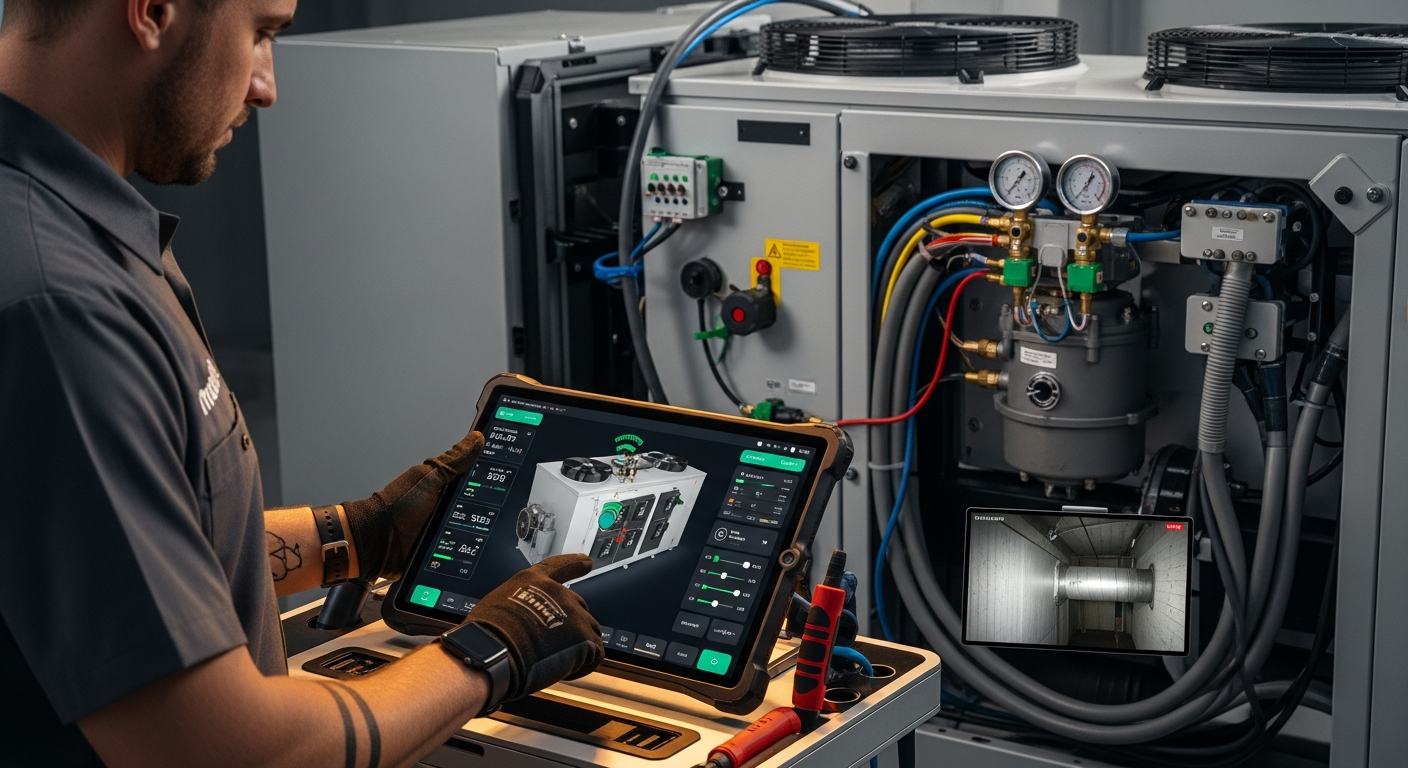
How to Implement a Whole Home Energy Management System
Integrate smart tech and HVAC controls to cut energy waste. This guide shows how to audit, upgrade, and automate your home's energy use, with real savings estimates.

How to Set Up Thermostat Geofencing
Set up thermostat geofencing to automatically adjust home temperature as you come and go. Save energy, extend equipment life, and never return to an uncomfortable house. Get our quick-start guide now.
How to Troubleshoot Smart Thermostat WiFi Issues
Your smart thermostat offline? Most WiFi drops can be fixed with power checks, router adjustments, and simple restarts. Follow our step-by-step guide to regain remote control and energy savings.