WiFi Thermostat vs Z-Wave Thermostat
Choosing between WiFi and Z-Wave thermostats depends on your home automation goals. This guide breaks down the pros and cons to help you decide.
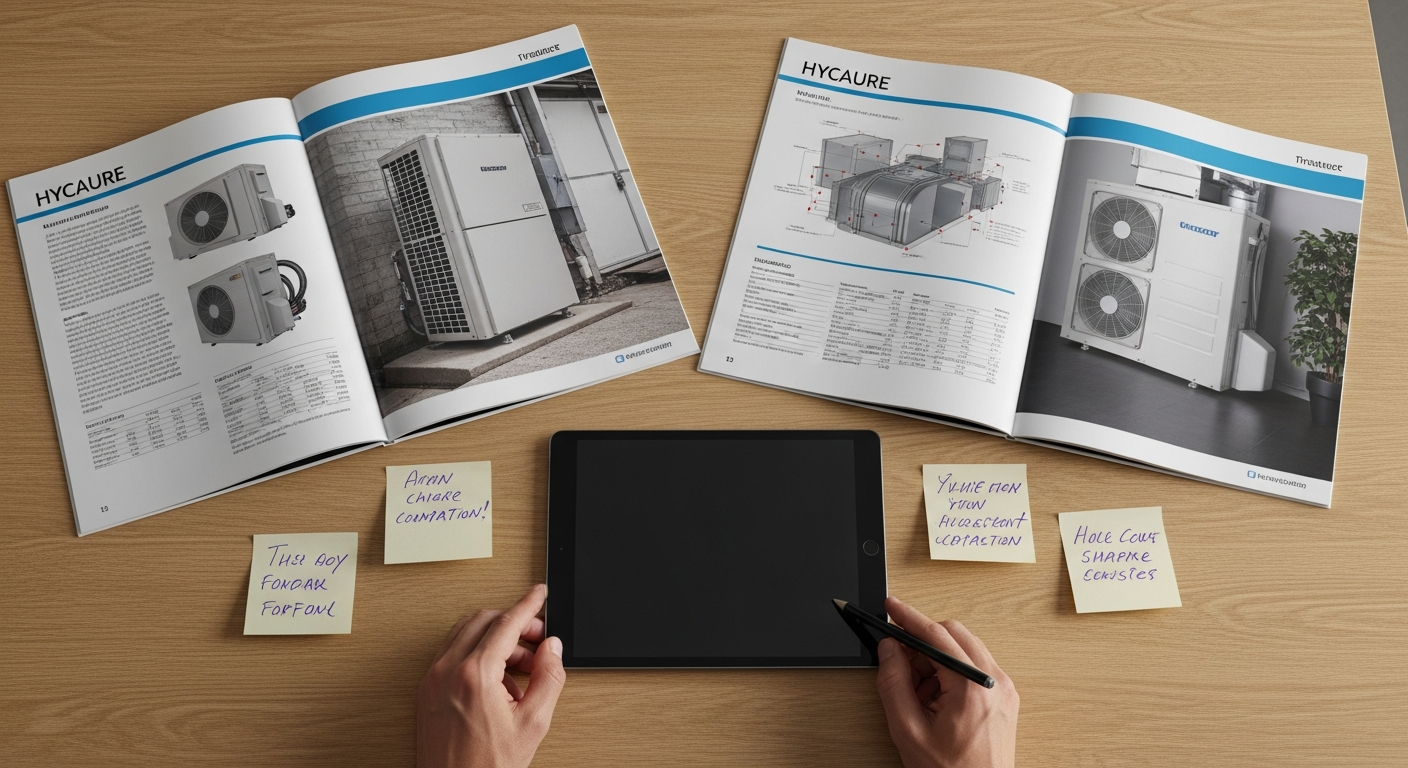
Choosing the Right Smart Thermostat for Your Home
Upgrading your climate control system is one of the smartest investments a homeowner can make. While many focus on the furnace or AC unit, the device on your wall dictates your comfort and energy bills.
When shopping for a smart upgrade, you will likely encounter two primary technologies: WiFi and Z-Wave. Both offer remote access, but they communicate in very different ways. Understanding these differences is the first step before you how to upgrade from a mercury thermostat to a modern digital interface.
What Is a WiFi Thermostat?
WiFi thermostats are the most common smart devices found in big-box stores. They connect directly to your home’s wireless router, just like your smartphone or laptop. This direct connection makes them incredibly easy to set up for the average user.
Pros of WiFi Thermostats
- Easy Setup: No extra hardware or hubs are required.
- Brand Variety: Major players like Nest and Ecobee dominate this space.
- Feature Rich: Often include touchscreens and advanced software updates.
Cons of WiFi Thermostats
The biggest drawback is bandwidth. Every WiFi device competes for space on your router. If you have dozens of smart bulbs, cameras, and phones, your thermostat might occasionally lose its connection.
What Is a Z-Wave Thermostat?
Z-Wave is a dedicated mesh networking protocol designed specifically for smart homes. Unlike WiFi, a Z-Wave thermostat does not talk directly to your router. Instead, it communicates with a central smart home hub.
Pros of Z-Wave Thermostats
- Low Power: These devices use very little energy compared to WiFi chips.
- Reliability: They operate on a different frequency (908.42 MHz), meaning no interference from your microwave or neighbor's WiFi.
- Security: Z-Wave uses AES-128 encryption, often making it more secure for localized control.
Cons of Z-Wave Thermostats
The primary barrier is complexity. You must own a compatible hub, such as SmartThings or Hubitat, to control the device from your phone. Without the hub, it functions like a basic non-connected thermostat.
Reliability and Range Comparison
WiFi signals can struggle to penetrate thick walls or reach the far corners of large homes. If your router is in the basement and your thermostat is upstairs, you may experience lag.
Z-Wave uses mesh technology. Each plugged-in Z-Wave device acts as a repeater, strengthening the signal across your home. This makes it an excellent choice if you are also considering the cost to install a smart vent system, which may require multiple wireless connection points throughout the property.
Energy Efficiency and Savings
Both technologies help reduce utility costs by allowing for precise scheduling. Homeowners often find that why smart thermostats pay for themselves through automated setbacks while they are at work or asleep.
If you want to maximize efficiency, look for a thermostat that can communicate with other HVAC components. For instance, knowing the difference between multi-speed vs variable-speed blower motors can help you choose a thermostat that supports advanced modulation for better humidity control.
Which Should You Choose?
If you only want one smart device and prefer a simple app experience, WiFi is your winner. It is plug-and-play and requires the least technical knowledge.
If you are building an extensive smart home ecosystem with lighting, locks, and sensors, Z-Wave is the superior choice. It keeps your WiFi network clear for streaming and gaming while offering rock-solid reliability.
Maintenance and Seasonal Adjustments
Regardless of the protocol, you should review your settings frequently. Following tips for setting your thermostat in different seasons ensures you aren't overworking your system during extreme weather peaks.
In high-humidity areas, your thermostat choice might also depend on how it interacts with other equipment. You may need to decide between using a dehumidifier vs AC for humidity control, and some high-end WiFi thermostats have dedicated terminals to manage whole-home dehumidifiers automatically.
Professional Installation Matters
While some WiFi models are DIY-friendly, many Z-Wave setups and high-voltage thermostat replacements require professional expertise. A certified technician can ensure the C-wire is properly powered and that your system is calibrated for peak performance.
If you are unsure which technology fits your current HVAC configuration, you can find trusted HVAC contractors on HVACDatabase.com. These professionals can audit your system and recommend the best smart interface for your specific furnace or heat pump.
Whether you choose the simplicity of WiFi or the robustness of Z-Wave, upgrading your thermostat is a giant leap toward a more comfortable and efficient home. For those with complex setups, such as a direct vent vs power vent gas furnace, a pro from HVACDatabase.com can ensure your new smart device communicates correctly with your heating equipment safety sensors.
Related articles
Connect this page to adjacent guides so readers keep moving deeper into the topic cluster.
Electrostatic vs Pleated HVAC Filters
Choosing between electrostatic and pleated filters impacts your home's air quality and HVAC efficiency. Learn which filter type suits your budget and indoor needs.

Supply vs Exhaust Ventilation Systems
Discover the key differences between supply and exhaust ventilation systems to find the best way to improve your home's air quality and moisture control.
Tips for Using Smart Thermostat Energy Reports
Unlock the power of your smart thermostat's data to reduce monthly energy bills and optimize your home's heating and cooling performance.