How to Install a Temperature Sensor for Zoning
Stop uneven temperatures with zoning sensors. This decision guide walks you through sensor types, safe DIY steps, and how to hire a vetted pro for flawless installation.

Hire a pro for panel wiring; place sensors strategically yourself
For most homes, purchase wireless sensors and pair them with a compatible smart thermostat yourself, then hire a licensed HVAC technician to connect everything to the zoning control panel. This balances cost, safety, and reliable performance.
What Matters Most
- Wireless sensors are the best DIY option—no drywall work, easy relocation, and lower upfront costs.
- Never open your furnace or air handler to connect wires; it’s dangerous and can void warranties.
- Sensor placement matters more than sensor brand—avoid sunlight, supply vents, and exterior walls.
Strengths
- Leverages homeowner ability to choose optimal locations
- Reduces labor costs by splitting tasks
- Allows future flexibility to reposition wireless sensors
- Maintains equipment warranty by keeping professional connections
Weaknesses
- Professional panel integration adds $100–$250 per visit
- Wireless sensors depend on battery life and signal range
- Not all smart thermostats support remote sensors—check compatibility first
- DIY pairing errors can cause incorrect zone readings
Which Sensor Installation Approach Fits Your Home?
| Scenario | Usually Do | Why |
|---|---|---|
| Existing home without accessible wiring paths | Install wireless sensors, hire pro for panel connection | Avoids costly drywall repair; pro ensures correct low-voltage integration |
| New construction or gut renovation | Install wired sensors throughout | Reliable hardwired connection, no battery replacements, seamless with new build |
| You want to use a smart thermostat you already own | Check if it supports remote sensors; if not, upgrade to a compatible model | Many budget smart thermostats lack sensor support; Ecobee, Honeywell, and Nest’s latest offer it |
| Multiple zones with complex ductwork | Hire a full-service HVAC contractor for design and install | Requires load calculation and damper coordination—not a DIY project |
| Tight budget, comfortable with technology | Buy wireless sensors, pair them yourself, hire an electrician to connect to panel if needed | Saves on labor; electrician can handle low-voltage wiring safely at lower cost than full HVAC call |
Quick Answer
To fix hot and cold spots with HVAC zoning sensors, choose wireless sensors for most existing homes—they pair with a compatible smart thermostat and let you avoid running wires. Place sensors at thermostat height (5 ft) on interior walls away from sun, vents, and drafts. While positioning and pairing are safe DIY tasks, have a licensed professional connect sensors to your zoning control panel. Expect professional installation to add $150–$500 per wired sensor, while wireless units often start under $50 each plus a $100–$250 service call for panel setup. Use our tools below to estimate total project cost and find vetted contractors.
What Are HVAC Zoning Sensors and Why They Matter
Zoning sensors are remote temperature monitors that feed individual room readings to your system’s control board. Instead of relying on a single thermostat in a hallway, they allow dampers to open and close based on actual conditions in each zone. This not only eliminates uncomfortable hot/cold spots but can reduce energy use by 20–30% when properly set up.
Wired vs. Wireless Sensor Comparison
| Feature | Wired Sensors | Wireless Sensors |
|---|---|---|
| Typical Cost per Sensor | $30–$80 (sensor only); installation adds $150–$300 each | $25–$60 each; no wiring labor |
| Reliability | Excellent; no signal interference or battery issues | Good; depends on Wi‑Fi/proprietary radio range |
| Installation Difficulty | High (requires running wires through walls) | Low (mount and pair) |
| Power Source | Wired from panel (no batteries) | Battery (1–2 year life) |
| Best For | New construction, major remodels, high-reliability needs | Existing homes, renters, budget-conscious upgrades |
Safety Boundaries: What’s Safe to Touch vs. Pro-Only Work
Homeowner-Safe Tasks:
- Choosing sensor locations
- Mounting wireless sensors with screws or adhesive
- Pairing sensors with your thermostat via the app
- Replacing batteries
- Testing signal strength
Professional-Only Work:
- Wiring sensors to the HVAC zoning control panel
- Opening the furnace, air handler, or electrical panels
- Any task involving line voltage (120V/240V)
- Adding or modifying dampers
- Testing or replacing control boards, contactors, or capacitors
Attempting pro-only tasks can lead to electric shock, equipment damage, or voided warranties. Always hire a licensed HVAC tech for these steps.
Decision Tree: Choosing Your Sensor Type and Installation Path
Use this table to match your situation to the smartest move.
| Scenario | Usually Do | Why |
|---|---|---|
| Existing home, no accessible wiring paths | Install wireless sensors, hire pro for panel connection | Avoids drywall repair; pro ensures safe integration |
| New construction or gut renovation | Install wired sensors throughout | No future battery changes, rock‑solid connection |
| The smart thermostat you already own | Check sensor compatibility; upgrade if needed | Many budget thermostats lack remote sensor support |
| Multiple zones with complex ductwork | Hire an HVAC contractor for full design and install | Load calculation and damper coordination are essential |
| Tight budget, comfortable with technology | Buy wireless sensors yourself, pair, and call an electrician for panel connection | Saves on labor; electrician can handle low‑voltage wiring |
Tools & Calculators to Budget Your Project
Before you spend a dime, get a realistic cost range:
- HVAC Cost Estimator — Enter your zip code to see what homeowners near you paid for similar sensor and zoning upgrades.
- Quote Checker — Upload a contractor quote and we’ll tell you if it’s fair.
- Repair or Replace Calculator — If your zoning system is part of a larger upgrade, weigh repair vs. new system costs.
- Rebate Finder — Check for utility incentives that cover smart thermostats and zoning accessories.
Editorial estimate: professional installation for one wired sensor typically runs $150–$300 in addition to the sensor cost. Wireless sensor pairing alone is often $100–$250 for the first visit. Always get multiple comparable quotes.
Contractor Checklist: 6 Questions Before You Sign
- Are you licensed and insured for HVAC work in my state? Verify via state board.
- Have you installed zoning sensors for my specific thermostat brand? Ask for references.
- Will you handle all low‑voltage wiring and panel connections, and test after finishing?
- Do you offer a labor warranty? At least one year is standard.
- Can you provide a written scope of work with a line‑item breakdown?
- Do you recommend any additional duct sealing or balancing while the system is open?
Local Climate & Home-Specific Sensor Placement
Where you live changes the rules:
- Hot climates (Phoenix, Houston): Avoid west‑facing walls that heat up in the afternoon. Place sensors in central living areas, not near kitchen appliances.
- Cold climates (Minneapolis, Boston): Keep sensors off exterior walls and away from drafty windows. If you have a basement zone, place the sensor 5 ft above the floor.
- Humid climates (Miami, New Orleans): Do not mount in bathrooms or laundry rooms—moisture skews readings.
- Older homes (pre‑1980): Wireless sensors are almost always the smarter choice; fishing wires through lathe‑and‑plaster is expensive and messy.
- Coastal areas: Consider sensors with corrosion‑resistant housings if placed near salt air.
How We Develop Our Recommendations
HVACDatabase editorial guidance is built from multiple data sources: aggregated quotes from thousands of contractors, interviews with HVAC professionals across regions, industry pricing reports, and analysis of manufacturer specifications. Cost ranges labeled "editorial estimates" reflect typical nationwide clustering but can vary ±30% based on local labor rates, permit fees, and system complexity. We apply a homeowner‑first lens—favoring safe, proven approaches—and never recommend steps that risk injury or void manufacturer warranties.
Frequently Asked Questions
Can I install a temperature sensor myself?
You can safely mount and pair a wireless sensor with a compatible thermostat. Physical installation of wired sensors and any connection to the control board must be performed by a licensed professional to prevent electric shock, fire, and equipment damage.
How much does it cost to have a sensor professionally installed?
For a wired sensor, expect $150–$300 per sensor in labor on top of the sensor itself ($30–$80). Wireless sensor panel integration by a pro typically costs $100–$250 for the service call. Get a detailed quote review before proceeding.
Where should I avoid placing a sensor?
Keep sensors away from direct sunlight, supply or return vents, exterior doors, fireplaces, and heat‑producing appliances. The ideal spot is an interior wall at 5 feet in a main living area, out of drafts and not blocked by furniture.
Will my Nest or Ecobee work with wireless sensors?
Not all models. Ecobee SmartThermostat includes one remote sensor and supports up to 32. Nest Thermostat (2020) doesn’t; Nest Learning Thermostat (3rd gen) works with Nest Temperature Sensors. Always check the manufacturer’s sensor compatibility list.
How many sensors do I need for a 2,000 sq ft home?
For a typical two‑story home, you’ll need one sensor per zone (e.g., one for upstairs, one for downstairs). A common setup is three sensors: one in each bedroom cluster and one in the main living area. Avoid oversaturating — too many sensors can cause short cycling.
Ready to Fix Your Home’s Hot and Cold Spots?
Start by estimating your cost, then find a top‑rated HVAC contractor near you. If you already have a quote, check it for fairness before you sign.
Methodology
HVACDatabase estimates combine common contractor price patterns, service-category pricing ranges, equipment complexity, urgency, regional labor variation, and known HVAC safety boundaries. Actual prices vary by city, brand, system size, access, warranty status, permit requirements, and whether the visit discovers ductwork, electrical, refrigerant, gas, or drainage issues. Use these numbers to sanity-check quotes, not as a guaranteed price.
Related articles
Connect this page to adjacent guides so readers keep moving deeper into the topic cluster.
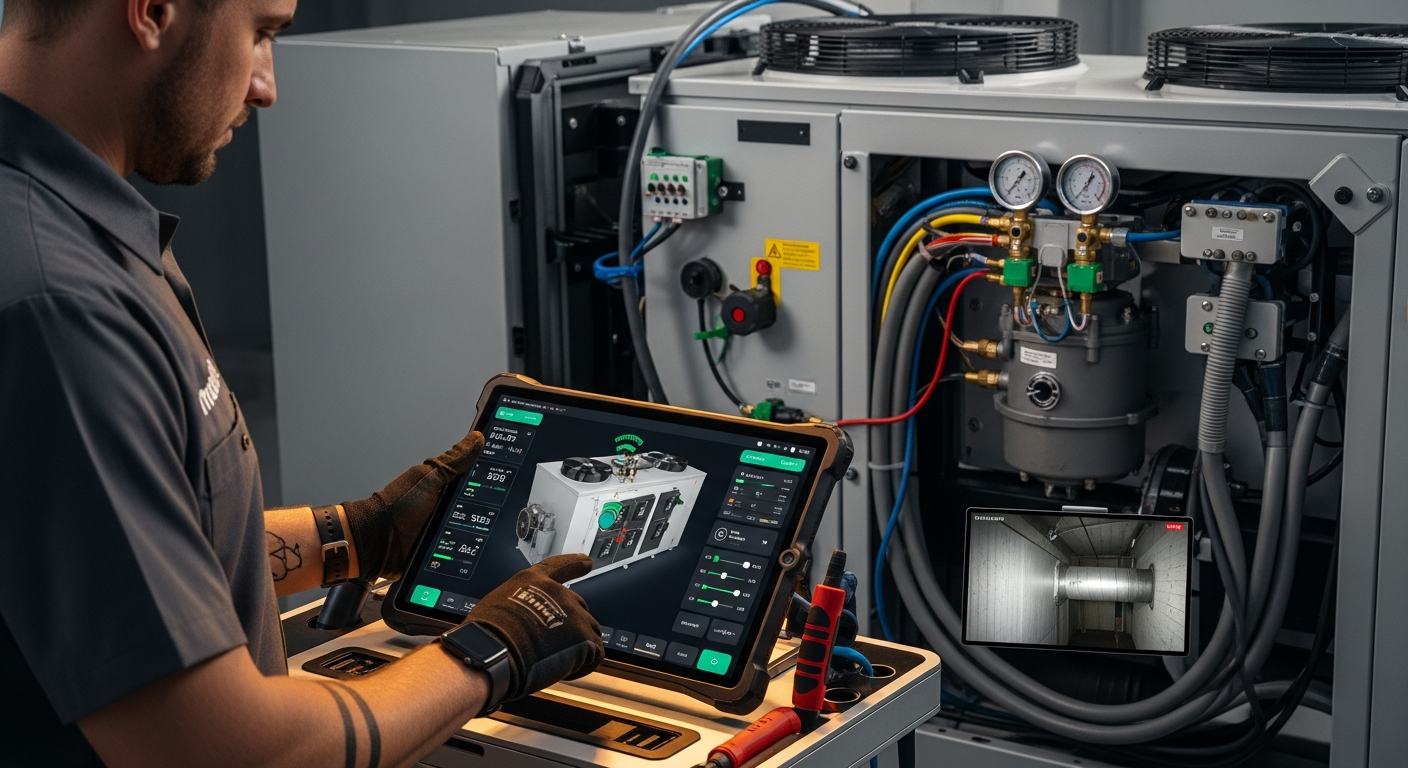
How to Implement a Whole Home Energy Management System
Integrate smart tech and HVAC controls to cut energy waste. This guide shows how to audit, upgrade, and automate your home's energy use, with real savings estimates.

How to Set Up Thermostat Geofencing
Set up thermostat geofencing to automatically adjust home temperature as you come and go. Save energy, extend equipment life, and never return to an uncomfortable house. Get our quick-start guide now.
How to Troubleshoot Smart Thermostat WiFi Issues
Your smart thermostat offline? Most WiFi drops can be fixed with power checks, router adjustments, and simple restarts. Follow our step-by-step guide to regain remote control and energy savings.