Smart Air Quality Monitors for Your HVAC
Smart monitors reveal hidden pollutants and can trigger your HVAC to filter or ventilate. See cost estimates, placement tips, and what questions to ask a contractor.
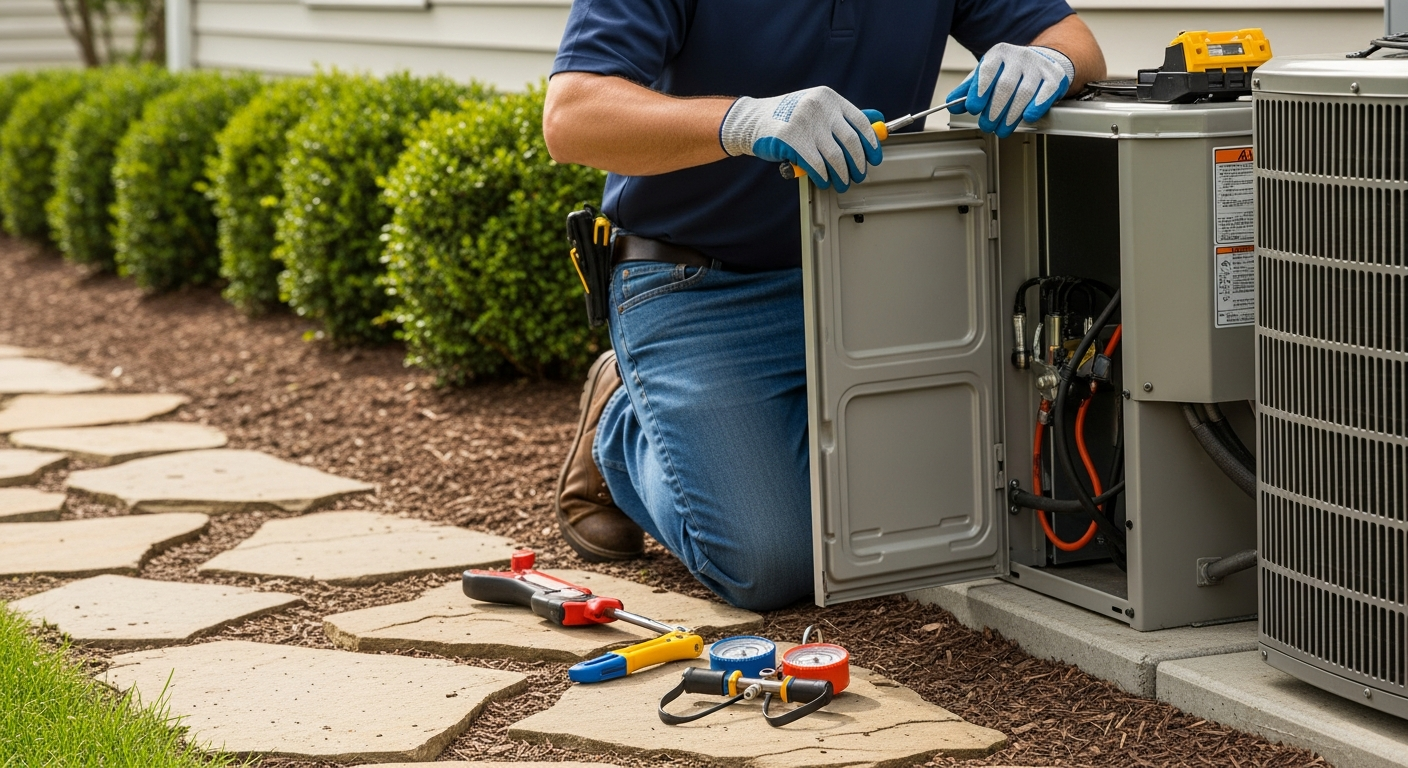
Add a smart monitor if you want data‑driven HVAC control, but always pair it with proper ventilation and filtration hardware.
Smart air quality monitors empower proactive IAQ management, but homeowners should understand the sensors they need, safe installation limits, and when to automate versus when to upgrade equipment.
What Matters Most
- A standalone monitor costs $100–$300 and gives actionable pollutant data.
- Automation requires a smart thermostat or a compatible HVAC control board—pro installation.
- Use thresholds (PM2.5 >35 µg/m³, CO2 >1,000 ppm) to decide when to filter or ventilate.
- Humidity and radon need separate mitigation strategies.
- Always verify contractor experience with IAQ integration before hiring.
Strengths
- Real‑time alerts can prevent health issues and equipment damage.
- Low‑cost entry point with standalone units.
- Many models integrate with major smart home ecosystems.
- Data helps identify root causes (e.g., leaky ducts) instead of masking symptoms.
Weaknesses
- Sensors can drift and need recalibration or replacement.
- HVAC integration may be impossible with older, non‑communicating equipment.
- False positives from cooking or steam can trigger unnecessary fan run time.
- No monitor can clean the air; it needs paired equipment.
Decision summary
| Scenario | Usually do | Why |
|---|---|---|
| You just want awareness of pollutants | Buy a standalone monitor ($100–$300) | Low cost, easy DIY, no electrician needed. |
| You want automatic fan control when PM2.5 rises | Get a smart thermostat that accepts air quality sensor data or a system with integrated sensor | Requires compatible HVAC unit. |
| Your home has constant high CO2 or humidity | Install a whole-home ventilation system (ERV/HRV) and use a monitor to verify performance | More expensive but addresses root cause. |
| You rent or plan to move soon | Use a plug-in monitor and portable air purifier | Avoid permanent modifications. |
Most indoor air is 2–5 times more polluted than outdoor air. Smart air quality monitors give you real-time readings on invisible threats like fine dust (PM2.5), chemicals (VOCs), and stale carbon dioxide. When connected to a compatible HVAC system, they can automatically trigger filtration or fresh-air ventilation. This guide covers the sensors that matter, what they cost, how to avoid integration mistakes, and when to call a pro.
Quick Answer
Standalone smart air quality monitors cost $100–$350; models with direct HVAC integration run $200–$500. They track PM2.5, VOCs, CO₂, humidity, and sometimes radon. If your HVAC system has a smart thermostat or a variable-speed air handler, you can often set up automations to turn on the fan or an air purifier when pollutants spike. Professional setup (wiring, advanced integration) adds $0–$200 if no control-board modifications are needed. No monitor replaces regular filter changes and duct inspections.
What to Measure and How Your HVAC Reacts
| Pollutant | Healthy Range | Typical Sources | Smart HVAC Action | Homeowner Check |
|---|---|---|---|---|
| PM2.5 | 0–12 µg/m³ | Cooking, wildfire smoke, candles | Run fan with MERV 13+ filter or stand-alone purifier | Check kitchen exhaust; change filters when dirty |
| VOCs | 0–500 ppb (varies) | Paint, cleaners, new furniture | Open fresh-air damper; increase ventilation rate | Aerate during projects; store chemicals outside living areas |
| CO₂ | 400–1,000 ppm | Respiration, poor ventilation | Activate HRV/ERV or economizer | Notice stuffiness; crack a window if levels persist |
| Humidity | 30–60% RH | Showers, cooking, leaks | Engage dehumidifier or AC over‑cooling | Fix plumbing leaks; use bath fans |
| Radon | <4 pCi/L (US EPA) | Soil gas | Not directly controllable by HVAC | Use long‑term test kit; hire mitigation pro if high |
See our guide to improving indoor air quality for more source‑control tips.
Safety Boundaries: What You Can (and Cannot) Touch
Safe Homeowner Tasks
- Place the monitor on an interior wall at breathing height, away from vents and windows.
- Clean the sensor inlet gently with a dry microfiber cloth.
- Check Wi‑Fi connection, batteries, and app calibration prompts.
- Read trends and adjust thermostat fan settings yourself if the thermostat permits.
- Replace standard air filters every 1–3 months.
Pro‑Only Work
- Wiring a monitor into your HVAC control board or blower relay.
- Modifying gas appliances, refrigerant circuits, or combustion vents.
- Installing or repairing high‑voltage electrical components (capacitors, contactors, compressors).
- Handling refrigerants or adding/removing refrigerant (EPA Section 608 required).
- Retrofitting ductwork to integrate an ERV/HRV.
Always use a licensed, insured contractor for any work that involves opening the HVAC cabinet or altering wiring.
Decision Rules: When to Act on a Reading
Use these thresholds to decide if your HVAC or ventilation needs a change:
- PM2.5 spikes above 35 µg/m³ for more than 1 hour → Upgrade to a MERV 13 filter or install a whole‑home air purifier (see installation costs).
- CO₂ above 1,000 ppm overnight in bedrooms → Add a balanced ventilation system (ERV or HRV). Learn how ERVs and HRVs work.
- Humidity consistently above 60% for 48 hours → Check for duct leaks, increase AC runtime, or add a dehumidifier. Long‑term high humidity can lead to mold.
- VOC level exceeds 1,000 ppb after new furniture → Run ventilation on high for 48–72 hours; consider a portable air cleaner with carbon filter.
- Radon average over 4 pCi/L on a long‑term test → Hire a radon mitigation contractor; HVAC alone cannot fix it.
Use our Air Quality Score tool to see how your home compares.
Tools to Estimate Costs and Savings
Before buying a monitor or scheduling integration, check these HVACDatabase tools:
- HVAC Cost Estimator – see local labor and equipment ranges for adding a whole‑home purifier or ventilation upgrade.
- Rebate Finder – find utility or tax credits for air quality improvements (Inflation Reduction Act programs often cover IAQ sensors).
- Repair or Replace Calculator – if your HVAC is old and can’t communicate with smart devices, see if a replacement makes financial sense.
- Air Quality Score – get a personalized risk rating based on your home’s age, climate, and habits.
Contractor Checklist: Questions to Ask Before Integration
- “Have you installed or integrated smart air quality monitors before? Can you share an example setup?”
- “Which monitor brands work with my current thermostat? Do I need a separate hub?”
- “Will you verify that my duct system is sealed well enough for demand‑based ventilation?”
- “What’s the labor warranty on integration wiring?”
- “Can you calibrate the monitor and prove the HVAC responds correctly?”
- “Do you offer an annual service plan that includes sensor checks?”
Get at least three quotes through our Contractor Comparison tool and always verify licenses and insurance.
Local Climate Matters
Smart monitors are not one‑size‑fits‑all.
- Hot, humid climates (Gulf Coast, Southeast): Prioritize humidity and mold spores. Use a monitor that tracks dew point. Your AC’s dehumidification mode can be triggered when humidity exceeds 55%.
- Cold climates (Upper Midwest, Northeast): CO₂ is often a sign of a tightly sealed home. Balanced ventilation with heat recovery is key. Avoid placing monitors near cold windows, which can skew temperature/humidity readings.
- Coastal areas: Salt air can corrode sensors faster; choose a monitor rated for high humidity and consider a protective enclosure.
- Wildfire‑prone regions: PM2.5 is the critical pollutant. Monitors should trigger a standalone HEPA purifier or a whole‑house filtration system when outdoor AQI is unhealthy.
- Older homes (pre‑1990): Radon and VOC outgassing from building materials may be higher. Pair a monitor with a radon long‑term test kit.
Find qualified contractors in your area with our Contractor Search tool.
Methodology & Cost Estimates
Our recommendations are based on HVACDatabase’s analysis of manufacturer specifications, contractor feedback, and thousands of service quotes. All prices are editorial estimates and not guaranteed quotes. Typical ranges:
- Basic standalone monitor (e.g., Airthings Wave, Awair Element): $100–$299.
- Professional‑grade monitor with direct HVAC I/O (e.g., Broan Overture, AprilAire 8800‑series): $200–$500.
- Integration labor (if thermostat/control board allows simple low‑voltage wiring): $0–$200, often included with a system tune‑up.
- Annual sensor calibration/check (some monitors require pro recalibration): $80–$150.
Actual costs vary by region, system complexity, and accessibility. Use our Cost Estimator for a tailored range.
Frequently Asked Questions
1. Do I need a smart monitor if I already have a smart thermostat?
Most smart thermostats do not measure pollutants; they control temperature and possibly humidity. A dedicated air quality monitor provides PM2.5, VOCs, and CO₂ data that a thermostat alone doesn’t collect. Some thermostats can accept data from separate sensors and trigger the fan, but you need both devices.
2. Can I install a smart monitor myself?
Yes, for plug‑in or battery‑operated standalone monitors. Simply mount them on a wall, connect to Wi‑Fi, and use the app. If you want the monitor to hardwire into your HVAC control board to trigger fan speeds or dampers, hire an electrician or HVAC technician—that is pro‑only work.
3. How long do the sensors last?
Most consumer‑grade PM2.5 and VOC sensors last 2–5 years. CO₂ sensors (NDIR) often last 5–10 years. Radon sensors are typically replaceable modules. Check the manufacturer’s guidance; some units have replaceable sensor cartridges.
4. Will my home insurance give a discount for a smart monitor?
Some insurers offer discounts if the monitor includes water leak detection or freeze alerts. Pure air quality monitoring rarely triggers a discount, but pairing it with whole‑home leak sensors or a professionally monitored system might. Ask your agent.
5. Where should I avoid placing the monitor?
Never place it: directly next to a supply vent or return grille, in direct sunlight, near a window or exterior door, in a kitchen above the stove, or in a dusty unfinished basement. False readings can cause unnecessary HVAC cycling.
Related articles
Connect this page to adjacent guides so readers keep moving deeper into the topic cluster.

How Utility Demand Response Programs Use Smart Thermostats
Enrolling your smart thermostat in a demand response program can earn you up to $150/year while keeping you comfortable. Learn if it's right for your home and how to maximize benefits.
Heating Industry Trends to Watch
Smart thermostats and heat pumps headline heating industry changes. But which trends deliver real savings? Use our decision guide, cost ranges, and contractor checklist to plan your upgrade.

How Gas Bans Are Affecting Heating Choices
Gas bans in new construction and retrofit codes are pushing homeowners toward electric heat pumps. Understand your options, costs, and available incentives before you replace your furnace.