Tips for Using a Programmable Thermostat Effectively
Set your thermostat for maximum savings: winter 68°F/60°F, summer 78°F/85°F with 8-hour setbacks. Avoid overrides, place it correctly, and call a pro for wiring issues. Can reduce HVAC costs 10-15%.
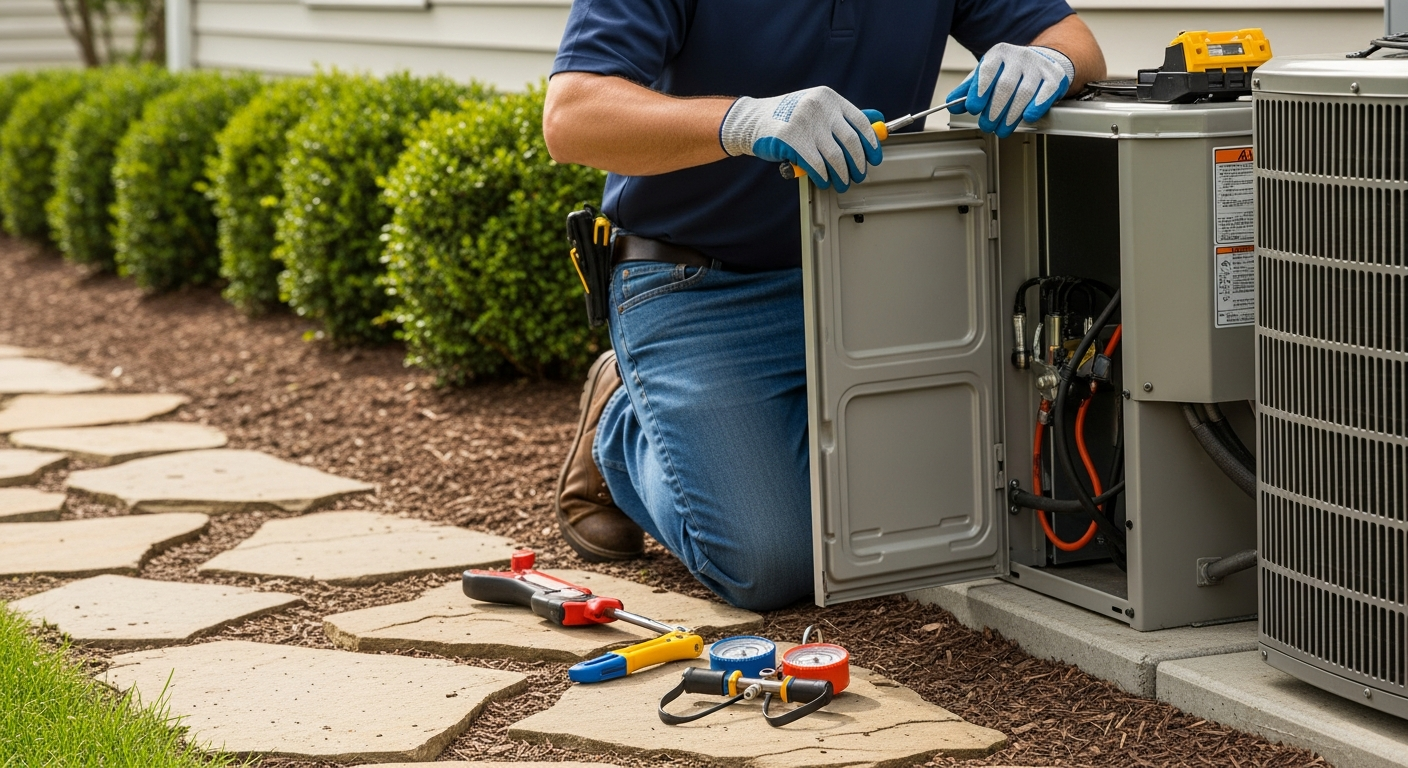
Set It and Forget It—With the Right Rules
A programmable thermostat saves energy only when schedules match your life and are consistently used. The best strategy: set deep setbacks for long absences, place the device on an interior wall away from false heat sources, and resist the urge to constantly manually override.
What Matters Most
- Set heating to 68°F when home/awake, 58-60°F when asleep/away; set cooling to 78°F home, 82-85°F away.
- Use setbacks of 7-10°F for at least 8 hours a day to maximize savings—smaller setbacks yield smaller gains.
- Never place a thermostat in direct sunlight, near drafts, or above supply registers; it will 'ghost read' and cycle the system incorrectly.
- When comfort issues persist despite programming, check the air filter, thermostat location, and consider a professional assessment of system sizing and ductwork.
- Upgrade to a smart thermostat with geofencing or occupancy sensing if your schedule is unpredictable and manual overrides are common.
Strengths
- Low upfront cost with high return—programmable thermostats typically pay for themselves within one year.
- Reduces HVAC runtime during unoccupied periods, lowering wear and tear on equipment.
- Simple to use and widely available; many utility companies offer rebates.
- No monthly subscription or complex setup required for basic models.
- Works with most modern forced-air systems; no major renovation needed.
Weaknesses
- Savings vanish if household members repeatedly override schedules.
- Deep setbacks can cause comfort problems in heat pump systems if backup electric heat kicks in, eroding savings.
- Older wiring (no C-wire) may limit smart thermostat upgrades without professional adaptation.
- Line-voltage thermostats (electric baseboard, radiant ceiling) require different, often pricier, programmable models.
- Humidity control is not directly managed by most programmable thermostats, potentially leaving muggy conditions even at comfortable temperatures.
Day-to-Day Operating Decisions
| Scenario | Usually do | Why |
|---|---|---|
| You have a fixed 5-2 workweek with predictable away times | Use a 5-2 programmable thermostat with 4 periods per day (Wake, Leave, Return, Sleep) | Matches typical work/sleep patterns; does not require daily adjustments. |
| Your daily routine varies; sometimes home during the day | Use a 7-day model with flexible programs or opt for a smart thermostat with geofencing | Avoids manual overrides that cancel savings; automatically adjusts when you leave/arrive. |
| The house feels humid even at 78°F in summer | Set the fan to AUTO, check and clean the condensate drain, and consider a whole-house dehumidifier | Cooling alone may not remove enough moisture; continuous fan can re-evaporate water from the coil. |
| Heating system struggles to warm up in the morning after a night setback | Limit setback to 5-8°F and end the setback 30-60 minutes before wake time | Heat pumps recover slowly; a deep setback may force expensive backup heat to engage. |
| You’ll be away for vacation | Set heat to 55°F (winter) or cool to 85°F (summer); never turn system off | Protects pipes from freezing and prevents excessive humidity; avoids system strain when restarting. |
Quick Answer
Program your thermostat to dial back 7–10°F during sleeping and away hours—aim for 68°F in winter and 78°F in summer while the home is occupied. Place the thermostat on an interior wall, out of direct sun and away from drafts and vents. Avoid overriding the set schedule; if comfort suffers, check the air filter and thermostat location before calling a pro. Used consistently, these habits can trim 10–15% from your annual heating and cooling bills.
Seasonal Temperature Setpoints at a Glance
| Time/Scenario | Winter (Heating) | Summer (Cooling) | Key Tip |
|---|---|---|---|
| Home & awake | 68°F | 78°F | Dress for the season—light layers in winter, ceiling fans in summer |
| Asleep or away | 58–60°F | 82–85°F | Don’t turn system off; extreme temperature swings waste energy |
| Vacation | 55°F (to prevent freezing) | 85°F (to control humidity) | Shut off water to washing machine/dishwasher if freezing possible |
| Recovery from setback | Start heating 30–60 min before wake | Start cooling 30 min before return | Adjust fan to “auto” and check filter monthly |
Safety Boundaries
What Homeowners Can Safely Do
- Replace thermostat batteries and clean the unit with a soft, dry brush.
- Inspect and replace the HVAC air filter according to manufacturer guidelines.
- Verify the thermostat is level, securely mounted, and not exposed to heat/cold sources.
- Reset circuit breakers for the HVAC system if it becomes unresponsive.
- Program and adjust schedules via the thermostat’s menu or app.
Leave These to a Licensed HVAC Pro
- Installing a thermostat that requires new wiring, especially adding a common (C) wire or converting from line-voltage to low-voltage.
- Any work on electrical components inside the furnace, air handler, or outdoor unit—including compressors, capacitors, contactors, control boards, or gas valves.
- Handling refrigerant, gas lines, or combustion chambers.
- Troubleshooting or modifying high-voltage (120V/240V) circuits.
- Diagnosing persistent comfort problems that aren’t resolved by filter and location changes.
When a Standard Programmable Thermostat Isn’t Enough: Decision Rules
If you answer “yes” to any of these questions, your current thermostat or system may need attention:
- Recovery time exceeds 2 hours. A well-sized system should bring the house from setback to setpoint within about 60–90 minutes. Longer times may indicate an undersized unit, duct leaks, or a failing component.
- Manual overrides happen more than twice a week. Frequent hold-button use signals that the schedule doesn’t match your lifestyle. Consider a 7‑day model or a smart thermostat with geofencing.
- Humidity remains above 60% in summer despite a 78°F setpoint. Your AC may be oversized or the fan set to “on”, which reduces moisture removal. A dedicated dehumidifier or system adjustment may be needed.
- The furnace or AC is over 15 years old. Use our Repair or Replace Calculator to decide if a higher-efficiency system would pay back faster when paired with a programmable thermostat.
- You notice hot/cold spots across rooms. This often points to ductwork imbalance or zoning needs, not a thermostat problem. See our article on smart thermostat zoning for solutions.
Toolbox: Free HVAC Estimators & Rebates
Before spending on a thermostat upgrade or repair, run these quick checks:
- HVAC Cost Estimator: Compare typical thermostat installation costs in your area ($100–$250 labor for a replacement, plus the thermostat unit).
- Rebate Finder: See if your utility offers smart thermostat rebates—often $50–$150, making a Wi‑Fi model nearly free.
- Repair or Replace Calculator: If your HVAC system is aging, learn whether a new system with a programmable thermostat will deliver better efficiency.
- System Age Decoder: Find the manufacture date of your furnace or AC to estimate remaining lifespan.
Local Climate Considerations
Your location affects how aggressively you can use setbacks:
- Hot, humid climates (Houston, Miami, New Orleans): Set cooling to 85°F when away, but monitor indoor humidity. The fan should be in “auto” mode; if humidity exceeds 60%, run a dehumidifier or consider a whole-house system. Seasonal maintenance on the condensate drain line is critical.
- Hot, dry climates (Phoenix, Las Vegas, Tucson): Larger setbacks (10°F or more) are feasible because humidity isn’t an issue. However, late afternoon recovery may tax an undersized AC; start cooling an hour before return.
- Cold climates (Chicago, Minneapolis, Boston): Night setbacks to 58°F are safe, but if you have a heat pump, limit setbacks to 5–8°F and avoid deep drops that force expensive backup electric resistance heat. For fossil-fuel furnaces, setbacks up to 10°F are economical.
- Coastal areas (San Francisco, Seattle): Mild temperatures often mean smaller setbacks suffice. Focus on managing humidity and using programmable settings to stop heating during the midday sun.
- Older homes (pre‑1980s): Wiring may lack a C‑wire for smart thermostats. If you want Wi‑Fi connectivity, budget $150–$300 for a professional C‑wire adapter installation. Also check for knob‑and‑tube or ungrounded systems before any electrical work.
Contractor Vetting Checklist
If you decide to upgrade your thermostat or investigate comfort problems, ask these questions before hiring:
- Are you licensed and insured in this state? Verify at your state’s licensing board website.
- Do you have experience with my specific HVAC brand and thermostat model? Some heat pumps and communicating systems require proprietary thermostats.
- Will you inspect the thermostat location for accuracy? A pro should confirm no direct sunlight, drafts, or heat sources affect readings.
- Can you test my existing wiring for a C‑wire and install an adapter if needed? Without a C‑wire, smart thermostats may malfunction or drain batteries. Get a written quote for wiring work.
- What is the total, written estimate including labor, materials, and disposal? Request a breakdown of thermostat unit cost, installation labor, and any additional electrical work.
- Do you offer a workmanship warranty? At least a 1‑year labor warranty is standard; some offer up to 5 years.
- Will you check static pressure, airflow, and duct leakage during the visit? Comfort problems often originate in the ductwork, not the thermostat.
You can search and compare local contractors at HVACDatabase.com/search or check contractor comparison tips to avoid surprises.
Methodology
Our recommendations are rooted in U.S. Department of Energy guidance, ENERGY STAR best practices, and field observations from HVAC professionals across North America. Temperature setpoints follow the DOE’s common 68/78 base, and the 7–10°F setback rule is validated by numerous field studies showing 1% heating savings per degree of nighttime setback. Cost ranges represent illustrative national averages for residential contractor services; actual prices depend on region, system complexity, and market conditions. Always obtain multiple quotes and verify licensing before proceeding with any work.
Frequently Asked Questions
1. How much can I really save by using a programmable thermostat?
According to the U.S. Department of Energy, consistently setting back 7–10°F for 8 hours a day can cut annual heating costs by up to 10% and cooling costs by up to 15%. Savings depend on climate, home insulation, and how faithfully the set schedules are followed.
2. Why does my heat pump struggle to recover from a setback?
Heat pumps move heat more slowly than gas furnaces or standard ACs. A deep setback (over 5–8°F) may force the system to engage expensive backup electric heat strips, eliminating any savings. Limit your heat pump setback to 5°F and end it 60 minutes before you wake or return.
3. Can I install a programmable thermostat on my electric baseboard heaters?
Only if you use a line-voltage programmable thermostat designed specifically for high-voltage (120V/240V) resistive loads. Standard low-voltage thermostats will not work and creating an unsafe condition is possible. Always have a qualified electrician install line-voltage controls.
4. Should I turn off the HVAC when I go on vacation?
No. In summer, set the cooling to 85°F to control humidity; in winter, set heating to 55°F to prevent pipes from freezing. Turning the system off completely can cause mold, moisture damage, and stress the compressor when you turn it back on. For detailed tips, see our guide on running your AC on vacation.
5. What if my household keeps overriding my programmed schedule?
First, ask if they are uncomfortable; the current setpoints may need adjustment. If the issue is forgetfulness or irregular schedules, upgrade to a smart thermostat with motion sensors or geofencing. These models learn your patterns and adjust automatically, reducing manual overrides. Learn how to set up geofencing to come home to comfort without wasting energy.
Need a professional? Find rated HVAC contractors in your area at HVACDatabase.com/search. For emergency service, visit emergency HVAC help.
Related articles
Connect this page to adjacent guides so readers keep moving deeper into the topic cluster.

Tips for Choosing a Smart Thermostat for a Heat Pump
Learn which smart thermostat features prevent expensive auxiliary heat mistakes, how to verify compatibility, and when to call a pro.

Understanding C Wire Adapters for Smart Thermostats
Missing the C wire for your smart thermostat? C wire adapters solve power issues without pulling new wiring. Compare types, costs, and installation options.

Best Smart Thermostats for Multi Zone Homes
Discover which smart thermostats deliver accurate zoning, remote sensors, and energy savings for homes with multiple HVAC zones. Our guide helps you pick the right model and avoid costly compatibility mistakes.