How to Install a Smart Thermostat
Most homeowners can replace an old thermostat with a smart model in under an hour. Use this guide to check compatibility, handle wiring safely, and decide when to hire a pro.

DIY with caution, hire when uncertain
Most homeowners can safely install a smart thermostat in under an hour when a C‑wire is present. If you lack a common wire or face non‑standard wiring, hiring a pro protects your equipment and warranty.
What Matters Most
- Check for a C‑wire before you buy—it’s the #1 compatibility obstacle.
- Label wires by terminal letter, not color, and always take a photo.
- Budget $100–$300 on top of the device price if professional help is needed.
- Energy savings typically pay back the thermostat cost within 12 months.
Strengths
- No‑permit, low‑voltage work that most homeowners can complete in under an hour.
- Immediate energy bill reduction and eligibility for utility rebates.
- Remote control, geofencing, and learning algorithms reduce manual adjustments.
Weaknesses
- C‑wire requirement can add $120–$300 to the total project cost.
- Incompatible with line‑voltage or proprietary communicating systems.
- Miswiring risks blowing a 3‑amp fuse on the control board, requiring a service call.
- Some learning features may be slow to adapt in irregular schedules.
DIY vs. Professional Installation Decision
| Scenario | Usually do | Why |
|---|---|---|
| You have a C‑wire and single‑stage system | DIY | Safe, quick, no special tools needed. Follow our step‑by‑step guide. |
| No C‑wire, but adapter included and you’re comfortable at the furnace | DIY with caution | Adapter install requires opening the furnace panel; turn off power completely. |
| No C‑wire, no adapter, or unfamiliar wiring | Hire pro | Prevents damage to thermostat, furnace board, or personal safety. |
| Multi‑stage, dual‑fuel, or communicating system | Hire pro | Complex configuration; professional setup ensures efficiency and warranty. |
Introduction
Upgrading to a smart thermostat can cut annual heating and cooling costs by 8–15%—often paying for the device within the first year. For most single-zone, forced-air systems with a C‑wire, the swap is a safe 30–60 minute DIY job requiring only a screwdriver and a smartphone. This guide gives you a clear before-you-start checklist, step‑by‑step wiring instructions, and concrete rules for when to stop and call a pro. We’ll also show you how to estimate total project cost with our HVAC cost estimator and find local rebates through our rebate finder.
Quick Answer
- DIY if: You have a C‑wire (or an included adapter), the thermostat controls a single‑stage furnace/AC or heat pump, and you can safely access your breaker panel.
- Hire a pro if: You lack a C‑wire and no adapter is supplied, the wiring doesn’t match standard labels, you have a multi‑stage or communicating system, or you’re uncomfortable working with electrical wiring.
- Total cost: Smart thermostat $70–$250; professional installation adds $100–$250. C‑wire runs by an electrician typically $120–$300.
Safety Boundaries
What’s safe to do yourself
- Turn off the HVAC breaker and verify power is off with a non‑contact voltage tester.
- Remove the old thermostat cover and backplate.
- Take a phone photo and label each low‑voltage wire according to its terminal letter.
- Mount the new backplate, push wires into matching quick‑connect terminals, and snap on the faceplate.
- Restore power and follow the on‑screen setup.
Never attempt
- Open or modify the furnace/air handler panel, compressor, or any 120‑V/240‑V line‑voltage connections.
- Handle refrigerant, gas lines, or combustion components.
- Replace capacitors, contactors, or circuit boards.
- Bypass safety switches or splice high‑voltage wires.
If you encounter any of those situations, stop and use our contractor search to find a qualified pro.
Tools and Supplies
- New smart thermostat with its wall plate
- No. 2 Phillips and small flathead screwdrivers
- Smartphone with manufacturer’s app pre‑downloaded
- Drill with 3/16‑in. bit (if new anchors are needed)
- Torpedo level
- Masking tape and a pen for labeling wires
- Non‑contact voltage tester (recommended)
- Paint or trim plate (if the new unit is smaller than the old)
Before You Begin: The C‑Wire & Compatibility Check
About 90% of modern smart thermostats require a “C‑wire” (common wire) that delivers 24 V AC constant power for Wi‑Fi and a display. Check your current thermostat:
- Turn off the breaker, remove the existing faceplate, and look for a wire attached to a terminal marked C.
- If there is no C‑wire, peek inside the wall—sometimes an unused wire (often blue or black) is wrapped around the cable. It may be connected at the furnace; an HVAC tech can attach it in 10–15 minutes.
- If no extra wire exists, many manufacturers include a C‑wire adapter (e.g., Google Nest Power Connector, Emerson Sensi adapter). Those can be installed on the furnace control board—by a pro if you’re not comfortable.
Compatibility red flags: line‑voltage (120 V/240 V) thermostats, millivolt systems, proprietary communicating systems, or zone panels. Check the manufacturer’s online compatibility checker before buying.
Use our cost estimator to budget for a pro if your home lacks a C‑wire and you don’t want to attempt the furnace‑side connection.
Step‑by‑Step Installation
1. Turn Off the Power
Locate the breaker for your HVAC equipment—often labeled “furnace” or “air handler.” Switch it off and use a non‑contact voltage tester on the existing thermostat wires to confirm they are dead. If you trip the wrong breaker, here’s how to reset a tripped HVAC breaker.
2. Remove the Old Faceplate
Most snap off; some have small screws. After removal you’ll see the backplate and wire terminals.
3. Label Every Wire
Use the included stickers—don’t rely on wire colors. Label each wire by the terminal letter it’s connected to (R, W, Y, G, C, etc.). Take a clear phone photo of the wired backplate before disconnecting anything. This is your insurance if a label falls off.
4. Remove the Old Backplate
Unscrew it carefully, keeping wires from slipping into the wall. Wrap them around a pencil to hold them in place.
5. Mount the New Backplate
Thread the labeled wires through the center hole. Hold the plate level, mark screw positions, drill pilot holes if needed for drywall anchors, and secure the plate.
6. Connect the Wires
Push each wire into the matching quick-connect terminal. Ensure no bare copper is exposed and that wires aren’t touching each other. Tuck any excess back into the wall.
7. Attach the New Faceplate
Snap or screw the thermostat onto the backplate. Double‑check that the pins align, then return to the breaker panel and restore power.
If the display doesn’t light, turn off the breaker and re‑check connections. Do not proceed if you see sparks or smell burning—call a pro.
Setting Up
Complete the on‑screen prompts to select your system type (gas, electric, heat pump, etc.), connect to Wi‑Fi, and pair with the manufacturer’s app. If you have trouble, read how to connect your thermostat to Wi‑Fi.
Optimizing Performance
- Placement matters: Keep the thermostat away from supply registers, direct sunlight, and exterior doors. Read why thermostat location matters.
- Set a schedule: Use the app or voice assistant to match your daily routine. Many models can learn your habits after a week.
- Enable geofencing: See how to use geofencing to automatically adjust when you leave or head home.
- Zoning possibilities: If you have dampers, a smart thermostat can pair with zoning panels; learn about zoning with smart thermostats.
Cost Breakdown: DIY vs. Hiring a Pro
| Scenario | Typical Cost Range * | Notes |
|---|---|---|
| DIY with C‑wire present | $70–$250 (device only) | 30‑minute job; no labor |
| DIY with C‑wire adapter (supplied) | $70–$250 (device) + 0–$30 (wire nuts, electrical tape if needed) | Adapter installation at furnace may require basic wiring skill |
| Professional thermostat installation (C‑wire present) | $100–$250 | Includes testing and setup |
| Electrician runs new C‑wire | $120–$300 | Add thermostat device cost |
* Editorial estimates only, not guaranteed. Use our HVAC cost estimator for a personalized range.
Decision Rules: DIY or Call a Pro?
- You have a C‑wire and the system is single‑stage or some heat pumps: DIY is usually fine. Follow the steps and watch for error codes.
- No C‑wire but adapter is included: DIY can still work, but if you’re uncomfortable opening the furnace panel to connect the adapter, hire an HVAC technician.
- More than 6 wires, dual‑fuel, or proprietary communicating system: Professional installation strongly recommended. Wiring errors can damage the thermostat or the control board.
- You see wires connected to terminals labeled L, OF, OD, or X2: These often indicate heat‑pump accessories; hire a pro to avoid misconfiguration.
- Old thermostat has no labels or you don’t feel safe: Stop. Use our contractor search or compare contractors to get multiple quotes.
Contractor Checklist
If you decide to hire, ask these questions before scheduling:
- “Are you licensed, insured, and do you carry workers’ compensation?”
- “Will you pull a permit if required by local code?” (Most thermostat swaps don’t need one, but adding a new C‑wire might.)
- “Do you offer a warranty on labor and will you help register the manufacturer warranty?”
- “Can you check for firmware updates and optimize the smart schedule for my climate?”
- “What’s your emergency call‑out policy if the thermostat stops working after hours?”
Always get written estimates from at least two companies. Our contractor comparison tool can help you evaluate bids side by side.
Local Market Considerations
- Older homes (pre‑1990): Often lack a C‑wire; budget for an electrician or adapter. Check for asbestos‑lined walls before drilling.
- Cold climates: Smart setback savings are highest. Aim for a thermostat that can delay recovery during peak rate hours. Models with “time‑to‑temperature” learning work best.
- Hot, humid regions: Pair with a thermostat that manages humidity (e.g., overcool to dehumidify). Placement away from humid areas prevents false readings.
- Coastal/salt air: Not a direct thermostat concern, but ensure your HVAC equipment is corrosion‑resistant; the thermostat just controls it.
Methodology
Our editorial cost estimates draw from aggregated job‑level data, historic HVACDatabase quote‑checker submissions, and Bureau of Labor Statistics wage data for electricians and HVAC technicians. Regional multipliers adjust for labor rates. Energy‑savings claims are based on EPA Energy Star studies showing 8–15% reduction in heating/cooling bills with smart thermostats. Recommendations are formed by a licensed HVAC editor following ASHRAE standards and manufacturer guidelines. No paid placements influence our guidance.
Frequently Asked Questions
1. What if I don’t have a C‑wire and no adapter came with my thermostat?
You can buy a generic 24 V AC transformer that plugs into a wall outlet, but this often looks unsightly and still requires wiring expertise. The cleanest solution is to hire an electrician to run a C‑wire from the furnace. Expect $120–$300. Some thermostats like the Emerson Sensi work on batteries without a C‑wire.
2. Can I install a smart thermostat on a heat pump system?
Yes, but you need to configure the changeover valve (O/B) correctly. If you have auxiliary or emergency heat, verify the thermostat supports dual‑fuel or heat‑pump staging. The wiring terminals are usually the same, but mislabeling can lead to cooling when you expect heat. When in doubt, hire a pro for heat‑pump installations.
3. How much money will I actually save?
EPA Energy Star estimates 8% on heating and 15% on cooling annually, translating to about $130–$250 per year for an average household. High‑cost energy regions like the Northeast or Southwest may see savings above $300/year. Use our repair or replace calculator to see how a smart thermostat fits into a broader efficiency upgrade.
4. Is it safe to install a smart thermostat in a rental apartment?
Only with written permission from the landlord. Some smart thermostats can be removed without damage, but you must reinstall the original unit when moving out. Note that many apartment HVAC systems use line‑voltage thermostats, which are not compatible with standard smart thermostats—do not attempt.
5. My new thermostat doesn’t turn on after wiring. What now?
First, confirm the breaker is fully on. Double‑check that the C‑wire is connected at both the thermostat and the furnace control board (if you installed an adapter). If a fuse on the control board blew during installation, you’ll need an HVAC tech to replace it—do not attempt to jumper or bypass it. See our emergency HVAC help page for urgent issues.
Related articles
Connect this page to adjacent guides so readers keep moving deeper into the topic cluster.
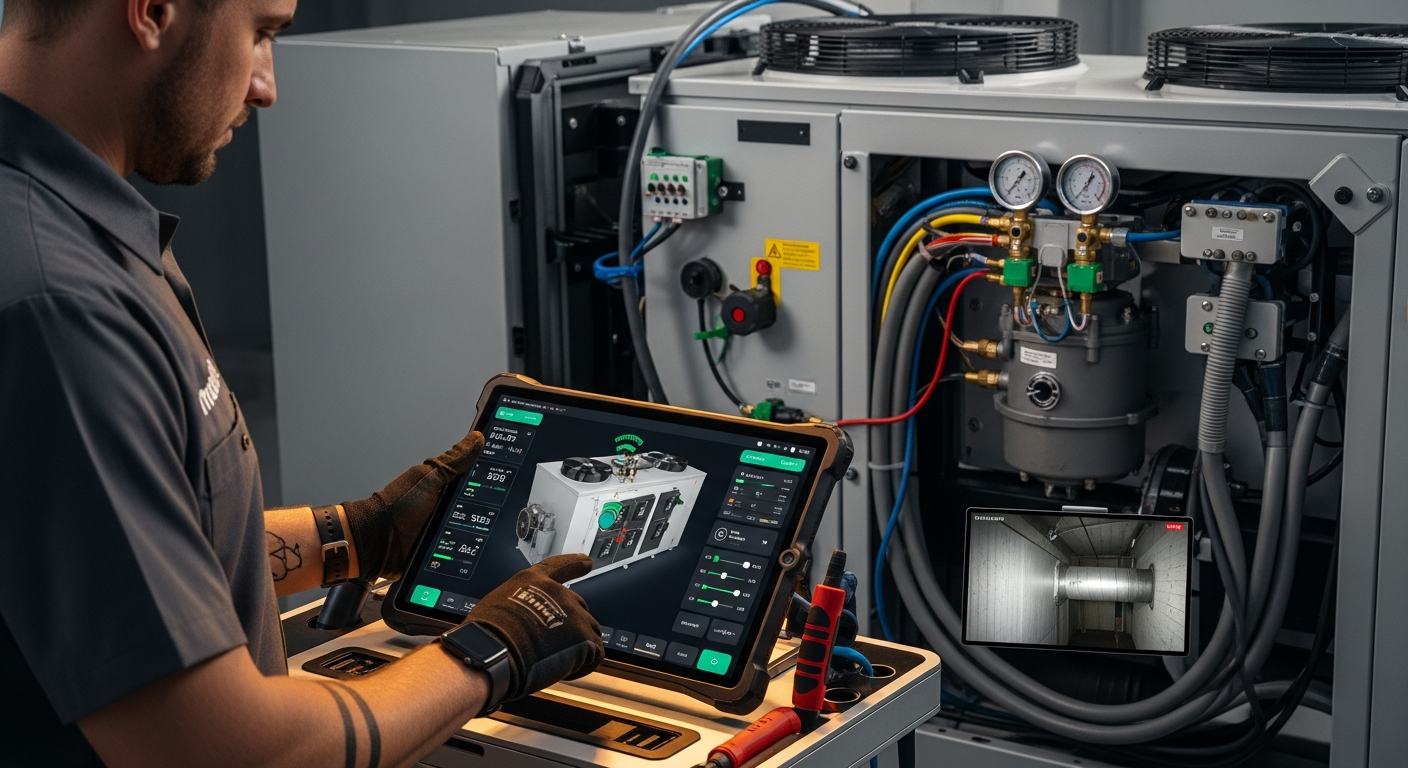
How to Implement a Whole Home Energy Management System
Integrate smart tech and HVAC controls to cut energy waste. This guide shows how to audit, upgrade, and automate your home's energy use, with real savings estimates.

How to Set Up Thermostat Geofencing
Set up thermostat geofencing to automatically adjust home temperature as you come and go. Save energy, extend equipment life, and never return to an uncomfortable house. Get our quick-start guide now.
How to Troubleshoot Smart Thermostat WiFi Issues
Your smart thermostat offline? Most WiFi drops can be fixed with power checks, router adjustments, and simple restarts. Follow our step-by-step guide to regain remote control and energy savings.