How to Track Your HVAC Energy Use With a Smart Meter
Discover how to use a smart meter to track your HVAC system's energy usage and find actionable ways to lower your monthly utility costs.
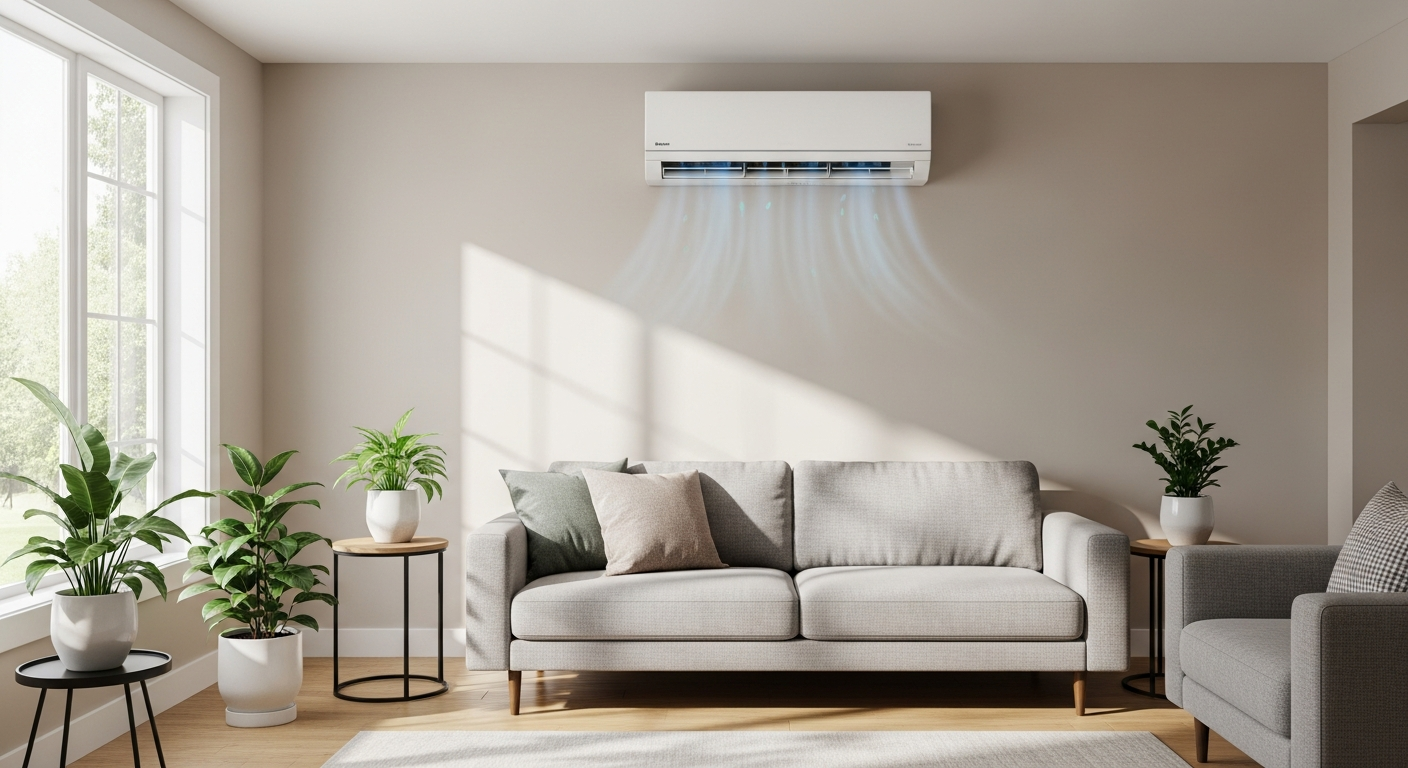
Maximize Your Savings by Tracking HVAC Energy
Your heating and cooling system typically accounts for nearly half of your home's total energy consumption. Without a clear way to monitor this usage, you are essentially flying blind when it comes to your monthly utility bills.
A smart meter acts as a digital bridge between your utility company and your home. By learning how to leverage this technology, you can identify waste and ensure your system is running at peak performance.
If your bills are consistently high, it might be time for professional help. You can easily find trusted HVAC contractors on HVACDatabase.com to inspect your system for inefficiencies.
What Exactly Is a Smart Meter?
Unlike old-fashioned mechanical meters with spinning dials, a smart meter is an electronic device that records your electricity consumption in real-time. It transmits this data back to your utility provider via wireless communication.
For homeowners, the real power lies in the granularity of this data. Instead of seeing one total number at the end of the month, you can see exactly how much power you use at noon versus midnight.
When your air conditioner kicks on, your energy demand spikes. A smart meter captures that moment, allowing you to see exactly how much it costs to keep your home cool during a heatwave.
Step-by-Step: How to Track Your HVAC Usage
1. Access Your Utility Portal
Most modern utility companies provide a web portal or mobile app. Log in to your account and look for a section labeled 'Usage Insights' or 'Energy Dashboard.'
This dashboard displays your consumption in hourly, daily, and monthly increments. To isolate your HVAC costs, look for spikes during the hottest or coldest parts of the day.
2. Establish a Baseline
To understand your HVAC impact, you need to know what your home uses when the system is off. Check your usage during a mild spring day when neither the heat nor the AC is running.
Once you have this baseline, any increase you see on a summer afternoon is almost certainly attributed to your cooling system. Understanding these numbers helps you determine why a home energy audit saves you money in the long run.
3. Monitor Performance After Setting Changes
Use your smart meter to test your thermostat settings. If you raise the temperature by two degrees while you are at work, check the portal the next day to see how many kilowatt-hours you actually saved.
This is especially effective if you learn how to use geofencing with your smart thermostat. You can see the immediate drop in energy demand the moment you leave your driveway.
Using Smart Meter Data to Diagnose Problems
Your smart meter is more than a billing tool; it is a diagnostic instrument. If your HVAC system is cycling on and off every few minutes, your energy graph will look like a jagged saw blade.
Frequent short-cycling is a sign of an oversized unit or a failing component. If you notice these patterns, it is a good idea to how to check if your AC is the right size before calling a technician.
If your usage remains high even when you aren't home, you might have duct leaks or poor insulation. This is a great reason to learn how to get a home energy audit to pinpoint the exact source of heat loss or gain.
Comparing Efficiency Ratings to Actual Use
Many homeowners choose high-efficiency equipment but don't know if it is delivering on its promise. You can use your smart meter data to verify the performance of your unit's ratings.
- Check your consumption against what is a SEER rating and how to compare to see if your unit is hitting its efficiency targets.
- For those with heat pumps, tracking winter usage helps in understanding COP ratings for heat pumps in real-world conditions.
- Even small issues, like humidity levels, can impact your comfort. Knowing how to control static electricity in winter with hvac often leads to running your heater at lower, more efficient temperatures.
Actionable Tips for Lowering Your Bill
Once you have identified your peak usage times through your smart meter, take these steps to lower the peaks:
- Shift Your Load: Run heavy appliances like dishwashers at night to avoid 'time-of-use' peak pricing.
- Pre-Cool Your Home: If your utility has peak hours, set your AC lower in the morning and let the temperature drift up during the expensive afternoon hours.
- Maintenance Matters: A dirty filter can increase energy use by 15%. If your meter shows rising usage over several months for the same weather, check your filters.
Data is your best friend when it comes to home maintenance. By paying attention to your smart meter, you can catch mechanical issues before they lead to a total system breakdown.
Ready to optimize your home? HVACDatabase.com helps homeowners find trusted HVAC contractors who can interpret your energy data and provide professional solutions to lower your monthly costs.
Related articles
Connect this page to adjacent guides so readers keep moving deeper into the topic cluster.

How to Use Smart Power Strips to Reduce HVAC Costs
Discover how smart power strips can eliminate phantom energy loads and indirectly lower your HVAC costs by reducing heat generation from unused electronics.
How to Use Shade Structures to Reduce Cooling Costs
Discover how strategically placed shade structures like awnings and trees can lower indoor temperatures and reduce the workload on your AC system.

How to Choose Low-E Windows for HVAC Savings
Learn how Low-E windows work with your HVAC system to maximize energy efficiency and reduce monthly utility costs through advanced glass coatings.