How to Calibrate Your Thermostat
Is your thermostat reading incorrectly? Learn safe DIY calibration steps, when to call a pro, and how upgrading to a smart thermostat can cut energy bills. Includes cost breakdown and decision guide.

Calibrate first, but replace outdated or mercury thermostats
For digital thermostats under 10 years old, cleaning and offset adjustment is a free, effective fix. For older or mercury-based units, replacement with a smart thermostat offers better accuracy, safety, and long-term savings.
What Matters Most
- A thermostat off by 3°F can increase HVAC run time by 10-15%
- Clean and compare readings annually to catch drift early
- Mercury thermostats should be replaced immediately—they are inaccurate and hazardous
- If recalibration doesn't hold for more than a month, the sensor is failing
- Upgrading to a smart thermostat can pay for itself in under two years through energy savings
Strengths
- Calibration is often a 10-minute, no-cost fix for digital units
- Immediate improvement in comfort and system efficiency
- Decision thresholds (age, drift amount) make the next step obvious
Weaknesses
- Offset calibration only masks sensor drift; it does not repair failing hardware
- Mechanical mercury thermostats are toxic and cannot be calibrated reliably
- Homeowners may accidentally mis-wire or damage the unit if not careful
Decision Summary
| Scenario | Usually do | Why |
|---|---|---|
| Digital thermostat off by ≤2°F | Calibrate offset | Simple menu adjustment; no cost |
| Mercury thermostat off by any amount | Replace with digital | Mercury is toxic and these units are obsolete |
| >10 year old thermostat, any drift | Replace with smart model | Modern sensors are more accurate; energy savings pay back quickly |
| Drift returns within a month after calibration | Replace | Sensor or circuitry is failing |
| Thermostat shows correct temp but rooms feel uneven | Check airflow, filter, zoning | Calibration isn't the issue; may need duct balancing or zoning |
Is Your Thermostat Lying to You?
A thermostat that’s off by just a couple of degrees can drive up your energy bill by 10% or more. Calibration—matching its internal sensor to actual room temperature—is often a quick fix. This guide covers safe DIY checks, when to call a pro, and when replacement saves more money than fine-tuning.
Quick Answer: How to Calibrate Your Thermostat
Remove the faceplate and gently dust the sensor area. For mechanical mercury-bulb models, check that the unit is level. Tape a separate thermometer nearby, wait 15 minutes, then compare readings. If the offset exceeds 1°F, enter the installer menu (usually a button combo) and adjust the temperature offset. If the unit is older than 10 years or uses mercury, replacing it with a modern digital thermostat is safer and often pays for itself in energy savings.
Symptom & Decision Table: Calibrate or Replace?
| Symptom | Likely Cause | Action |
|---|---|---|
| Temperature reading off by 2°F or less, digital thermostat | Minor sensor drift | Clean and recalibrate offset |
| Off by more than 3°F repeatedly | Failing sensor or wiring issue | Check wiring or call pro; consider replacement if old |
| Mechanical (mercury) inaccurate | Mercury bulb not level, dust | Check level and clean gently; if still off, replace with digital |
| Thermostat works fine, but room feels uneven | Zoning or duct problem | Explore zoning or adjust vents; not a calibration issue |
Step-by-Step Calibration (Safe for Homeowners)
- Clean the sensor area. Turn off power at the breaker. Remove the cover gently, use compressed air or a soft brush to dust off sensors. Dust can insulate and skew readings.
- Check level (mechanical only). If you have a mercury-bulb thermostat, lay a level on top. If tilted, loosen screws and adjust. Warning: mercury is toxic. If the glass bulb is broken, ventilate immediately and call a pro for disposal. Consider replacing it.
- Compare with a reliable thermometer. Tape a separate thermometer near the thermostat (not touching). Wait 15 minutes.
- Enter installer settings. Consult your thermostat’s manual for offset adjustment. Common key combos: hold “menu”, or “up/down” and “time”. Set offset to match difference. Example: If thermostat reads 72°, but room is 74°, set offset to +2°.
- Re-check after 24 hours. The reading should stabilize. If not, repeat or consider replacement.
Safety Boundaries: What You Can Touch and What You Shouldn’t
- Safe for homeowners: Removing the faceplate, dusting, checking level, testing with a separate thermometer, adjusting software offsets. These tasks involve no live electrical work.
- Leave to professionals: Any wiring modifications, opening walls, handling mercury spills, troubleshooting control boards, or if your thermostat controls a heat pump or multi-stage system with complex wiring (risk of mis-wiring). Also, if you notice melted wires, burning smell, or sparks—shut off power and call an HVAC technician.
When to Replace Instead of Recalibrate
If your thermostat is more than 10 years old, drifts often, or uses mercury, upgrading to a smart thermostat can pay for itself through energy savings. Smart models offer remote sensors, learning algorithms, and geofencing. Use our Repair or Replace Calculator to see if a new unit makes financial sense. Also check our guide on how to replace an AC air filter—clogged filters cause airflow issues that mimic calibration problems.
Costs of Calibration vs. Replacement (Editorial Estimates)
| Service | Typical Cost Range | Notes |
|---|---|---|
| Professional thermostat calibration or diagnostic visit | $80 – $200 | Often part of annual maintenance |
| Annual HVAC maintenance plan (includes calibration check) | $150 – $500/year | Covers multiple visits |
| New smart thermostat (hardware) | $100 – $300 | Excludes installation if DIY |
| Professional install of new thermostat | $100 – $250 | Depends on wiring complexity |
| Replace outdated system with smart zoning | $2,500 – $12,000+ | See HVAC cost guide |
Use Our Tools to Make a Decision
- Repair or Replace Calculator: Enter your thermostat's age and issues to get a recommendation.
- System Age Decoder: Find out how old your unit is from the serial number.
- HVAC Cost Estimator: Budget for a new thermostat or full upgrade.
Decision Tree: Should You Calibrate, Call a Pro, or Replace?
Click here for a step-by-step decision flow
- Is your thermostat more than 10 years old? If yes → Replace (modern thermostats save energy and are more accurate).
- Is it a mechanical mercury type? If yes → Replace (mercury is hazardous and models are inaccurate).
- Does the temperature difference exceed 3°F? If yes → Call a pro (possible sensor/wiring issue).
- Have you cleaned and recalibrated, but it drifts again within a month? If yes → Replace (unit failing).
- If none of the above, calibrate using offset and monitor.
Local Considerations: Climate and Home Age
Hot, humid markets (e.g., Florida, Houston): Calibration drift can cause excess moisture because short-cycling AC doesn't dehumidify properly. Ensure your thermostat’s humidity settings are correct. Upgrading to a smart thermostat with humidity control can help. Cold markets (e.g., Minnesota, Chicago): In winter, a thermostat reading low can overwork your furnace, leading to higher gas bills. Coastal homes: Salt air corrosion may affect wiring contacts; schedule annual inspection. Older homes: Often have oversized heating systems; calibrating the thermostat can't fix poor insulation or duct leaks. Consider an energy audit.
Contractor Questions: Before You Hire
- “Do you include thermostat calibration in your annual maintenance plan?”
- “Can you show me how to adjust the calibration offset myself?”
- “Is my thermostat model known for sensor drift? Should I upgrade?”
- “Will you check the wiring and connections for corrosion?”
- “What is the total cost for a diagnostic visit, including any recalibration?”
Search for trusted HVAC contractors near you at HVACDatabase Contractor Search or compare quotes with our Quote Checker.
Methodology
Cost ranges are editorial estimates based on national averages, industry data, and regional pricing trends as of 2025. Actual costs vary by location, system type, and contractor rates. Our recommendations are based on Department of Energy guidance, manufacturer specifications, and HVAC professional standards. Always obtain multiple quotes and verify credentials.
FAQs
1. Can I calibrate a smart thermostat myself?
Yes, most smart thermostats allow offset adjustment in the settings app. Look for “temperature correction” or “calibrate.” Follow the manufacturer’s instructions.
2. Why does my thermostat read correctly but the room feels wrong?
Thermostat location matters. If it’s in a hallway without airflow or near a heat source, it won’t reflect room temperature. Try adding a remote sensor or relocating the thermostat (which involves wiring work—hire a pro).
3. How often should I calibrate my thermostat?
Check accuracy annually. If your home feels uncomfortable or you notice erratic cycling, test sooner. Most digital thermostats hold calibration well for years.
4. Can a miscalibrated thermostat damage my HVAC system?
Yes, short-cycling caused by incorrect readings can wear out compressors and fans prematurely, leading to expensive repairs. It also increases energy consumption.
5. Is it worth installing a smart thermostat just for better calibration?
Not just for calibration—but smart thermostats include remote sensors, learning algorithms, and energy reports that can save 10–15% on heating and cooling bills. Use our calculator to estimate savings.
Contractor Checklist
Before approving HVAC work, ask for a written scope rather than a one-line price.
- What failed, and what evidence did the technician use to diagnose it?
- Is the part or system still under manufacturer, labor, home warranty, or installer warranty?
- Does the price include diagnosis, parts, labor, taxes, disposal, permits, and return visits?
- Will any refrigerant, gas, combustion, electrical, or code-related work be handled by a qualified technician?
- For replacement quotes, did the contractor verify sizing, duct condition, electrical capacity, drain routing, and warranty registration?
- What happens if the repair does not solve the problem?
Related articles
Connect this page to adjacent guides so readers keep moving deeper into the topic cluster.
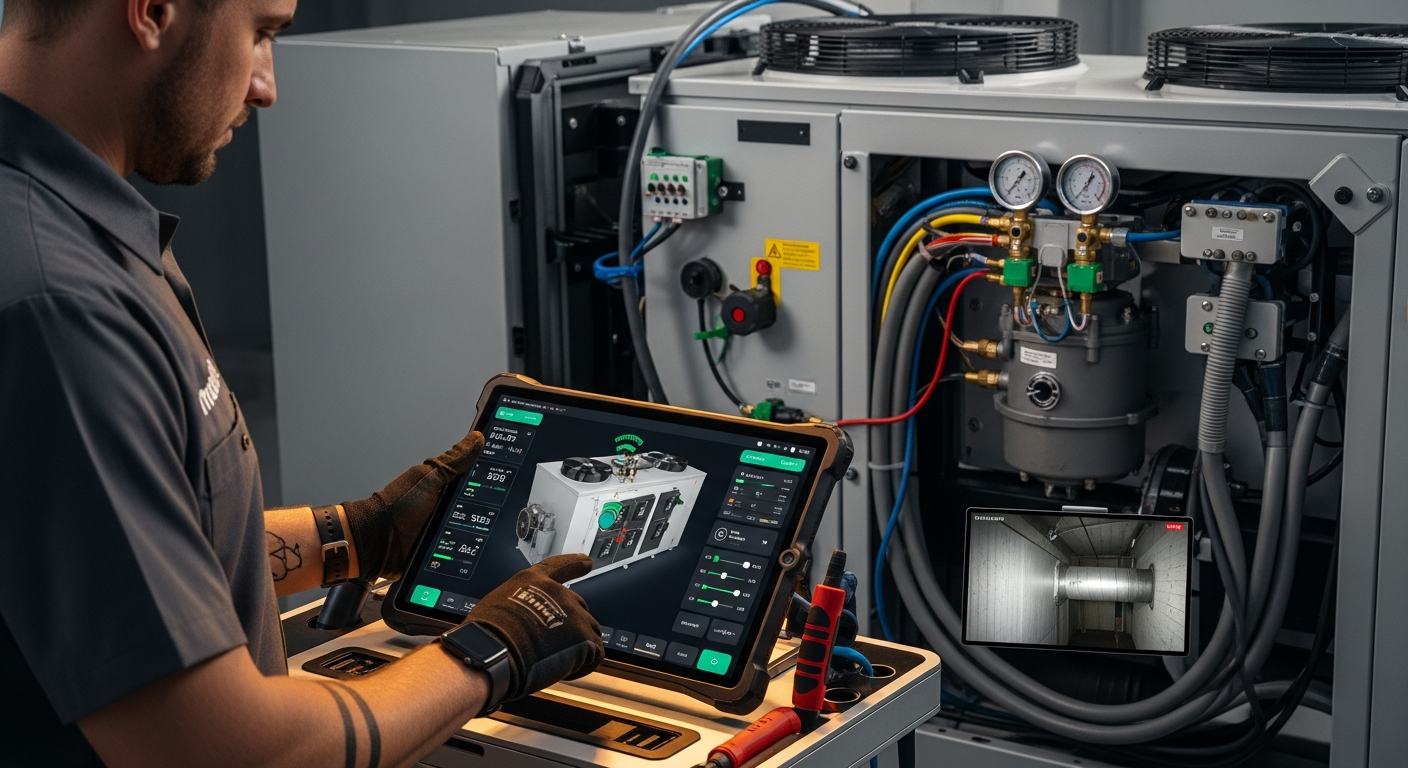
How to Implement a Whole Home Energy Management System
Integrate smart tech and HVAC controls to cut energy waste. This guide shows how to audit, upgrade, and automate your home's energy use, with real savings estimates.

How to Set Up Thermostat Geofencing
Set up thermostat geofencing to automatically adjust home temperature as you come and go. Save energy, extend equipment life, and never return to an uncomfortable house. Get our quick-start guide now.
How to Troubleshoot Smart Thermostat WiFi Issues
Your smart thermostat offline? Most WiFi drops can be fixed with power checks, router adjustments, and simple restarts. Follow our step-by-step guide to regain remote control and energy savings.