How to Program Your AC Thermostat for Efficiency
Learn to program your AC thermostat like a pro. Our guide delivers actionable steps to boost efficiency, cut energy bills, and maintain comfort year-round.
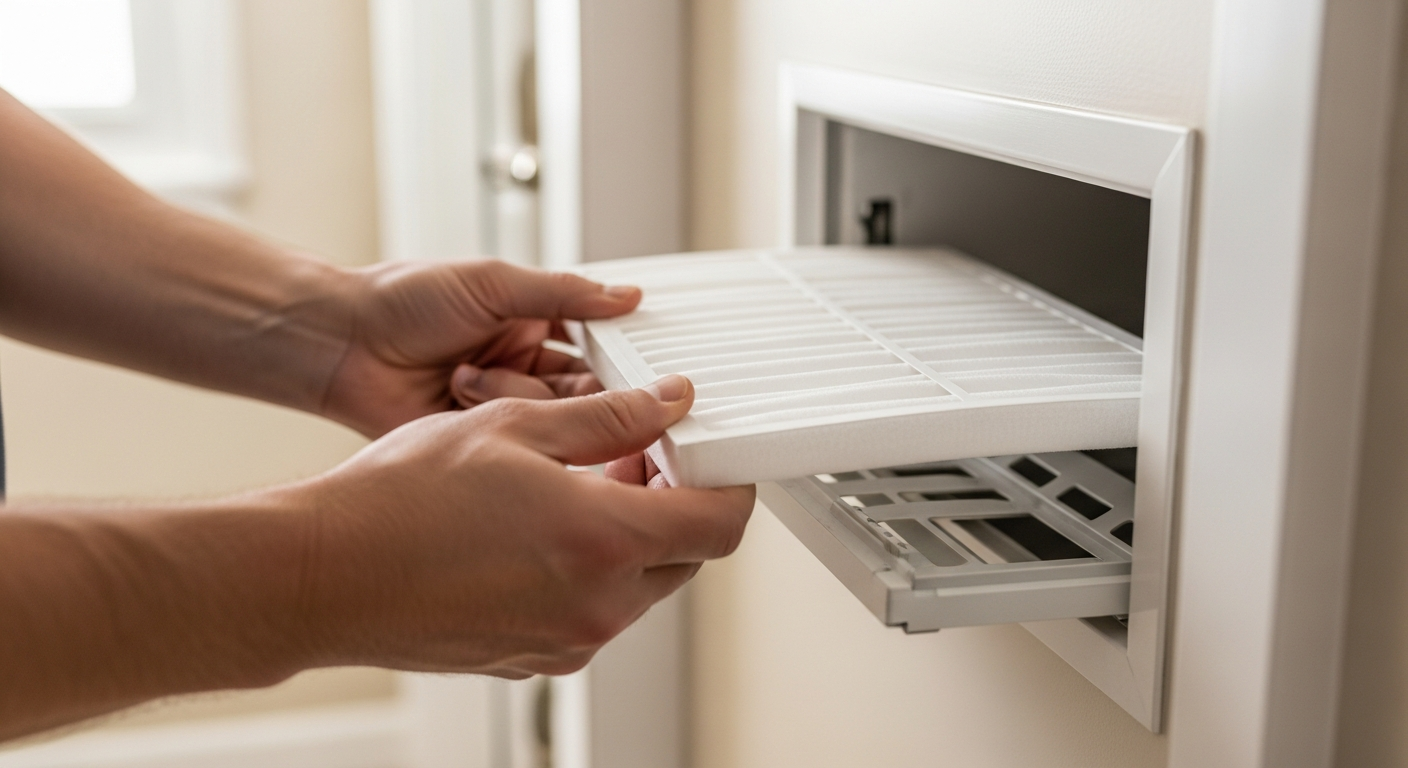
What to Expect: Quick Answer
To run your AC efficiently without wasting energy, program your thermostat to these temperatures: 78°F (26°C) when you're home and active, 85°F (29°C) when you're away for more than two hours, and 72–75°F (22–24°C) for sleeping. For every degree you raise the setpoint above 72°F, you can save up to 3% on your cooling bill. Use the schedule function—don't just turn the AC off when you leave; that often causes humidity buildup and forces the system to work harder to catch up.
If your current thermostat lacks programming or you want to optimize further, our local HVAC pros can install a smart thermostat and tune your system for peak performance.
Ideal Temperature Schedule for Efficiency
| Scenario | Recommended Setpoint | Why? |
|---|---|---|
| Home & active (daytime) | 78°F (26°C) | DOE and Energy Star sweet spot; balances comfort with savings. Use ceiling fans to feel cooler. |
| Away (2+ hours) | 85°F (29°C) or higher* | Reduces runtime while preventing humidity and furniture damage. Don't turn off completely in humid climates. |
| Sleeping | 72–75°F (22–24°C) with fan | Most people sleep better in cooler temps. Pair with a ceiling fan for a 4°F wind-chill effect. |
| Vacation | 85–90°F (29–32°C); off if dry climate | Prevents pipe freezing in winter, mold in summer. Smart thermostats can detect vacancy automatically. |
*In very dry climates, you may turn off AC entirely when away for extended periods, but ensure indoor humidity doesn't rise above 60% to avoid mold risk.
Programming Different Thermostat Types
Your thermostat manual is the best reference, but here are common patterns:
- 7-Day Programmable: Allows unique schedules for each day. Ideal if your routine varies. Set “wake,” “leave,” “return,” and “sleep” periods. For a 9-to-5 worker, set away mode from 8 am to 5 pm at 85°F.
- 5-2 Programmable: One schedule for weekdays, another for weekends. Perfect for families with a standard work/school week.
- Smart Thermostats (Wi-Fi): Use geofencing and motion sensors to auto-adjust. Most let you control via phone. If you have an irregular schedule, a smart model often pays for itself in 1–2 years via energy savings.
Not sure if your current thermostat is holding you back? Use our Energy Calculator to see potential savings from an upgrade.
Common Programming Mistakes
- Setting too low for faster cooling: ACs cool at a constant rate. A 60°F setpoint just runs the system longer, wasting energy.
- Turning off instead of setting back: Off allows humidity and heat to soak into the house, making recovery harder.
- Placing heat sources near the thermostat: Lamps, TVs, or direct sunlight can trick the sensor, causing short cycling.
- Neglecting filter changes: A dirty filter reduces airflow, forcing longer runtimes. Check our filter replacement guide.
- Ignoring windows: Uncovered windows can add 30% of your cooling load. Use blinds during peak sun.
Safety Boundaries for Homeowners
You can safely:
- Change setpoints and schedules on your thermostat.
- Replace batteries in the thermostat.
- Clean the thermostat gently with a dry cloth.
- Replace disposable air filters monthly (or as needed).
- Inspect visible ductwork for obvious gaps and seal with approved tape (mastic or UL-listed foil tape).
- Clear debris from around outdoor condenser unit.
Leave these tasks to licensed HVAC professionals only:
- Wiring a new thermostat, especially if you see wires labeled C, Y, W, R, G, OB—incorrect connections can blow a fuse or damage equipment.
- Handling refrigerant or accessing sealed system components.
- Replacing fans, capacitors, contactors, or control boards.
- Any electrical work at the air handler or condenser.
If your thermostat shows no display, blows warm air, or the system turns on/off rapidly, call a pro using our Find a Contractor tool.
Decision Rules for Program Schedules
Use these thresholds to decide your settings:
- Away mode trigger: If you'll be gone for more than 4 hours, set back 7–10°F.
- Sleep mode start: Program the temperature drop 30–60 minutes before bedtime so your room has cooled.
- Fan setting: Set fan to “auto” not “on.” Running the fan continuously can recirculate moist air and raise humidity.
- Heat pump systems: If using a heat pump (heats and cools), avoid drastic setbacks in cold weather, as recovery may be slow. Consider a programmable thermostat designed for heat pumps.
- Smart thermostat payoff: If your energy bill exceeds $150/month during cooling season and you still have a manual thermostat, a smart thermostat upgrade (typically $200–$400 installed) often pays back within 2 years.
Regional Adjustments for Climate
- Hot & Humid (Gulf Coast, Florida)
- Never turn off AC completely in summer. Set away at 85°F and consider a dehumidifier if indoor humidity stays above 60%.
- Hot & Dry (Phoenix, Las Vegas)
- You can set away higher (88–90°F) but ensure your home has enough thermal mass to avoid rapid temperature swings. Evaporative coolers (swamp coolers) follow different rules—this guide is for compressor-based AC.
- Mild Coastal (Southern California)
- Take advantage of cool nights by using a whole-house fan or opening windows overnight. Set the thermostat to kick in only when indoor temps exceed 78°F.
- Cold Winters (Midwest, Northeast)
- If your system is a heat pump, use a “smart” recovery feature to prevent strip heat from activating during setbacks. For AC-only, winter programming usually means “off,” but protect pipes if temperatures drop below freezing.
- Older Homes (pre-1970)
- Drafts and poor insulation undermine thermostat settings. Prioritize air sealing and attic insulation before investing in a smart thermostat. Use our Repair or Replace Calculator to weigh system upgrades.
Contractor Checklist for Thermostat Upgrades
Before hiring a pro to install a smart thermostat or optimize your system, ask these questions:
- Are you licensed, insured, and bonded in this state? Can you provide proof?
- Do you have experience with my specific thermostat brand (e.g., Nest, Ecobee, Honeywell)?
- Will you check my system’s compatibility and C-wire requirement before installation?
- What is the total cost, including labor, thermostat, and any wiring upgrades? (Expect $200–$400 all-in for a standard smart thermostat install; complex jobs with new wiring may run $400–$600.)
- Do you offer a warranty on labor and parts? (Minimum 1 year labor warranty is standard.)
- Will you perform a basic system health check (refrigerant pressure, airflow, duct inspection) as part of the visit? (Many pros charge a separate diagnostic fee, typically $80–$200.)
- Can you provide references from recent thermostat installations?
- Do you offer a thermostat setup and programming walkthrough so I can adjust schedules myself later?
Always get at least three quotes using our Contractor Comparison tool to ensure fair pricing.
Use Our Tools to Personalize Your Savings
Energy Savings Calculator – See how much you could save with a new thermostat or different setpoints by entering your zip code and current usage.
HVAC Cost Estimator – Get editorial cost ranges for thermostat installation, maintenance, and repairs specific to your area.
Repair or Replace Calculator – If your AC is over 10 years old and repair costs exceed $1,500, it may be time to replace.
BTU Calculator – Ensure your AC unit is correctly sized; oversized units cycle on/off too quickly, reducing efficiency even with a perfect thermostat program.
How We Form Our Recommendations
Frequently Asked Questions
Is it better to keep my AC at a constant temperature all day?
No. Setting a schedule that raises the temperature when you're away saves energy. The myth that it takes more energy to cool down a warm house has been disproven; the longer run time to recover is still less total energy than maintaining a low temperature all day.
Can I program my thermostat if I have a heat pump?
Yes, but use moderate setbacks (no more than 5°F) in heating mode to avoid activating expensive auxiliary heat strips. Many smart thermostats have specific heat pump modes that manage this automatically.
How much can I realistically save by programming my thermostat?
EPA estimates 10% on heating and cooling annually with proper use. For AC-only, that's about $50–$120 per year depending on climate and rates. Our Energy Calculator can personalize this.
My thermostat already has a schedule, but my bills are still high. What else should I check?
Verify your air filter is clean (replace every 1–3 months), close blinds during peak sun, and have a pro inspect refrigerant charge and duct leakage. A thermostat can only control run time; it can't fix a leaking duct or low refrigerant.
Should I set the fan to “on” or “auto”?
Always “auto.” The “on” setting runs the blower continuously, which can draw moisture off the wet coil and raise indoor humidity, making it feel warmer and increasing cooling demand.
Related articles
Explore related maintenance, equipment, and hiring questions.
How to check an HVAC contractor before hiring
Use a documented shortlist: business identity, applicable credentials, job experience, a written scope, and a clear handover.
How to compare HVAC quotes using the same scope
Use an itemized comparison worksheet to separate equipment, labor, exclusions, allowances, and warranty terms before choosing a contractor.
Nest Learning Thermostat (4th gen) vs ecobee Premium
Both models offer remote room sensors. Compare the exact generation, wiring compatibility, controls, and installed quote before choosing.