How to Set Up Thermostat Geofencing
Set up thermostat geofencing to automatically adjust home temperature as you come and go. Save energy, extend equipment life, and never return to an uncomfortable house. Get our quick-start guide now.

Hybrid Approach: DIY Software, Pro Hardware
Homeowners can safely handle app setup and geofence configuration, but thermostat replacement or wiring work requires a licensed contractor. This balance maximizes savings while preventing equipment damage and safety risks.
What Matters Most
- Geofencing can cut HVAC costs by 10–25% by eliminating manual temperature setbacks.
- Set your geofence radius based on your system’s response time – smaller for quick AC, larger for slow radiant heat.
- Always enable ‘wait for all users to leave’ to avoid premature away mode in multi-person homes.
- If your thermostat lacks a C‑wire or exhibits wiring issues, hire a pro – incorrect installation can fry the control board.
- Explore utility rebates ($50–$150) to offset smart thermostat upgrade costs.
Strengths
- Real-time location tracking adapts to unpredictable schedules better than fixed timers.
- Preconditioning improves comfort upon arrival without wasting energy.
- Reduces equipment runtime cycles, potentially extending HVAC lifespan.
Weaknesses
- Always-on GPS increases phone battery drain (5–10% daily).
- Poor Wi‑Fi or phone battery optimization can break the geofence trigger.
- In homes with poor insulation or oversized equipment, savings may be lower than expected.
Decision summary
| Scenario | Usually do | Why |
|---|---|---|
| Minor, safe homeowner issue | Check basics first | Filters, settings, and blocked vents can be resolved safely. |
| Mechanical, refrigerant, gas, or electrical issue | Call a qualified technician | These areas carry safety, code, and warranty risk. |
What Thermostat Geofencing Does for Your Home
Geofencing links your smartphone’s GPS to your smart thermostat, creating a virtual perimeter around your home. When you (and other household members with the app) leave, it switches to energy-saving away mode. When you return, it resumes your comfort settings so you walk into a perfectly conditioned house. Properly configured, geofencing can cut heating and cooling costs by 10–25% without rigid scheduling, and it reduces unnecessary equipment wear.
Quick Answer: How to Set Up Thermostat Geofencing in 10 Minutes
- Install the manufacturer’s app on every household member’s phone.
- Enable location services to “Always Allow” for the app.
- Set your geofence radius – start with 0.5 mi for fast systems, 2 mi for slow systems.
- Define away temperatures that balance savings and safety (e.g., 78°F summer, 62°F winter).
- Adjust phone battery optimization so the app isn’t killed in the background.
- Test by leaving the perimeter and confirming the thermostat changes mode.
If your thermostat doesn’t support geofencing natively, you might need a hardware upgrade – see our thermostat wiring guide for compatibility checks (pro installation recommended).
Compare: Geofencing vs. Fixed Schedules
| Feature | Geofencing | Fixed Schedule |
|---|---|---|
| Energy savings | 10–25% typical | 5–15% typical |
| Comfort upon arrival | Home preconditioned | May wait until next time block |
| Adapts to variable routines | Yes – real-time location | No – must be programmed |
| Requires smartphone location | Yes, always-on GPS | No |
| Best for multi-member households | Yes, with “all leave” logic | Difficult to coordinate |
Safety Boundaries: What You Can Do and When to Call a Pro
✅ Safe Homeowner Tasks
- Installing the official app and adjusting location/notification settings.
- Selecting geofence radius and temperature preferences within the app.
- Checking Wi‑Fi strength at the thermostat (use your phone nearby).
- Updating your thermostat’s firmware if prompted by the app.
- Testing by walking outside the radius and observing mode changes.
⚠️ Leave to a Qualified HVAC Contractor
- Thermostat replacement or wiring – especially if your system lacks a C‑wire, uses line voltage (120/240V), or controls a heat pump with auxiliary heat. Incorrect wiring can damage the thermostat or HVAC equipment.
- Any system diagnostic beyond basic filter checks – if geofencing doesn’t trigger correctly after proper app setup, the issue could be in the thermostat hardware or HVAC control board. Troubleshooting here requires a licensed pro.
- Zoning damper installation or modification – if you want geofencing to work per room, you’ll need a zoned system. Learn what zoning requires and always hire a pro for damper installation.
Cost guidance: A diagnostic visit typically runs $80–$200; thermostat installation with possible wiring work can range from $150–$500, depending on complexity. Use our cost estimator to get a personalized range.
Decision Rules: What Radius and Settings Work Best
| Scenario | Recommended Geofence Radius | Why |
|---|---|---|
| Fast‑responding AC (central, ductless) in mild climate | 0.25–0.5 mi | Short distance keeps home from overcooling; unit can recover quickly. |
| Slow‑responding hydronic or radiant heating | 1.5–2 mi | Longer lead time needed to warm thermal mass. |
| Forced‑air gas furnace in cold climate | 0.75–1.25 mi | Balances quick warm‑up with energy savings. |
| Humid climate (dehumidification critical) | 0.5 mi; set away temp no higher than 80°F | Prevents mold/mildew growth while saving energy. |
| Multi‑story home with single zone | 0.5–1 mi; consider zoning upgrade | Geofencing alone may not balance temperature across floors. |
Contractor Checklist: Questions to Ask Before Installing a Smart Thermostat
- “Does my current wiring support this thermostat, and do you include a C‑wire adapter if needed?”
- “Will you test the geofencing feature before leaving?”
- “What is the total installed price, including any electrical or trim work?”
- “Do you offer a warranty on the thermostat and labor, and for how long?”
- “Can you integrate this thermostat with a zoned system if I want that later?”
- “Are there local utility rebates for smart thermostats, and will you help with the paperwork?” (Check our rebate finder first.)
- “What’s your plan if the thermostat fails to connect to Wi‑Fi or geofencing doesn’t work after install?”
Use our contractor comparison tool to evaluate multiple quotes side by side.
Local Context: Geofencing Across Climates and Home Types
- Hot, dry climates (e.g., Phoenix): Use a small radius (0.5 mi) and a higher away temp (82–85°F) to maximize savings, but ensure your AC can recover quickly. See Phoenix AC contractors for local expertise.
- Humid climates (Southeast US): Keep away temp ≤80°F to control humidity; a whole‑home dehumidifier may be needed.
- Cold climates (Midwest/Northeast): Radius of 1.5–2 mi for heating; set away temp no lower than 55°F to prevent pipe freezing. Chicago heating contractors can advise on freeze protection.
- Older homes: Insulation and air sealing may limit savings; consider an energy audit first. A system age decoder can help decide if your equipment is worth upgrading.
- Coastal areas: Corrosion can affect thermostat connections; ask about marine‑grade wiring. Link to cost guides for region‑specific pricing.
Top Tools to Estimate Savings and Costs
- HVAC Cost Estimator: Get a personalized price range for a smart thermostat installed in your area.
- Repair or Replace Calculator: If your HVAC system is old, geofencing may not deliver full savings – see if it’s time to upgrade.
- Rebate Finder: Many utilities offer $50–$150 for smart thermostats; this tool finds offers in your ZIP code.
- BTU Calculator: Right‑sizing your system is critical for geofencing to work effectively; oversize equipment short‑cycles and undermines savings.
How We Formed Our Recommendations
This article combines manufacturer guidelines (Nest, Ecobee, Honeywell), field reports from HVACDatabase’s contractor network, and energy‑saving research from ENERGY STAR and ACEEE. Cost ranges are editorial estimates based on 2023–2024 national survey data, adjusted for region and system type. Always get at least three quotes for installation; use our comparison tools to ensure fair pricing.
Frequently Asked Questions
Does geofencing drain my phone battery?
Yes, because it requires GPS always on. Expect a 5–10% battery hit per day. You can minimize this by disabling unnecessary background services for other apps and using a power‑saving location mode (e.g., “Battery saving” on Android, “Optimized” on iOS).
What if I have multiple people in the home? Won’t it turn off when one leaves?
Most apps offer a “wait for all users to leave” setting. Enable it so away mode activates only when every linked phone has left the perimeter. Test to confirm; some ecosystems require you to invite family members to the “home” in the app.
Can I use geofencing with a manual thermostat?
No. Geofencing requires a Wi‑Fi‑connected smart thermostat with location‑aware capabilities. Check our wiring compatibility guide if you plan to upgrade.
Why does my thermostat show “Offline” or not follow my location?
Common causes: weak Wi‑Fi signal at the thermostat, phone battery optimization killing the app, or outdated firmware. First, troubleshoot Wi‑Fi; if it persists, a pro may need to check the thermostat’s internal network module.
How much can I really save with geofencing?
Most households save 10–25% on heating and cooling, according to ENERGY STAR and independent studies. For an average annual HVAC bill of $1,200, that’s $120–$300. Exact savings depend on climate, home envelope, and system efficiency.
Next Steps: Get Expert Help When Needed
Geofencing setup is largely DIY‑friendly on the software side, but hardware installation demands a pro. Use our contractor search to find a licensed HVAC technician in your area who can ensure your thermostat is correctly wired and integrated. Don’t forget to check available rebates – a smart thermostat upgrade might be cheaper than you think.
Methodology
HVACDatabase estimates combine common contractor price patterns, service-category pricing ranges, equipment complexity, urgency, regional labor variation, and known HVAC safety boundaries. Actual prices vary by city, brand, system size, access, warranty status, permit requirements, and whether the visit discovers ductwork, electrical, refrigerant, gas, or drainage issues. Use these numbers to sanity-check quotes, not as a guaranteed price.
Related articles
Connect this page to adjacent guides so readers keep moving deeper into the topic cluster.
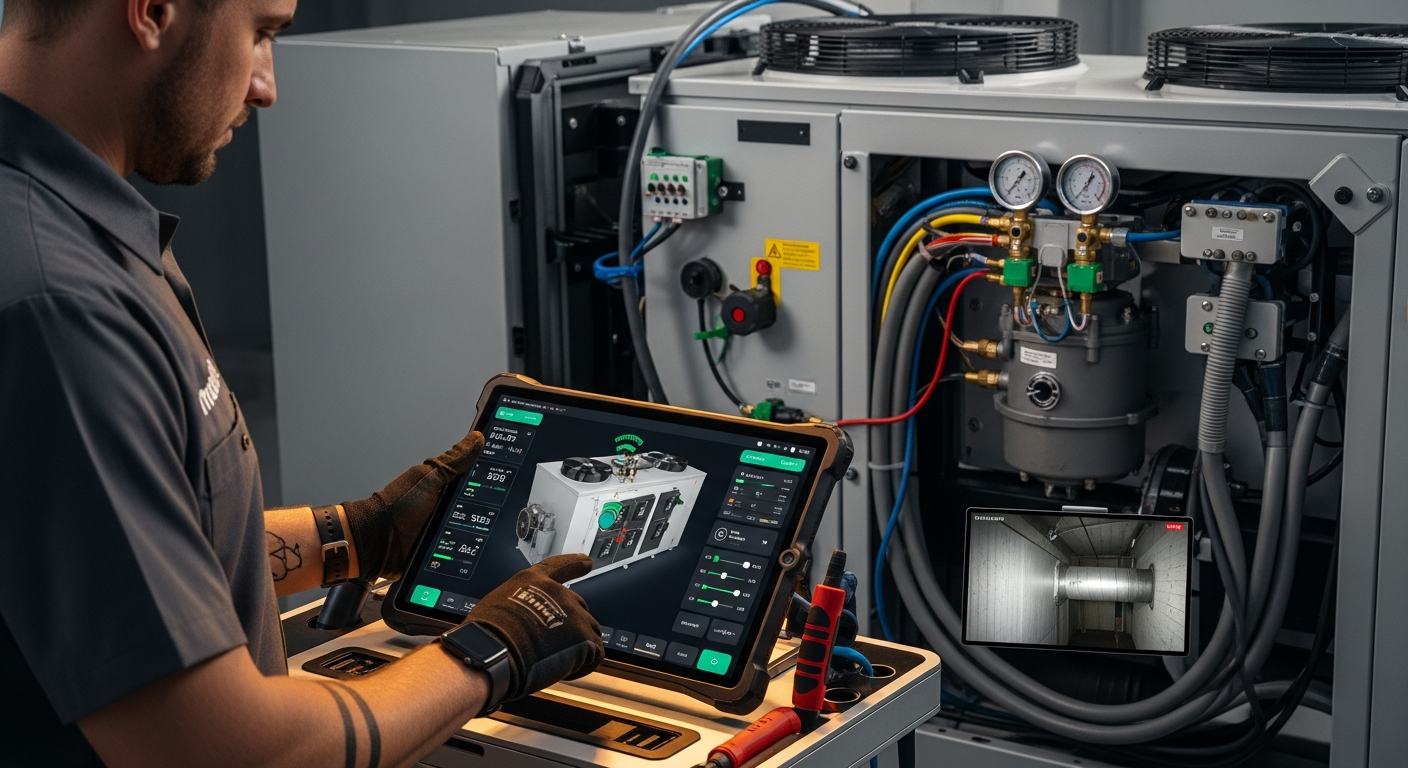
How to Implement a Whole Home Energy Management System
Integrate smart tech and HVAC controls to cut energy waste. This guide shows how to audit, upgrade, and automate your home's energy use, with real savings estimates.
How to Troubleshoot Smart Thermostat WiFi Issues
Your smart thermostat offline? Most WiFi drops can be fixed with power checks, router adjustments, and simple restarts. Follow our step-by-step guide to regain remote control and energy savings.
How to Set Up Multiple Smart Thermostats
Balance uneven home temperatures and reduce HVAC costs by setting up multiple smart thermostats. This guide covers zoning options, wiring checks, app grouping, and when to call a pro.