HVAC Tips for People Who Work From Home
Boost work-from-home productivity with HVAC tips for air quality, noise control, and energy savings. Includes decision rules, cost estimates, and a contractor checklist.

Why Your WFH HVAC Needs a Different Strategy
If you work from home, your HVAC system runs during peak daytime hours—often when utility rates are higher and outdoor temperatures stress your equipment. Most residential systems were designed with weekday setbacks in mind; full-time occupancy changes the thermal load, increases humidity, and accelerates filter loading. This can lead to uneven temperatures, stuffy air, and higher bills. The good news: with a few targeted adjustments, you can maintain a comfortable, productive workspace without wasting energy.
Quick Answer: Top WFH HVAC Priorities
- Upgrade your thermostat: Use a smart thermostat with room sensors to focus cooling/heating where you work.
- Improve IAQ: Install a MERV 11 or 13 filter, and consider a portable HEPA purifier. Open windows briefly when outdoor air quality is good.
- Control noise: Variable-speed (ECM) air handlers and vibration isolators can cut blower noise during calls.
- Manage humidity: Aim for 30–50% RH to stay alert and protect electronics; a whole-home dehumidifier may pay for itself in comfort.
- Schedule maintenance: With continuous daytime use, change filters every 30–60 days and book professional checkups twice a year. See our maintenance schedule guide.
Decision Tree: Adjust, Upgrade, or Add a Unit?
Before spending money, answer these questions. If you answer “yes” to any, consider the corresponding action.
| Your Situation | Threshold | Recommended Action |
|---|---|---|
| Home office is >3°F warmer/cooler than the rest of the house | Consistent imbalance during work hours | Add zoning dampers or install a ductless mini-split (load calc first) |
| System is 10+ years old and uses a single-stage compressor | Age + technology | Consider replacing with a variable-speed heat pump; use the Repair or Replace calculator |
| You can hear the blower or duct rumble on video calls | Noise distracts or microphone picks it up | Upgrade to a variable-speed air handler, add duct insulation and vibration pads |
| Office feels stuffy by 2 p.m. | CO₂ buildup or poor ventilation | Introduce outdoor air via an ERV or open a window; add a standalone air purifier |
| Humidity stays above 55% or below 25% during work hours | Outside comfort range | Install a whole-home dehumidifier (or humidifier in dry climates); costs $1,200–$2,500* installed |
*Editorial estimate; actual cost depends on system compatibility and local labor rates.
Plan Your WFH Upgrade with Our Tools
- HVAC Cost Estimator – get a personalized cost range for your project.
- Repair or Replace Calculator – decide if your aging unit is worth fixing.
- BTU Calculator – properly size a mini-split or new system for your office space.
- Rebate Finder – check local utility incentives for efficiency upgrades.
- System Age Decoder – find out how old your unit is (impacts replacement decisions).
Cost Overview for Common WFH HVAC Upgrades
| Upgrade | Estimated Installed Cost Range* | Value for WFH |
|---|---|---|
| Smart thermostat (with room sensors) | $200–$500 | Substantial; enables office-specific scheduling and remote control |
| Whole-home dehumidifier (add-on to central air) | $1,200–$2,500 | High in humid climates; protects electronics and prevents sluggish feeling |
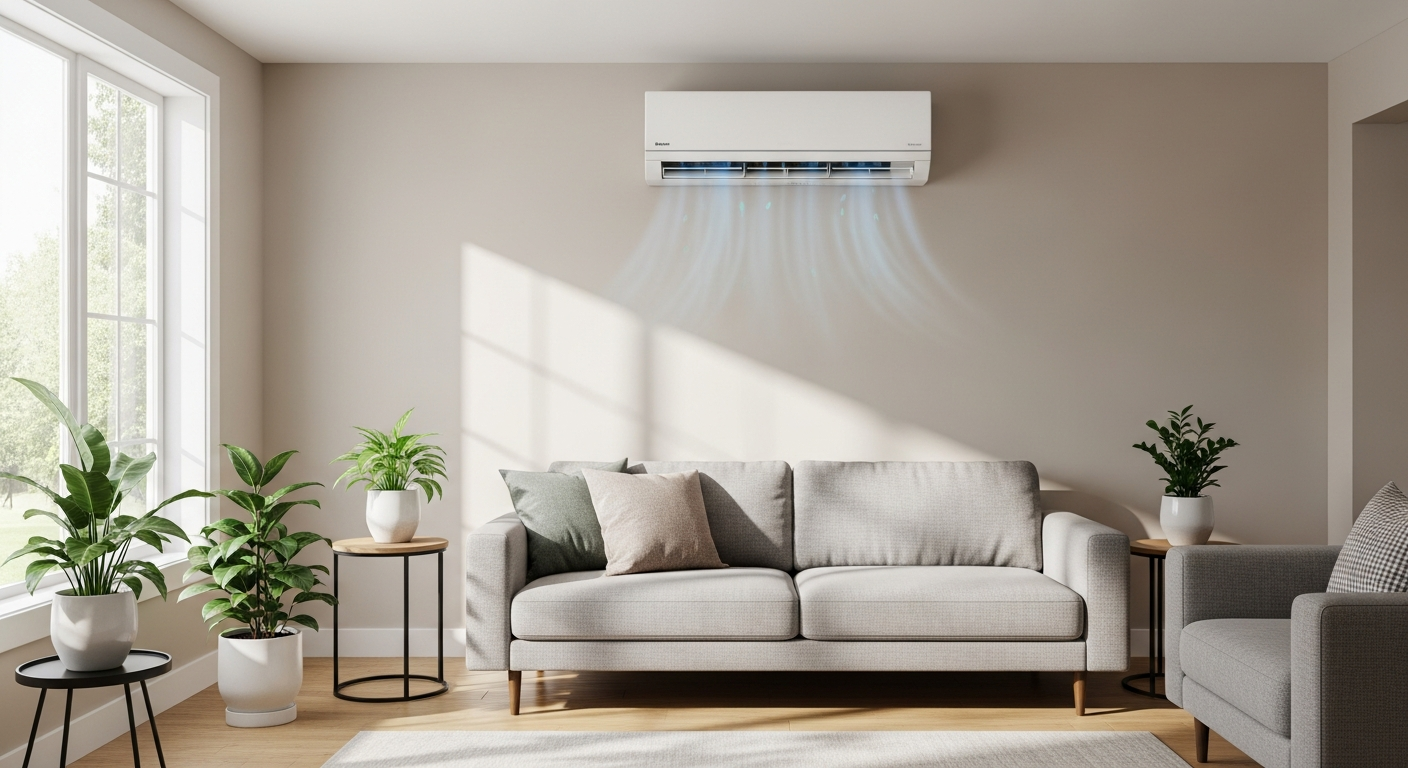
| Ductless mini-split (single zone for office) | $2,500–$5,500 | Excellent for converted garages, additions, or chronic imbalances |
| Zoning dampers (two-zone system) | $1,700–$3,000 | Good if ductwork is accessible and office is on a separate floor or far wing |
| Variable-speed air handler replacement | $2,000–$4,500 (part of system replacement often) | Quieter operation and better humidity control; best done when replacing old equipment |
*Ranges reflect editorial estimates for equipment + labor in most US markets. Get three quotes from vetted contractors.
Safety Boundaries: What You Can and Can't Do
Safe Homeowner Tasks
- Changing air filters (watch out for hot surfaces).
- Cleaning supply and return vent covers; vacuuming accessible register ducts.
- Adjusting thermostat schedules and fan settings.
- Inspecting outdoor condenser unit for debris (turn off power at the disconnect first, but do not open electrical panels).
- Monitoring humidity with a standalone hygrometer.
- Listening for unusual noises and reporting them to a technician.
Pro-Only Work (Do Not DIY)
- Refrigerant handling, leak inspection, or recharging.
- Any gas line, burner, or combustion-related work.
- Electrical component replacement (capacitors, contactors, relays, control boards).
- Compressor or motor replacement.
- Opening sealed refrigerant circuits or air handler cabinets containing live electrical parts.
- Bypassing safety switches or altering wiring.
Attempting pro-level repairs risks injury, equipment damage, and voided warranties. Use our contractor comparison tool to find a qualified technician.
Contractor Questions for WFH Upgrades
- “Can you show me the Manual J load calculation for my office space?”
- “Do you recommend a mini-split or zoning dampers for my layout, and why?”
- “What filter resistance does my system support, and can I safely use a MERV 13 filter?”
- “How will you address condensate drainage for a dehumidifier or mini-split?”
- “Can you provide references for similar home office installations?”
- “Are there utility rebates or manufacturer promotions I should know about? Check our rebate finder too.”
- “What warranty do you offer on labor, and how do you handle callbacks?”
- “Will this work require a building permit in my area?”
Local Climate Considerations
- Hot, humid (e.g., Southeast US): Prioritize dehumidification; a whole-home dehumidifier can keep your office feeling 5°F cooler. Ensure your AC is sized correctly to avoid short cycling.
- Cold climates (e.g., Midwest, Northeast): In winter, your office may need a heat source; consider a ductless heat pump that works efficiently at low temperatures. Also, monitor indoor humidity to avoid overly dry air.
- Coastal/mild (e.g., Pacific Northwest): Focus on ventilation and air filtration; an ERV can bring in filtered fresh air without dumping humidity. Wildfire season means a high-MERV filter or standalone purifier is essential.
- Older homes: Duct leakage and poor insulation are common. Before adding HVAC equipment, seal ducts and add insulation. Use the load calculation article to right-size new equipment.
Methodology: How Our Recommendations and Cost Estimates Work
Our guidance is based on HVAC industry standards, product specifications, and aggregated contractor pricing data. Cost ranges reflect typical installed prices across diverse US regions, excluding extreme custom work. We assume a licensed contractor performs all pro-level work, pulling necessary permits. Always get at least three written quotes and verify credentials through state licensing boards or our contractor comparison resource.
Frequently Asked Questions
How often should I change my HVAC filter when working from home?
With all-day runtime, check monthly and replace or clean every 30–60 days. A visibly dirty filter increases energy use and reduces airflow. Higher MERV filters (11+) may load faster. Set a calendar reminder.
Can I add a zone to my existing ductwork for the office?
Often yes—if your ductwork is accessible and your HVAC system can handle the static pressure change. A pro will install motorized dampers controlled by a zone panel and thermostats. Costs run $1,700–$3,000 per zone. See our load calculation guide to understand if your system has enough capacity.
Is a ductless mini-split a good investment for a home office?
In many cases, yes. A single-zone mini-split lets you heat/cool just your workspace without running the central system. This can pay back in energy savings, especially if your central system is older. Use the cost estimator tool to compare options.
How can I reduce HVAC noise on video calls?
First, identify the source: is it duct rumble, blower hum, or register whistle? Simple fixes include switching the fan to “low” during calls (via smart thermostat), adding rubber isolation pads under the air handler, and sealing leaky duct joints. For persistent noise, a variable-speed retrofit is the long-term solution. See soundproofing tips.
What’s the ideal humidity level for a home office?
30–50% relative humidity. Below 30% can cause dry eyes, static shocks, and respiratory discomfort. Above 50% promotes mold growth, makes you feel sluggish, and can damage electronics. Use a $10 hygrometer to monitor and deploy a dehumidifier or whole-home solution as needed.
Contractor Checklist
Before approving HVAC work, ask for a written scope rather than a one-line price.
- What failed, and what evidence did the technician use to diagnose it?
- Is the part or system still under manufacturer, labor, home warranty, or installer warranty?
- Does the price include diagnosis, parts, labor, taxes, disposal, permits, and return visits?
- Will any refrigerant, gas, combustion, electrical, or code-related work be handled by a qualified technician?
- For replacement quotes, did the contractor verify sizing, duct condition, electrical capacity, drain routing, and warranty registration?
- What happens if the repair does not solve the problem?
Related articles
Explore related maintenance, equipment, and hiring questions.
Nest Learning Thermostat (4th gen) vs ecobee Premium
Both models offer remote room sensors. Compare the exact generation, wiring compatibility, controls, and installed quote before choosing.
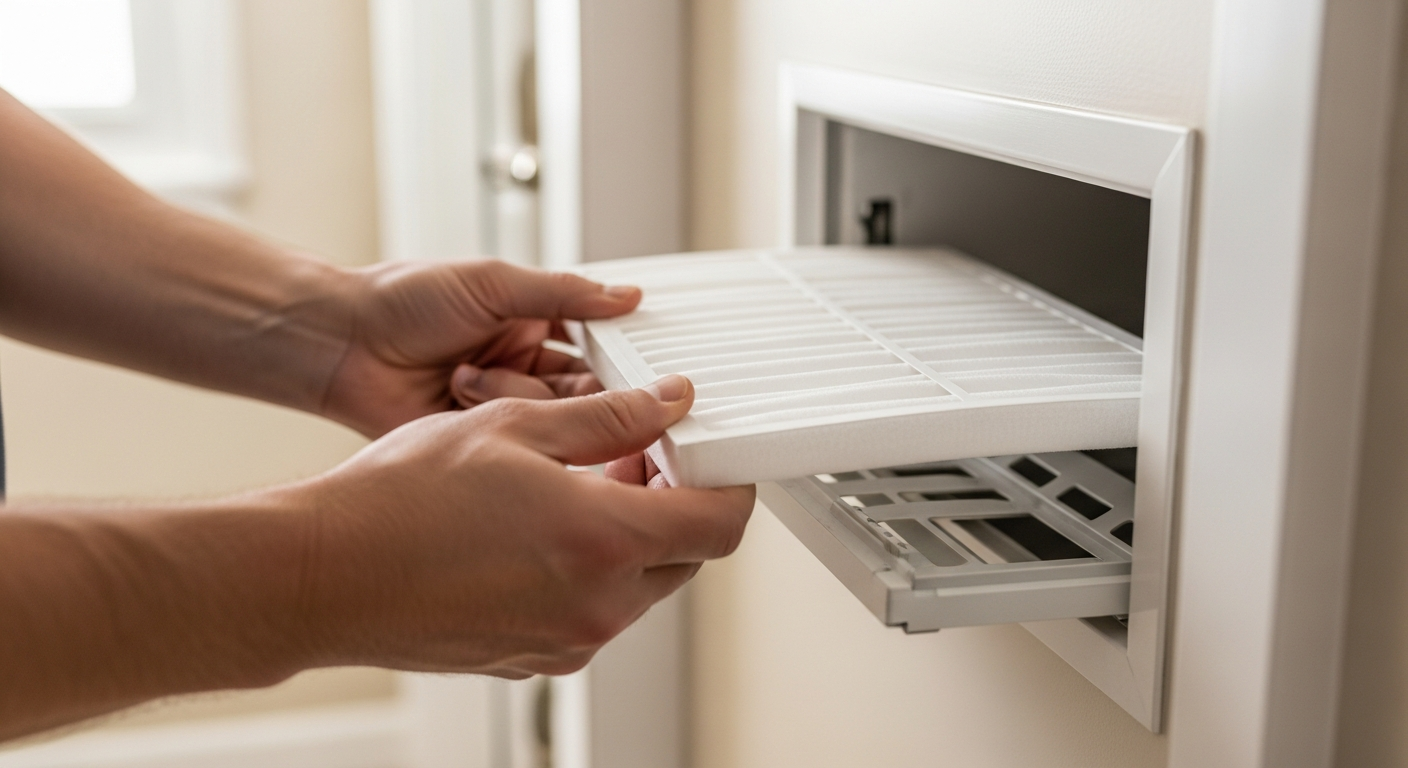
MERV 11 vs MERV 13: check filtration and equipment compatibility
Compare particle filtration, verify the filter your equipment supports, and use a buying checklist without assuming a universal health or energy saving.
How to check an HVAC contractor before hiring
Use a documented shortlist: business identity, applicable credentials, job experience, a written scope, and a clear handover.