AI Powered Thermostat Learning Explained
AI thermostats observe your schedule and adjust automatically, saving energy and extending equipment life. Learn how they work, if they're right for your home, and what you need before buying.
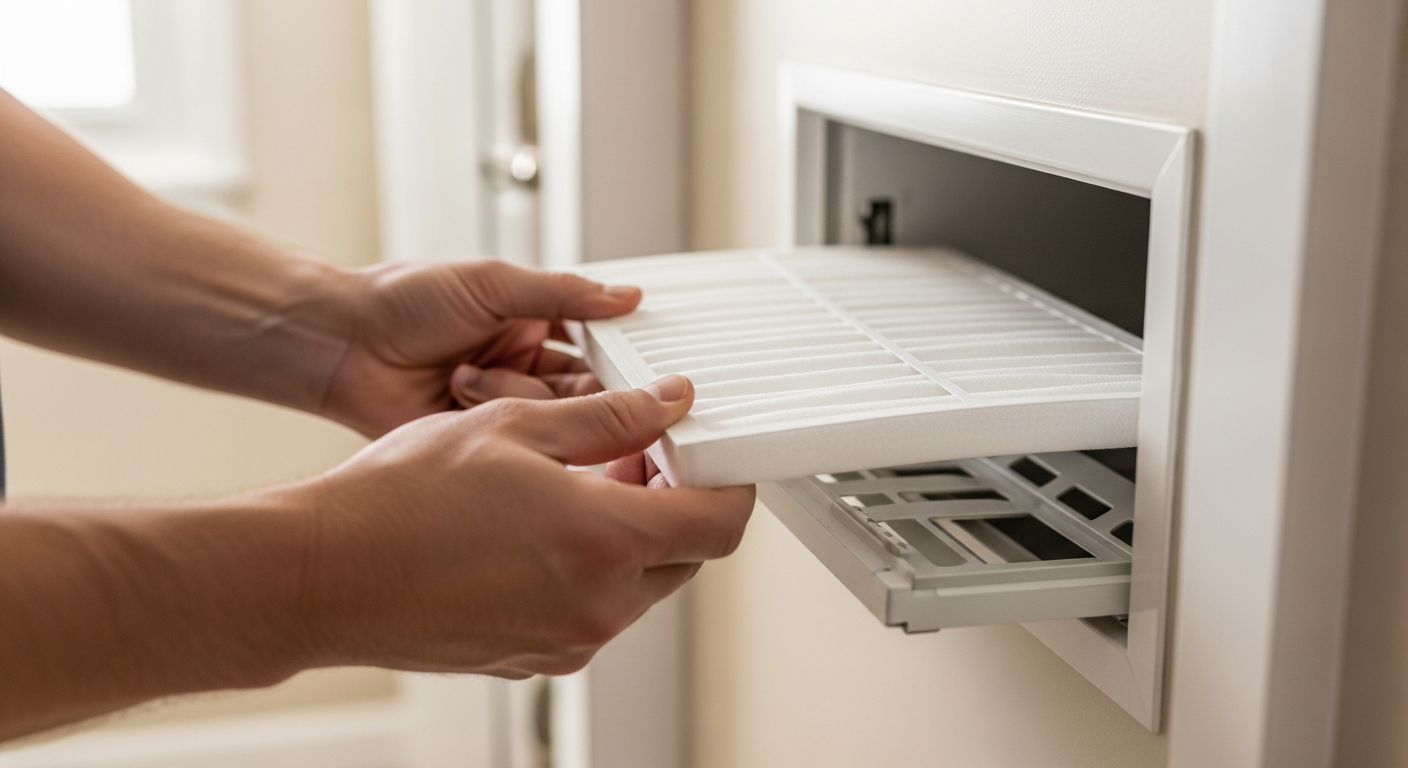
AI Learning Thermostats Are Worth the Investment for Most Homes
They pay back within two years through energy savings and reduce daily manual adjustments. However, you may need a C-wire upgrade and professional installation to avoid electrical issues.
What Matters Most
- Expect 10–20% annual HVAC energy savings, often $100–$200/year, by letting the AI optimize runtime.
- Give the thermostat two full weeks to learn your habits before making manual overrides.
- Always enable geofencing so the system switches to energy-saving mode when you leave.
- Verify C-wire compatibility before purchase—many older homes require an electrician for a common wire.
- Use a licensed HVAC pro for installation to protect your warranty and prevent control-board damage.
Strengths
- Hands-off energy savings that adapt to schedule changes automatically.
- Reduces equipment wear by preventing short-cycling and optimizing compressor runtimes.
- Often integrates with multi-zone systems and IAQ sensors for whole-home intelligence.
- Utility rebates and tax credits can significantly lower the net cost (check our rebate finder).
Weaknesses
- Higher upfront cost than basic programmable models ($200–$300 vs $30–$100).
- Requires a stable Wi-Fi connection and, typically, a C-wire; installation may add $50–$200 if wiring is needed.
- Privacy concerns exist—geofencing and data collection rely on cloud services; review the manufacturer’s data policy.
- Not all AI thermostats work with every HVAC type (e.g., some heat pumps or baseboard heaters); verify compatibility.
Which Thermostat Fits Your Home?
| Scenario | Usually do | Why |
|---|---|---|
| You leave home at the same time every weekday | Basic programmable | Simple schedule will do; no need for learning sensors. |
| You have a variable schedule or travel often | AI learning thermostat | Geofencing and learning adapts without reprogramming. |
| You have multiple zones or a large, multi-story home | AI thermostat + automatic dampers | Maximizes savings by combining zoning with occupancy detection. |
| Your HVAC system is over 15 years old | Consult a pro; you may need wiring/control board upgrades | Older systems may lack common wire or be incompatible; check before buying. |
Quick Answer
AI thermostats use sensors and your smartphone’s location to learn your heating and cooling patterns. After about two weeks, they automatically adjust temperatures to save energy when you’re away or asleep. The typical household saves $100–$200 per year on HVAC bills, with full payback in less than two years. Installation costs range from $250–$500 including the device, which may require a C-wire upgrade in older homes. If your schedule varies, you have multiple zones, or you want hands-off savings, an AI thermostat is a solid upgrade.
How AI Thermostats Learn Your Habits
Behind the sleek touchscreen, machine learning algorithms build a profile of your daily comings and goings. During the first 14 days, every manual temperature change trains the system—when you turn up the heat at 6 a.m., it remembers. After that, the thermostat starts anticipating your needs:
- Geofencing: By tracking your phone’s location, the thermostat knows when you’re heading home and can pre-cool or pre-heat. (See our guide on using geofencing with smart thermostats.)
- Occupancy sensors: Built-in infrared sensors detect when rooms are empty and adjust output to save energy.
- Weather data: The device pulls local forecasts to anticipate heat waves or cold snaps, preventing wasteful overcorrection.
The result: your HVAC system runs only when needed, and at the most efficient times, without you having to program a thing.
Benefits That Go Beyond Lower Bills
While the 10–23% annual energy savings are the headline, AI thermostats deliver other advantages:
- Longer equipment life: By preventing short-cycling (turning on/off too rapidly), the compressor and blower motor face less wear. This can push a major repair or replacement years out—use our Repair or Replace Calculator if your system is aging.
- Better comfort: No more waking up to a cold house or coming home to a stuffy one. The home is at your ideal temperature exactly when you need it.
- Air quality integration: Many AI models monitor indoor humidity and remind you to change the filter, helping you maintain healthy air quality.
AI Thermostat vs Programmable vs Manual: A Cost‑Benefit Look
| Feature | Manual Thermostat | Basic Programmable | AI Learning Thermostat |
|---|---|---|---|
| Upfront cost (hardware) | $15–$40 | $30–$100 | $200–$300 |
| Installation complexity | DIY (2‑wire) | DIY or pro ($50–$150) | Pro recommended ($75–$200, more with C‑wire) |
| Energy savings potential | 0% (manual errors) | 5–10% if programmed well | 10–23% (auto‑optimized) |
| Adapts to schedule changes | No | No (manual reprogram) | Yes—learns and geofences |
| Remote control via app | No | Some models | Standard |
| Maintenance alerts | No | Rare | Filter change, HVAC runtime reports |
Decision Rules: When an AI Thermostat Makes Sense
Use these thresholds to decide:
- Your home is empty 6+ hours a day: The geofencing payback is immediate—don’t heat or cool an empty house.
- Your heating/cooling bill exceeds $150/month: A 15% cut means $270+ saved yearly; the device pays for itself in under two years.
- You have inconsistent wake/sleep times: AI adapts; a fixed schedule won’t.
- You’re adding zoning: Pair an AI thermostat with automatic dampers to double savings.
- Your current thermostat is 10+ years old: Even a basic programmable would be an upgrade, but AI future‑proofs your home automation.
If you mainly adjust the thermostat just twice a day (wake/sleep) and never forget, a basic programmable may be enough. Otherwise, AI more than earns its keep.
Safety Boundaries: Homeowner Checks vs Pro‑Only Work
What You Can Safely Do
- Clean the thermostat’s exterior and check for dust in vents.
- Replace batteries (if applicable) and reset Wi‑Fi connections.
- Verify the displayed temperature against a separate thermometer—if off by more than 2°F, call a pro.
- Review energy reports in the app to spot unusual runtime patterns.
- Change HVAC air filters regularly (every 1–3 months) to maintain airflow.
Leave to a Licensed HVAC Technician
- C‑wire installation: Running a common wire from the control board requires working inside the furnace/air handler and can damage the board if done incorrectly.
- System‑level electrical work: Any modifications to contactors, capacitors, or high‑voltage wiring.
- Refrigerant or gas adjustments: These are never DIY.
- Compatibility confirmation: Before buying an AI thermostat, a pro can verify your system type (24V, heat pump, millivolt) and that it supports smart switching without causing short‑cycling.
For a safe, warranty‑friendly install, search HVACDatabase’s contractor directory and ask for a smart‑thermostat‑specific quote.
Use Our Free Tools to Estimate Your Real Savings
Before you buy, run the numbers:
- HVAC Cost Estimator – Get a personalized price range for a thermostat upgrade including labor in your area.
- Quote Checker – Upload a contractor quote to see if it’s fair and competitive.
- Rebate Finder – Many utilities offer $50–$150 rebates for smart thermostats; find yours in 30 seconds.
- Repair or Replace Calculator – If your HVAC is old, see if the savings from a smart thermostat help or if you should replace the whole system first.
What to Ask Your Contractor Before Installation
- Is my system compatible? Ask for a wiring inspection; common issues are no C‑wire or a proprietary communicating system.
- Will you set up geofencing and schedules? The AI learns faster if a pro configures the core settings correctly.
- Can you combine this with zoning dampers? If you have uneven room temperatures, an AI + zoning upgrade could be a package deal.
- What is your total installed price, including any wiring work? Get an itemized quote so you understand hardware vs. labor.
- Is there a post‑install walkthrough? The installer should show you energy reports, filter reminders, and how to adjust learning sensitivity.
- Are you licensed and insured for HVAC work? Smart thermostat installation may touch control boards—only a licensed pro should do it.
Local Climate and Home Type: Tailoring the AI Advantage
- Hot climates (e.g., Phoenix, Las Vegas): Geofencing pre‑cooling is critical to avoid peak afternoon heat. Set the eco‑mode to a higher but safe temperature (85°F) while away; the AI will recover quickly. See Phoenix AC contractors familiar with desert cooling strategies.
- Cold climates (e.g., Chicago, Minneapolis): Use the “early start” feature so the house is warm before your alarm, without heating an empty home all night. Avoid large nighttime setbacks that make the furnace work too hard in the morning.
- Coastal and humid areas: Look for an AI model that also controls a dehumidifier or has a “cool to dry” mode. Excess humidity can make 75°F feel like 80°F.
- Older homes without C‑wire: Budget $100–$300 extra for an electrician to fish a new wire or install an add‑a‑wire kit. Some AI thermostats can work without C‑wire, but they may drain batteries faster or cause erratic behavior. Confirm with a local pro.
Methodology: How We Determine Savings and Costs
Our cost ranges are editorial estimates based on thousands of contractor quotes, manufacturer pricing, and regional labor rates. Energy savings percentages come from independent studies (Nest white papers, ENERGY STAR data) and real‑world user reports. The exact payback period depends on your climate, house size, fuel rates, and previous thermostat habits. Use our cost estimator to get a more precise local number—always get three written quotes before committing. We do not guarantee specific savings; results vary.
Frequently Asked Questions
How long does it take for an AI thermostat to learn my routine?
Most models need about 10–14 days of consistent manual inputs before they start controlling automatically. During this period, go about your normal routine—resist the urge to override unless you’re truly uncomfortable. After two weeks, you’ll see suggested schedules in the app.
Can I install an AI thermostat myself?
If you have a standard 4‑ or 5‑wire setup and are comfortable with safe electrical practices (turning off breakers, testing wires), you may be able to follow the manufacturer’s instructions. However, we strongly recommend professional installation because many newer AI models require a C‑wire or may not be compatible with your system type. An incorrect install can damage the control board, leading to a $300–$800 repair. See a thermostat‑wiring overview, but call a pro if in doubt.
Do AI thermostats work with heat pumps and dual‑fuel systems?
Most premium models (Nest Learning Thermostat, Ecobee SmartThermostat) are designed for heat pumps and dual fuel. However, you must configure the thermostat correctly—especially the changeover valve setting and auxiliary heat lockout. Improper settings can cause the backup heat to run when it shouldn’t, doubling your bill. Always verify with a certified HVAC technician experienced in your system type.
What happens if the Wi‑Fi goes down?
The thermostat continues to function as a manual or basic programmable unit, keeping your last schedule. No geofencing or remote control will work until the connection is restored. Make sure your home Wi‑Fi is reliable, especially if you travel often. (Fixing connectivity issues is usually a safe homeowner task—see how to connect your thermostat to Wi‑Fi.)
Are there privacy risks with AI thermostats?
Yes. The device collects occupancy data, location history, and temperature preferences. Before buying, read the manufacturer’s privacy policy. Most reputable brands allow you to limit data sharing and delete history. If you’re concerned, choose a model that processes learning locally rather than solely in the cloud. In any case, using geofencing means granting the app location access; you can revoke this later without breaking core learning features.
Contractor Checklist
Before approving HVAC work, ask for a written scope rather than a one-line price.
- What failed, and what evidence did the technician use to diagnose it?
- Is the part or system still under manufacturer, labor, home warranty, or installer warranty?
- Does the price include diagnosis, parts, labor, taxes, disposal, permits, and return visits?
- Will any refrigerant, gas, combustion, electrical, or code-related work be handled by a qualified technician?
- For replacement quotes, did the contractor verify sizing, duct condition, electrical capacity, drain routing, and warranty registration?
- What happens if the repair does not solve the problem?
Related articles
Connect this page to adjacent guides so readers keep moving deeper into the topic cluster.

How Utility Demand Response Programs Use Smart Thermostats
Enrolling your smart thermostat in a demand response program can earn you up to $150/year while keeping you comfortable. Learn if it's right for your home and how to maximize benefits.
Heating Industry Trends to Watch
Smart thermostats and heat pumps headline heating industry changes. But which trends deliver real savings? Use our decision guide, cost ranges, and contractor checklist to plan your upgrade.

How Gas Bans Are Affecting Heating Choices
Gas bans in new construction and retrofit codes are pushing homeowners toward electric heat pumps. Understand your options, costs, and available incentives before you replace your furnace.