How to Check Your HVAC After a Power Outage
Power outages can stress HVAC systems. Learn safe post-outage checks, reset steps, and warning signs that require a technician. Use our tools to estimate repair costs and find vetted contractors.

Safe checks first, then decisive action with pro backup
Homeowners should perform only non-invasive visual checks and resets. When those fail—or red flags like burning smells appear—stop immediately and use our tools to hire a vetted technician. Delaying or guessing can turn a $200 repair into a $4,000 compressor job.
What Matters Most
- Always check for burning smells or smoke before touching anything electrical.
- Resetting breakers and replacing thermostat batteries are safe; repeated tripping or a persistent blank screen requires a pro.
- Unusual noises, ice, or poor performance after a reset almost always mean internal damage.
- Use cost estimator and repair-or-replace tools to budget before the technician arrives.
- A whole-home surge protector can prevent future outage headaches for all appliances.
Strengths
- Empowers homeowners with safe, actionable first steps that often solve the problem.
- Clearly delineates what not to do, preventing dangerous DIY mistakes.
- Provides real cost ranges and links to decision tools for informed budgeting.
Weaknesses
- Some hidden damage (e.g., weakened capacitor) may not show symptoms immediately, so a future failure is possible.
- Cost ranges are broad; actual prices depend on location, urgency, and system specifics.
Post-Outage HVAC Decision Summary
| Scenario | Usually do | Why |
|---|---|---|
| Burning smell or smoke | Turn off power, call emergency pro | Fire or electrical hazard |
| Breaker trips repeatedly | Do not reset again, call electrician/HVAC | Short circuit risk |
| Thermostat blank | Replace batteries, wait; if still blank, call pro | Simple fix vs. internal failure |
| System runs but doesn't heat/cool | Check air filter; if clean, call pro | Could be compressor, refrigerant, or airflow |
| Loud grinding or squealing | Shut off, call pro | Motor or bearing damage |
| Ice on refrigerant lines | Do not run, call pro | Low refrigerant or airflow; can damage compressor |
Quick Answer: What to Do Right After a Power Outage
After power returns, your HVAC may not start or could run oddly. Follow these steps in order:
- Check for burning smells or smoke near indoor and outdoor units. If present, turn off breakers immediately and call an HVAC professional via our emergency services page.
- Reset the circuit breakers for the HVAC system. Flip the breakers fully OFF, then ON. Also check the outdoor disconnect switch near the condenser.
- Inspect the thermostat – if the screen is blank, replace batteries. Wait 5 minutes for any compressor short-cycle delay.
- Clear debris from the outdoor unit (leaves, branches) and listen for odd noises when you turn the system on.
If these steps don't restore normal operation, use the decision table below to decide your next move. For complex issues, hire a licensed contractor – find one through our contractor search tool.
Safety First: Initial Hazard Checks
Power surges during an outage can damage sensitive electronics. Before you touch anything:
- Smell for burning plastic or ozone – these odors signal electrical overheating. If detected, keep the power off and call a pro. Do not attempt to open any panels.
- Look for smoke – visible smoke from either unit means an immediate fire risk. Evacuate if necessary and call 911, then an HVAC technician after it's safe.
- Check for standing water near indoor air handlers or furnaces. Water could indicate a tripped safety or a clogged drain line, but also poses an electrical risk. If you see water, turn off power at the breaker before mopping up, then call for service.
These are red flags that go beyond a simple restart. Always prioritize personal safety over system operation.
Step-by-Step Safe Restart Checks
1. Circuit Breakers and Outdoor Disconnect
Go to your main electrical panel. A tripped breaker may appear in a middle or OFF position. Even if it looks ON, flip it fully OFF, then back ON. Repeat for any breaker labeled "AC," "Heat Pump," or "Furnace." Do not force a breaker that feels loose or sparks—call an electrician instead.
Many outdoor condensers have a separate disconnect box nearby. It may have a pull-out handle or a switch. Ensure it is fully inserted or switched ON. If you find a tripped breaker or a shut disconnect, but the system still won't start after resetting, stop and call a pro—repeated tripping indicates a short circuit.
2. Thermostat Troubleshooting
A blank thermostat screen usually means dead batteries or a tripped power source. Replace batteries with fresh ones and see if the display returns. For hardwired thermostats, check if a dedicated breaker labeled “T-stat” or “Furnace” has tripped. If the thermostat has a reset button, consult the manual; a factory reset may clear glitches but will also erase your schedule. After restoring power, wait at least 5 minutes—most thermostats have a built-in compressor protection delay. If the screen remains blank after battery replacement, the thermostat or its wiring may be damaged; call a technician.
3. Visual & Physical Inspection of Outdoor Unit
Walk around your outdoor condenser. Remove any leaves, branches, or trash stuck against the coil fins. Use a garden hose on gentle pressure to clean off dirt if needed—do not use a pressure washer or bend the fins. Confirm the unit sits level on its pad; a shifted unit can stress refrigerant lines. If you see ice on the refrigerant lines or the coil itself, do not run the system. Ice means a refrigerant or airflow problem that can kill the compressor. Call for professional diagnosis.
4. Indoor Unit Quick Look
Check around your indoor air handler or furnace for puddles of water. A small amount of condensation is normal, but standing water suggests a clogged drain or a frozen coil that is melting. Turn off the system at the thermostat and the breaker if you see substantial water, to prevent electrical damage. This is a sign to schedule a service call—you can use our cost estimator to budget for a likely repair.
5. Listen for Unusual Noises
After completing the checks above, set your thermostat to HEAT or COOL, a few degrees above or below room temperature. Stand near the outdoor unit and listen. A smooth hum is normal. Grinding, squealing, banging, or rapid clicking are trouble. These sounds often point to a failed capacitor, worn motor bearings, or a damaged compressor. Shut down immediately to prevent further damage. A technician will need to diagnose and replace internal electrical or mechanical components—never attempt this yourself.
Safety Boundaries: What a Homeowner Can and Cannot Do
| Safe Homeowner Checks | Professional-Only Tasks |
|---|---|
| Resetting tripped breakers (if they stay ON) | Opening electrical panels or access covers |
| Replacing thermostat batteries | Handling capacitors, contactors, or circuit boards |
| Clearing debris, hosing fins gently | Adding or handling refrigerant |
| Checking for visible water or ice | Bypassing safety switches or pressure controls |
| Inspecting for burning smells, smoke | Testing or replacing compressor windings |
If your symptoms match anything in the right column, stop and use our contractor comparison tool to find a licensed pro. Tampering with these components can cause injury, void warranties, and worsen damage.
Decision Table: When to DIY Reset vs. Call a Pro
| Symptom | Usual Action | Why |
|---|---|---|
| Burning smell or visible smoke | Turn off power, call 911 if smoke, then pro | Risk of electrical fire |
| Breaker trips immediately after reset | Stop, call electrician/HVAC | Short circuit somewhere in the system |
| Thermostat blank after battery change | Call HVAC technician | Possible control board failure |
| System runs but air is lukewarm | Check air filter; if clean, call pro | Could be compressor, refrigerant leak, or airflow issue |
| Loud grinding, squealing, or clicking | Shut down, call pro | Motor or capacitor damage |
| Ice on refrigerant lines or indoor coil | Do not run, call pro | Low refrigerant or restricted airflow; can ruin compressor |
| System starts but short-cycles (frequent on/off) | Call pro | Overheating, sensor failure, or compressor issue |
Use these concrete thresholds. If you're unsure, err on the side of calling a professional. You can also check our repair or replace calculator if your system is older than 10 years and a major repair is needed.
Cost Guidance & Tools for Homeowners
Post-outage HVAC issues vary widely in cost. Below are editorial estimates based on typical prices in most U.S. markets (not guaranteed):
- Diagnostic service call: $80–$200 (standard hours); after-hours/weekend calls may be higher.
- Minor electrical repair (e.g., capacitor, contactor, thermostat): $150–$650.
- Motor or control board replacement: $500–$1,500.
- Compressor replacement or major refrigerant work: $1,500–$4,000+.
To get a personalized estimate, use our HVAC cost estimator. If your system is nearing the end of its life, our repair or replace calculator can guide your decision. You may also qualify for rebates on high-efficiency replacements—check with our rebate finder.
Contractor Checklist: Questions to Ask Before Hiring
When scheduling a post-outage diagnostic, use these questions to ensure you get honest, transparent service:
- “Are you licensed, insured, and familiar with my brand?” (Verify license online.)
- “What is your diagnostic fee, and does it apply to the repair?”
- “Will you provide a written, itemized estimate before starting work?”
- “Can you test for surge damage to the capacitor, contactor, or control board?”
- “Are the required parts under warranty, and can you handle the warranty claim?”
- “What is the timeline, and do you offer emergency or after-hours service?”
- “Do you offer maintenance plans to prevent future issues?”
Compare contractors and read reviews through our contractor comparison tool. In hot climates like Phoenix, rapid response is critical—see examples from Phoenix AC repair pros. In cold regions like Chicago, a heating failure can be dangerous—explore Chicago heating repair experts.
Local Context: Climate-Specific Post-Outage Risks
- Hot, dry climates (e.g., Phoenix, Las Vegas): AC failure can make homes unsafe fast. After outages, prioritize compressor checks and have an emergency plan. Consider a maintenance contract to catch problems early.
- Cold climates (e.g., Minneapolis, Chicago): A furnace that won't start after an outage can freeze pipes. Keep backup portable heaters safe for pets and children. Check related tips in cold snap preparation.
- Humid areas (e.g., Houston, Miami): Power loss shuts down dehumidification, risking mold. After an outage, check for musty odors and consider a system cycle to dry out the home. Our fall HVAC prep guide has more on humidity control.
- Coastal areas: Salt air corrodes components faster. A surge can push weakened contacts to failure. Ask your contractor about corrosion-resistant coatings for outdoor units.
- Older homes: Electrical wiring may not handle modern surge demands. A whole-home surge protector (see below) is strongly recommended. Also check the winter preparation article for older system care.
Long-Term Protection: Prevent Future Outage Damage
To minimize post-outage trauma, consider these upgrades:
- Whole-home surge protector: Installed at the main electrical panel, it diverts voltage spikes away from all appliances, including HVAC and smart thermostats. Costs vary ($300–$700 installed).
- Regular maintenance: Annual or biannual tune-ups catch worn parts before they fail. Seasonal preparation articles like winterizing outdoor AC units and replacing air filters can help.
- Smart thermostat with surge protection: Some models have built-in surge safeguards and alert you to power interruptions.
Methodology
This article draws on HVAC industry best practices, manufacturer guidelines, and field experience from thousands of service calls. Cost ranges are editorial estimates based on aggregated data from multiple U.S. markets and are not guaranteed. Our recommendations prioritize safety: homeowners should only perform visual checks and resets described here. For any task involving electrical testing, refrigerant, or component replacement, we recommend hiring a licensed HVAC contractor. Use our tools to estimate costs and find vetted pros. We regularly update this content as standards evolve.
Frequently Asked Questions
My AC won’t turn on after a power outage. What should I do first?
Check the thermostat, replace its batteries if needed, and ensure it's set to COOL. Reset the HVAC breakers and outdoor disconnect. Wait 5 minutes for any compressor delay. If still dead, call a technician.
Is it safe to reset my HVAC breaker multiple times?
No. If a breaker trips again after one reset, there is likely a short circuit. Repeated resets can cause overheating, electrical damage, or fire. Stop and call an electrician or HVAC pro.
How do I know if a power surge damaged my HVAC?
Signs include burning odors, tripped breakers, system not starting, unusual noises, ice on the coil, or poor heating/cooling. A pro can test capacitors, contactors, and the compressor for surge damage.
Can a power outage break my thermostat?
Yes, surges can wipe programming or fry internal circuits. Try fresh batteries. If the screen stays blank and a breaker isn't tripped, the thermostat likely needs replacement—typically a $100–$300 job with installation.
Does homeowners insurance cover HVAC damage from power outages?
Standard policies usually don't cover surges from utility restoration unless you have additional surge coverage. Check your policy. Maintenance-related failures (like a worn capacitor) are not covered.
Related articles
Connect this page to adjacent guides so readers keep moving deeper into the topic cluster.
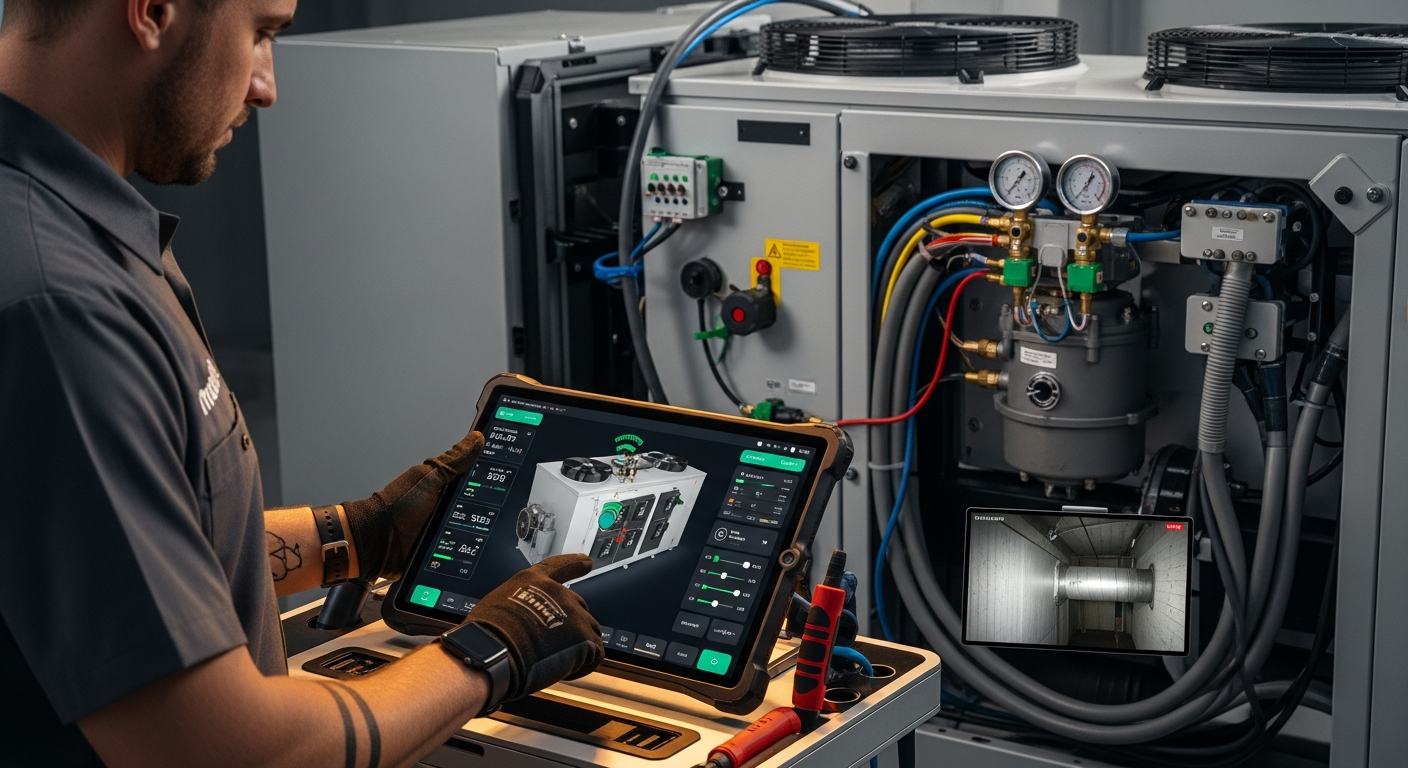
How to Implement a Whole Home Energy Management System
Integrate smart tech and HVAC controls to cut energy waste. This guide shows how to audit, upgrade, and automate your home's energy use, with real savings estimates.

How to Set Up Thermostat Geofencing
Set up thermostat geofencing to automatically adjust home temperature as you come and go. Save energy, extend equipment life, and never return to an uncomfortable house. Get our quick-start guide now.
How to Troubleshoot Smart Thermostat WiFi Issues
Your smart thermostat offline? Most WiFi drops can be fixed with power checks, router adjustments, and simple restarts. Follow our step-by-step guide to regain remote control and energy savings.