How to Integrate Your HVAC With a Smart Home System
Learn how to pick the right smart thermostat, budget for pro installation, and avoid common integration pitfalls so your heating and cooling work seamlessly with voice assistants.

Hire a pro if you lack a C‑wire or have a complex system; confident DIYers can handle standard thermostat swaps
A smart thermostat installation is a safe, low‑voltage project for homeowners who verify their wiring and follow the manufacturer’s app. However, if your system is older, lacks constant power, or involves multi‑stage equipment, paying a pro $100–$300 ensures reliable operation and prevents equipment damage.
What Matters Most
- Always check for a C‑wire before buying a smart thermostat—it’s the make‑or‑break factor for most models.
- Budget $150–$500 for professional installation if your home wasn’t pre‑wired or you have a heat pump.
- Use the free HVACDatabase cost estimator and quote checker to avoid overpaying.
- Add remote sensors for room‑by‑room accuracy, but skip smart vents unless a pro does a static pressure test.
Strengths
- Voice control and automation can cut energy bills 10–23% through smarter scheduling and geofencing.
- Ties into existing smart home ecosystems without needing new hubs or subscriptions.
- Remote sensors address hot/cold spots better than a single‑point thermostat.
- Rebates often cover half the hardware cost; many users see payback in under 2 years.
Weaknesses
- Homes without a C‑wire face added labor costs or limited thermostat choices.
- Poor installation can fry the HVAC control board or shorten compressor life.
- Smart vents risk damaging ductwork if static pressure isn’t managed.
- Integration depends on Wi‑Fi stability; internet outages disable remote control and voice features.
Decision summary
| Scenario | Usually do | Why |
|---|---|---|
| I have a C‑wire and a single‑stage system | DIY smart thermostat install | Low‑voltage safe; app guides wiring; saves $100–$300 labor. |
| I have no C‑wire or a heat pump/dual‑fuel system | Hire a licensed HVAC technician | Prevents miswiring that can damage equipment; pro can run new wire or adapter. |
| I want whole‑home zoning with smart vents | Professional design and installation | Improper vent closure raises static pressure and shortens blower motor life. |
| I’m in a very hot or humid climate | Choose a thermostat with humidity control; get a pro load calc before adding vents | Humidity management improves comfort and prevents mold; load calc avoids coil freeze. |
Quick Answer
You can give your HVAC full voice control and automation by linking a compatible smart thermostat to Amazon Alexa, Google Home, or Apple HomeKit. Most homeowners spend $100–$500 on the hardware plus $100–$300 on professional installation. The key is verifying your system has a C‑wire (or using a power adapter) and choosing a thermostat certified for your smart platform. For older homes or complex setups, a pro ensures safe wiring and full feature access.
Why Integrate Your HVAC With a Smart Home?
Connecting your heating and cooling to your smart ecosystem isn’t just a gadget flex. It lets you adjust temperature by voice, build routines that turn down the AC when you leave, and track energy use through one app. Done right, integration can reduce heating and cooling bills by 10–23% annually (ENERGY STAR estimate). That means a $200 annual savings on a typical $1,500 energy bill. The foundation is a correctly installed smart thermostat that talks to your Wi‑Fi and your home assistant.
Integration Roadmap
1. Pick Your Platform and Thermostat First
Stick with the ecosystem you already use—Alexa, Google, or HomeKit. Then choose a thermostat that carries the official “Works With” badge for that platform. Top contenders:
- Ecobee Smart Thermostat Premium – built‑in Alexa speaker, remote sensor included
- Nest Learning Thermostat (4th gen) – Google Home native, auto‑schedule learning
- Amazon Smart Thermostat – budget Alexa pick (requires C‑wire)
- Honeywell Home T9 – HomeKit compatible, sensor-ready
Make sure the thermostat supports your HVAC system type (single‑stage, multi‑stage, heat pump, dual fuel). Most modern models handle all common configurations.
2. Verify C‑Wire Compatibility
The C‑wire provides constant 24 V power so your smart thermostat doesn’t rely on batteries. Turn off the breaker to your HVAC equipment. Remove your old thermostat faceplate and check if a wire is connected to the terminal labeled “C.” If yes, you’re set. If not, options:
- Use a C‑wire power adapter (many manufacturers include one)
- Have a pro run a new thermostat cable ($150–$400, see cost table)
- Choose a thermostat that works without a C‑wire (fewer, and features may be limited)
How to check thermostat wiring — see the guide for visuals and safe steps.
3. Install, Update, and Link
- Install the manufacturer’s app and follow the in‑app wiring guide. Ensure firmware is current.
- Once the thermostat controls your HVAC manually, open your smart home app (Google Home, Alexa, etc.) and add the device using the brand’s skill or integration.
- Test: say “Hey Google, set the temperature to 72” or ask Alexa for the indoor humidity.
If you run into Wi‑Fi pairing trouble, troubleshoot the connection with our step‑by‑step article.
What Smart Integration Costs (Editorial Estimates)
Prices vary by market and system complexity. Use our HVAC Cost Estimator for a personalized breakdown.
| Installation Scenario | Typical Cost Range | Notes |
|---|---|---|
| DIY thermostat replacement (C‑wire present) | $0–$150 (thermostat only) | Buy the device; follow app instructions. No labor. |
| Professional install (C‑wire present) | $100–$300 + thermostat cost | Includes wiring check, setup, and Wi‑Fi pairing. |
| Professional install (C‑wire missing) | $150–$500 + thermostat cost | Costs extra for running new wire or installing power adapter. |
| Adding one remote sensor | $40–$80 per sensor | DIY placement; pairs wirelessly. |
| Smart vent system (per vent) | $60–$100 per vent | Requires professional airflow assessment to avoid static pressure issues. |
Ranges are editorial estimates based on national averages. Your actual price depends on local labor rates, accessibility, and system age.
Safety Boundaries: What You Can (and Cannot) Do Yourself
Safe for homeowners (always turn off breaker first):
- Remove old thermostat faceplate to check for C‑wire (low‑voltage 24V side).
- Replace thermostat batteries or reset the unit.
- Reset a tripped HVAC circuit breaker—see instructions.
- Change air filters—filter change guide.
Pro‑only tasks (do not attempt):
- Any work involving refrigerant lines, gas pipes, or combustion components.
- Handling high‑voltage connections (240V), compressor contactors, capacitors, or control boards.
- Installing zoning dampers or modifying ductwork—zoning damper info.
- Adding a C‑wire by tapping into the furnace control board if you’re not trained.
Decision Rules: DIY vs. Pro Installation
- DIY smart thermostat install is reasonable if: you have an existing C‑wire, your HVAC is a standard single‑stage system, and you’re comfortable using a screwdriver and following app instructions.
- Hire a licensed HVAC technician if: your system lacks a C‑wire, you have a multi‑stage or heat pump system, you want to add remote sensors that require averaging algorithms, or your home was built before 1990 (potential wiring quirks).
- Always use a pro if: you need new zone controls, you’re adding smart vents, or you hear buzzing/clicking from the air handler after installation—this signals a misfire that can damage equipment.
If you’re on the fence, get at least three quotes using our contractor comparison tool.
Contractor Vetting Checklist
Before you hire, ask these questions:
- “Are you licensed, bonded, and insured for HVAC work in my state?”
- “Do you have experience with [specific thermostat brand] and smart home integrations?”
- “Will you check my C‑wire and overall system compatibility before ordering parts?”
- “Can you provide a written quote that breaks out hardware, labor, and any extra wiring fees?”
- “What warranty do you offer on the installation, and how will you handle it if the thermostat loses connection?”
- “Do you recommend any additional sensors or zoning upgrades for my floor plan? Why?”
Use our contractor search to find top‑rated pros near you, and run their quotes through the Quote Checker for fairness.
Local Climate & Home Factors That Change Your Setup
- Hot/humid (Gulf Coast, Southeast): Prioritize a thermostat with dehumidification control and humidity sensors. Link it to a smart vent system only if your AC can handle reduced airflow without freezing.
- Cold (Midwest, Northeast): Heat pump owners need a thermostat that handles auxiliary/emergency heat staging. Zoning is valuable for multi‑story homes.
- Dry/desert (Southwest): Geofencing works well because of wide temperature swings when no one is home. See geofencing tips.
- Coastal (corrosion risk): Choose a thermostat with sealed electronics if installed near salty air; consider a pro to protect outdoor unit wiring.
- Older homes (pre‑1990): You likely lack a C‑wire, and insulation may make smart savings smaller. Start with a home energy audit and a Repair or Replace calculator to see if the HVAC itself is worth automating.
Use These Free HVACDatabase Tools
- HVAC Cost Estimator – personalize your anticipated smart integration spend.
- Quote Checker – verify if the price you were quoted is fair.
- Repair or Replace Calculator – decide if your existing system is worth upgrading with smart controls.
- Rebate Finder – many utilities give $50–$150 rebates for smart thermostat installations.
Methodology
Cost ranges are editorial estimates compiled from public pricing data, trade surveys, and our network of contractor reports. They are not guaranteed quotes. Actual costs depend on your local market, permit fees, system age, and the specific work needed. Always request itemized, on‑site quotes from multiple licensed contractors before committing.
Frequently Asked Questions
Can I control my HVAC with my phone even if I don’t have a smart speaker?
Yes. All smart thermostats come with their own app for remote control via Wi‑Fi. You only need a hub like Alexa or Google Home if you want voice commands or cross‑device routines.
Will a smart thermostat work if my internet goes down?
Yes— basic functions like temperature adjustment and scheduling will still work at the thermostat itself. Remote access and voice control will be unavailable until the connection is restored. Some advanced features (e.g., weather‑triggered adjustments) may pause.
Do smart vents save money or risk my system?
When properly installed with a static pressure check, smart vents can reduce run time by closing off unused rooms. However, closing too many vents can increase duct pressure and strain the blower motor. A professional load calculation is essential; see our zoning guide for safe alternatives.
What if my thermostat wiring has more than 4 wires but no ‘C’ label?
Sometimes an unused wire is tucked inside the wall. Gently pull the bundle out to see if a spare wire is available. If so, you can connect it to the C terminal at both the thermostat and the furnace control board—but this should be done by a pro if you’re unsure. Never guess; incorrect wiring can blow the transformer.
Will a smart thermostat shorten my HVAC’s lifespan?
No, if installed and configured correctly. In fact, features like adaptive recovery and reduced cycling can reduce wear. The risk comes from miswiring or forcing incompatible settings (e.g., running an old system in short cycles). That’s why compatibility checks and, when needed, professional installation are so important.
Related articles
Connect this page to adjacent guides so readers keep moving deeper into the topic cluster.
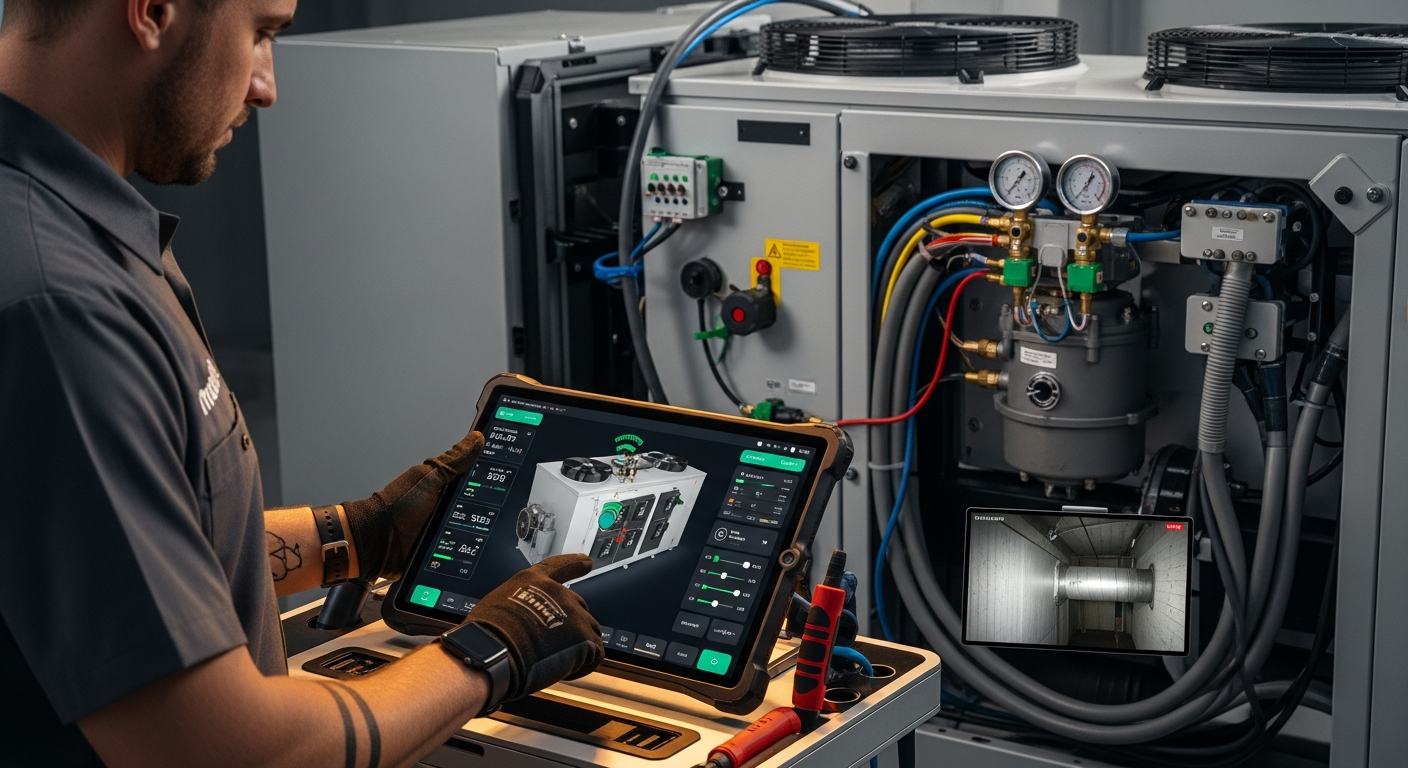
How to Implement a Whole Home Energy Management System
Integrate smart tech and HVAC controls to cut energy waste. This guide shows how to audit, upgrade, and automate your home's energy use, with real savings estimates.

How to Set Up Thermostat Geofencing
Set up thermostat geofencing to automatically adjust home temperature as you come and go. Save energy, extend equipment life, and never return to an uncomfortable house. Get our quick-start guide now.
How to Troubleshoot Smart Thermostat WiFi Issues
Your smart thermostat offline? Most WiFi drops can be fixed with power checks, router adjustments, and simple restarts. Follow our step-by-step guide to regain remote control and energy savings.