How to Reduce Dust in Your Home Through HVAC
Stop constant dusting: Leverage your HVAC system to trap particles, choose the right filter, and know when professional upgrades make sense for a cleaner, healthier home.
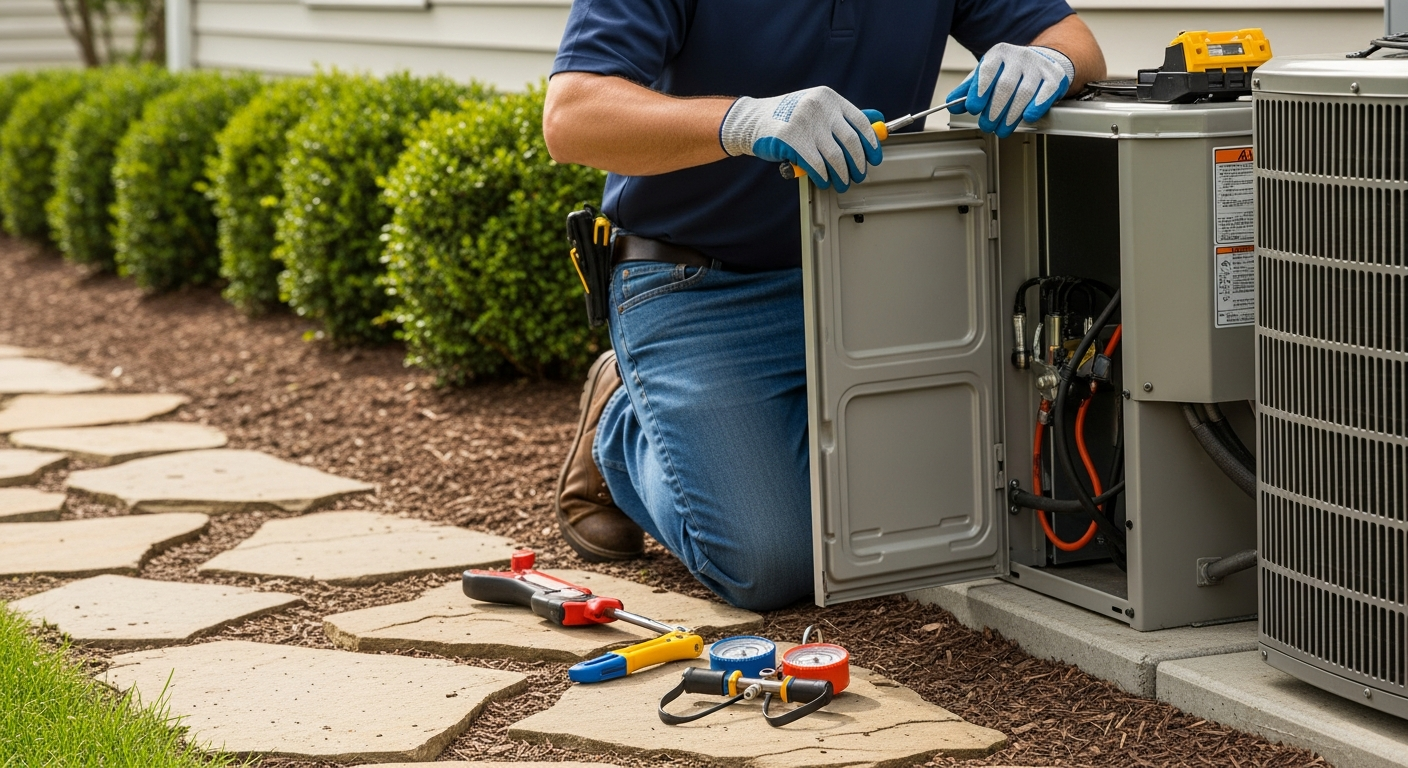
Prioritize Filtration and Airflow Management
Use a MERV 8-11 pleated filter, run the fan on Circulate mode, seal duct leaks, and control humidity to 30-50%. These steps deliver the most dust reduction without risking system damage.
What Matters Most
- Upgrade to a pleated filter with at least MERV 8 and change it every 1-3 months.
- Set your thermostat fan to ‘Circulate’ or run it at least 20 minutes per hour to continuously filter air.
- Leaky ducts can negate even the best filter—professional sealing (often $500-$2,500) is a high-impact fix.
- Maintain 30-50% relative humidity to make dust heavier and easier to capture.
- Use HVACDatabase tools to verify costs, get rebates, and find vetted contractors.
Strengths
- Action-oriented checklists and decision trees for immediate use
- Clear cost ranges prevent overspending on unnecessary upgrades
- Climate-specific advice ensures relevance across regions
- Safety boundaries protect homeowners from dangerous DIY mistakes
Weaknesses
- Filter upgrades alone won't solve dust if ducts are leaky
- Better filters and increased fan run time raise monthly energy costs slightly
- Whole-home purifiers have high up-front costs and require professional design
Decision Summary: What to Do Based on Symptoms
| Scenario | Usually Do | Why |
|---|---|---|
| Dust returns within hours of cleaning | Hire pro duct leak test and sealing; use MERV 8–11 filter | Leaky returns suck in unfiltered air; high MERV alone can't compensate |
| Dust only in one or two rooms | Inspect and seal branch ducts; check supply/return balance | Localized leaks or disconnected ducts bypass filtration for those rooms |
| Whole house dusty despite good filter | Switch fan from Auto to Circulate; aim for 30–50% humidity | Lack of circulation allows dead zones; dry air keeps particles airborne longer |
| Pet dander and odors still noticeable | Add whole-home purification or high-resistance filter (with pro static pressure check) | Standard filters miss sub-micron particles; purification targets them directly |
Stop Dust Before It Settles
If you’re dusting only to find a new layer the next day, your HVAC system might be part of the problem—or the solution. Your heating and cooling system circulates air throughout the house, and without proper filtration and sealing, it can spread dust from attics, crawlspaces, and poorly maintained components. The good news: a few strategic HVAC upgrades and habits can dramatically reduce airborne dust. This guide gives you specific steps, cost ranges, and decision thresholds to make your system a dust-fighting ally—not an enemy.
Quick Answer: Top HVAC Moves to Cut Dust
- Upgrade your filter to a pleated MERV 8–11 model. Change every 1–3 months.
- Set the fan to “Circulate” or run it at least 20 minutes per hour.
- Seal leaky ducts—pros find leaks with specialized tools; cost typically $500–$2,500.
- Maintain 30–50% humidity so particles clump and fall faster.
- Schedule annual pro maintenance to clean coils and blower components.
Upgrade Your Air Filter (It’s Not Optional)
Standard 1-inch fiberglass filters protect your equipment, not your air. Switch to a pleated filter with a higher MERV rating. MERV 8 captures dust, pollen, and mold spores; MERV 11 adds finer particles like pet dander. Avoid MERV 13+ unless a pro confirms your system can handle the added resistance—restricted airflow can freeze coils or burn out motors.
| Filter Type | MERV Range | Best For | Average Cost per Filter | Change Frequency |
|---|---|---|---|---|
| Fiberglass (disposable) | 1–4 | Protecting equipment only; does little for dust | $1–$5 | Monthly |
| Pleated (disposable) | 5–8 | Basic dust and pollen control | $5–$15 | Every 2–3 months |
| Pleated high-efficiency | 9–11 | Pet dander, fine dust, allergies | $10–$25 | Every 2–3 months |
| High-resistance pleated | 12–13 | Smoke, bacteria, virus carriers | $20–$50+ | Monthly (check pressure drop) |
| HEPA bypass or deep-media | 13+ (HEPA equivalent) | Whole-home hospital-grade filtration | Varies widely; installation required | Annually or as indicated |
Tip: Write the installation date on the filter frame. Replace when you can no longer see light through it, or per manufacturer guidelines. For exact sizing, measure length × width × depth in inches.
Run the Fan Strategically
Most thermostats offer “Auto” (fan only with heating/cooling) and “On” (runs continuously). Continuous circulation traps more dust, but it can cost $0.10–$0.60/day in electricity depending on motor type. If your thermostat has a “Circulate” mode, use it: that runs the fan about 20–30 minutes each hour, balancing air cleaning and energy use. For smart thermostats, you can program circulation during high-activity hours.
Decision rule: If dust reappears within 24 hours of cleaning, switch from “Auto” to “Circulate.” If no improvement after a week, inspect ducts and filter.
Seal Duct Leaks (Pro Required)
Leaky return ducts are dust magnets—they pull in unfiltered attic or crawlspace air and push it into living spaces. Even small gaps can reduce filtration effectiveness by 30% or more. Sealing accessible metal ducts with mastic and fiberglass mesh is a pro job; diagnostic leak tests (duct blaster) often start around $100–$350. Whole-house sealing ranges from $500 for simple basements to $2,500+ for sprawling attic ductwork.
Never attempt to seal gas flue pipes or combustion vents yourself—combustion safety is a pro-only task.
Consider a Whole-Home Air Purifier
If upgrading the filter and sealing ducts still leaves fine dust, a whole-home purifier mounted in the ductwork can capture microscopic particles. HEPA bypass systems require professional design and installation (average $500–$3,000+). UV purifiers target biological particles but don’t remove inorganic dust. Always ask for third-party performance data before purchase.
Keep Humidity Between 30% and 50%
Dry air under 30% RH lets skin cells, pet dander, and fabric fibers float indefinitely. Over 50% encourages dust mites. A whole-home humidifier or dehumidifier integrated with your HVAC costs $400–$1,500 installed. Portable units can supplement but won’t match the coverage. Many smart thermostats now display humidity and control connected equipment—useful for maintaining the sweet spot.
Target High-Dust Rooms
Home gyms, craft rooms, and laundry areas generate excess particles. Use dedicated exhaust fans (e.g., bath fans rated for continuous run) to vent air directly outside. Understanding supply vs. exhaust ventilation helps you balance pressure and avoid pulling dust from walls or crawlspaces.
Safety Boundaries
Safe Homeowner Checks
- Replace disposable air filters (no tools required).
- Adjust thermostat fan settings.
- Visually inspect accessible ducts for obvious gaps or disconnected joints.
- Clean supply/return register covers with a vacuum and damp cloth.
- Keep outdoor condenser coils free of debris (with power off).
Pro-Only Work
- Duct sealing with mastic, aerosol, or replacement.
- Installing or modifying air purifiers, UV lights, or electrostatic filters.
- Any work involving refrigerant, gas lines, electrical panels, or high-voltage components.
- Cleaning internal system components beyond the filter housing.
- Modifying combustion appliances or flues.
Decision Tree: Is Your HVAC Reducing Dust?
Follow this sequence to pinpoint the issue.
- Dust returns within 8 hours? Likely severe duct leaks or zero filtration. Inspect filter and look for loose duct connections. Pro diagnostic recommended.
- Dust visible only in certain rooms? Probably a disconnected or undersized branch duct, or a return in a dusty area. Seal and balance.
- After upgrading to MERV 8–11, still dusty? Check fan run time. If fan is on “Auto,” switch to “Circulate.” If no change, suspect return-side leaks or dirty coil.
- Humidity under 30% or over 50%? Add humidification or dehumidification to keep particles manageable.
- All steps tried, still dusty? Might need professional duct cleaning (if heavy debris) or whole-home purification. Schedule an inspection.
Contractor Checklist: What to Ask Before You Hire
- “Will you perform a duct leakage test (duct blaster) before sealing?”
- “What’s your recommended MERV rating for my system?” (If they suggest MERV 13+ without checking static pressure, get a second opinion.)
- “Do you provide before/after photos of duct sealing?”
- “Is the installation of a whole-home purifier covered by my system’s warranty?”
- “Can you show me how to maintain the new components safely?”
- “Provide an itemized estimate with labor, materials, and permit costs.”
- Verify license, insurance, and check reviews on HVACDatabase contractor comparison.
Local Climate Considerations
- Hot/humid (e.g., Houston, Miami): Prioritize dehumidification and sealed return ducts to keep moisture and dust mites down.
- Cold/dry (e.g., Minneapolis, Denver): Whole-home humidifier often needed to reach 30%+ in winter; dust becomes a bigger issue in dry heated air.
- Coastal (e.g., Charleston, Orange County): Salt-laden air accelerates filter loading; MERV 10–11 pleated filters with monthly checks are common.
- Older homes: Duct leakage is almost certain. Budget for duct sealing and verify existing filter rack can accept pleated filters (may need a retrofit).
Useful Tools & Calculators
- HVACDatabase Air Quality Score – rate your home’s dust-fighting setup.
- Cost Estimator – get localized ranges for duct sealing, purifiers, and humidifiers.
- Quote Checker – see if a contractor’s proposal is fair.
- Repair or Replace Calculator – if your system is old and contributing to dust, decide whether to upgrade.
Methodology
Cost ranges are editorial estimates derived from aggregated contractor quotes, manufacturer data, and industry surveys (ASHRAE, EPA Energy Star). Actual prices vary by region, system complexity, and local labor rates. Recommendations follow EPA Indoor airPLUS guidelines and ASHRAE Standard 62.2 for residential ventilation. Always verify with a licensed professional for your specific system.
Frequently Asked Questions
1. Will a higher MERV filter damage my HVAC?
Only if it exceeds your system’s static pressure rating. Most residential systems can handle up to MERV 11 without issues. MERV 13 and above often require a deeper filter cabinet or ECM motor. Have a pro measure static pressure before upgrading beyond MERV 11.
2. How often should I replace my filter?
For 1-inch pleated filters, every 30–90 days. If you have pets, allergy seasons, or run the fan continuously, check monthly. Hold the filter up to a light; if you can’t see through it, replace.
3. Is duct sealing messy or destructive?
Professional aerosol sealing requires no demolition and works from inside the ducts. Manual mastic sealing may require limited access holes. Neither method leaves lingering odors or dust when done properly.
4. Does running the fan 24/7 reduce dust?
Yes, by continuously moving air through the filter. However, it can increase energy use by $5–$15/month and may slightly raise a dusty home’s particle count if ducts are leaky. Use “Circulate” mode for the best balance.
5. Do I really need a whole-home purifier?
Only if upgraded filters, sealed ducts, and humidity control haven’t solved the problem. They’re effective for fine particulates and viral particles but come with up-front costs and installation requirements. Test without first.
Related articles
Connect this page to adjacent guides so readers keep moving deeper into the topic cluster.
How to Implement a Whole Home Energy Management System
Integrate smart tech and HVAC controls to cut energy waste. This guide shows how to audit, upgrade, and automate your home's energy use, with real savings estimates.

How to Set Up Thermostat Geofencing
Set up thermostat geofencing to automatically adjust home temperature as you come and go. Save energy, extend equipment life, and never return to an uncomfortable house. Get our quick-start guide now.
How to Troubleshoot Smart Thermostat WiFi Issues
Your smart thermostat offline? Most WiFi drops can be fixed with power checks, router adjustments, and simple restarts. Follow our step-by-step guide to regain remote control and energy savings.